


AirScreen screenshots (14)
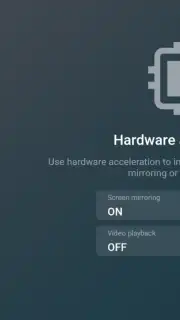
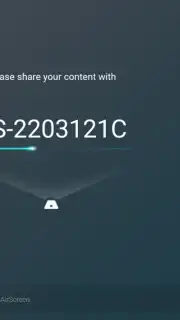
Description AirScreen
A Practical Look at Screen Mirroring Without the Dongle
The need to share content from a handheld device to a larger display is a common scenario, whether for a business presentation, a family photo slideshow, or simply watching a streaming service on a television. Traditionally, this required specific hardware dongles or proprietary ecosystems that locked users into a single brand. AirScreen by Ionitech presents a software-based alternative, functioning as a universal receiver that turns your Android device into a bridge for wireless casting. It operates by creating a virtual display endpoint on your phone or tablet, which is then discoverable by other devices on your local network. This approach bypasses the need for dedicated hardware like a Chromecast, provided your TV or display is already a smart device connected to Wi-Fi.
Core Functionality and Setup Protocol
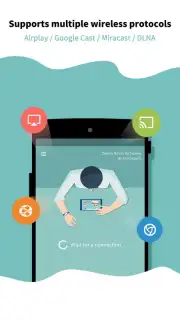
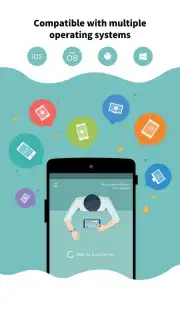
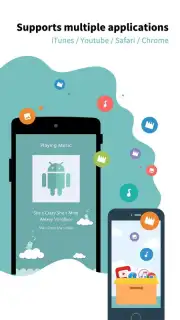
The primary operational requirement for AirScreen is a shared Wi-Fi network for both the Android device running the app and the target display device. The setup process is protocol-agnostic; the application simultaneously broadcasts its availability across multiple standard wireless display technologies. This includes Apple's AirPlay, Google Cast, and the generic Miracast and DLNA/UPnP standards. In practice, this means a user can initiate a stream from an iPhone, a Windows laptop, or another Android device to the Android handset running AirScreen, which then mirrors it to the connected TV. The initial connection is managed through the device's native casting menu or control center, selecting the AirScreen instance from the list of available targets. Once linked, the mirroring session begins with near-instantaneous latency, replicating the source device's screen in real time.
Feature Analysis and PRO Version Breakdown
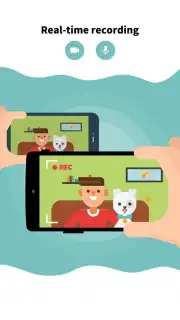
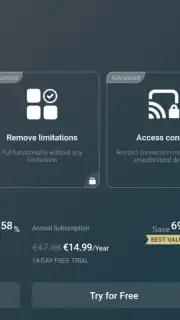
The free version of the app supports basic mirroring functionality, allowing the streaming of any on-screen content. This includes, but is not limited to, mobile games, desktop browsers, productivity applications, and locally stored media libraries. A key feature is the ability to record the mirrored session directly to the Android device's internal storage, capturing both audio and video from the stream. The PRO version, accessible via a subscription model after a seven-day trial, removes advertising and introduces several functional enhancements. These upgrades include the enabling of HD video streaming for improved clarity, support for multiple simultaneous connections for comparative viewing, and granular controls over the recording quality and format to manage file size. The absence of ads in the PRO tier also contributes to a more stable and uninterrupted streaming experience.
- Universal Protocol Support: Acts as a receiver for AirPlay, Google Cast, Miracast, and DLNA, eliminating ecosystem lock-in.
- Local Session Recording: Captures any streamed audio and video content directly to the device's internal storage for later playback.
- PRO Tier Enhancements: Unlocks HD streaming, multi-device connections, and advanced recording quality settings via subscription.
The utility of AirScreen is most apparent in environments with diverse technology. It effectively standardizes different casting protocols into a single point of reception on your Android device. For users frequently presenting or sharing media across various platforms, it removes the friction of incompatible standards. The recording feature adds a layer of functionality for creating tutorials or archiving streamed content. While the free version is fully operational for basic mirroring, the PRO subscription is geared towards power users who require higher fidelity and multi-tasking capabilities.
Download AirScreen now and transform your Android device into a universal wireless display hub today!
This application requires a persistent internet connection for initial download and subscription management. The app may offer in-app purchases for a PRO subscription tier.
Information
| Version | 2.15.1 |
| Developer | Ionitech |
| Requirements | Android Android + 5.0+ |
| Updated | 17.03.2026 |
| Size | 93.05 MB |
| Package | com.ionitech.airscreen |
| Signature | 1956e2be46f9797e42c8fe167e61630e |
| Architecture | arm64-v8a |


