

Android Auto for phone screens screenshots (6)
Description Android Auto for phone screens
Transform Your Phone into a Smart Driving Hub
Tired of juggling your phone for maps and music while driving? Android Auto for phone screens brings the safe, simplified interface of Android Auto directly to your phone's display. It turns your device into a dedicated driving companion, minimizing distractions and keeping your focus on the road. Get the connected, intuitive experience you love, even in cars without a built-in Android Auto display.
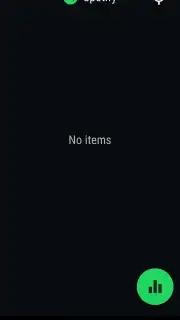
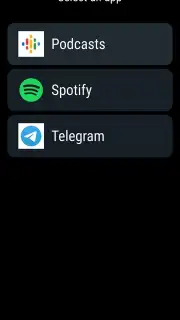
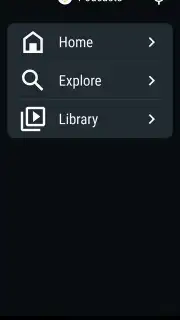
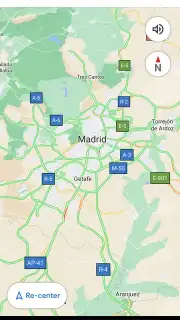
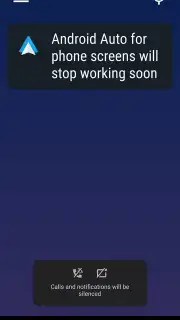
This app mirrors the clean, driver-optimized layout of Android Auto onto your smartphone. You get easy access to navigation, media, communication, and assistant controls through large, touch-friendly tiles and voice commands. The interface is designed for quick glances, with essential information presented clearly and actions just a tap or a voice prompt away.
Core Features at a Glance
- Voice-Controlled Navigation & Media: Simply say “Hey Google” to get directions, change music, or send messages without touching your phone, using integrated apps like Google Maps and Spotify.
- Glance-Optimized Home Screen: A simplified dashboard shows your next turn, current track, and upcoming meetings in a single, easy-to-read view while driving.
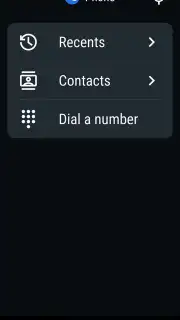
- Hands-Free Messaging & Calls: Hear incoming messages read aloud and reply by voice, or make calls directly through the interface to keep your hands on the wheel.
Why Choose This Driving Companion
The primary advantage is a significant reduction in driver distraction. The app declutters your phone’s interface, presenting only what you need for the journey in a high-contrast, accessible format. It leverages Google Assistant deeply, enabling true hands-free operation for most tasks. The experience is seamless, turning any car into a smarter vehicle by utilizing the powerful Android device you already own, with a consistent and reliable performance that prioritizes safety.
We suggest trying Android Auto for phone screens to make every drive more connected and considerably safer. Consider downloading it today to experience a smarter way to drive.
Heads up: you'll need a stable internet connection for full navigation, messaging, and voice assistant features. The app requires a phone running Android 6.0 or higher. Some app integrations or advanced voice features may depend on your region and service availability.
Information
| Version | 1.2 |
| Developer | Google LLC |
| Updated | 17.03.2026 |
| Size | 1.23 MB |
| Package | com.google.android.projection.gearhead.phonescreen |
| Signature | 217019fac8e6c87b4f4606c0b0df68d1 |
| Architecture | universal |


