


Android System WebView screenshots (18)


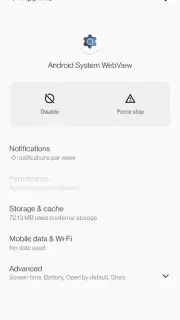
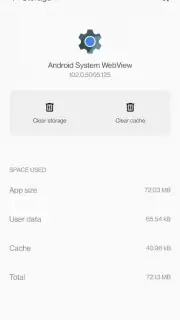
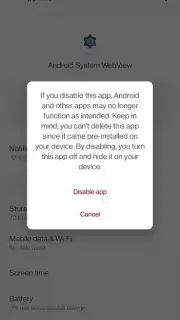
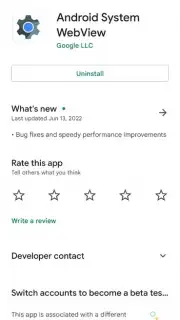
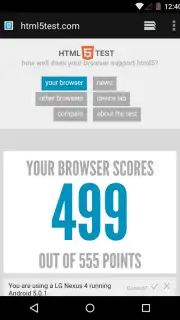


Description Android System WebView
The Unseen Engine Powering Your Android Experience
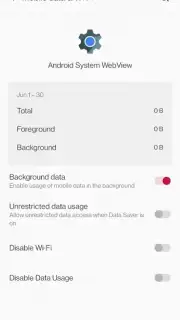
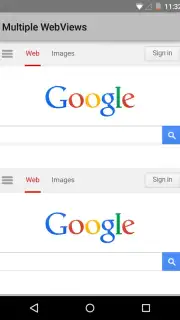
While you navigate countless apps, a silent, fundamental component works continuously in the background. Android System WebView is not a standalone application you open, but a critical rendering engine embedded within the Android operating system. Developed by Google, it is a specialized module derived from Chrome technology that enables any application on your device to display web content seamlessly without needing to launch a full browser. This system-level integration means that when you view an article inside your news aggregator, check a restaurant menu within a food delivery app, or access a help page from a settings menu, you are utilizing WebView. Its presence is typically pre-installed on virtually all Android devices, where it operates silently, requiring periodic updates through the Play Store to maintain security, compatibility, and performance with the modern web.
This component is essential for a cohesive and secure mobile experience. By providing a standardized, secure environment for web rendering, it ensures that interactive web pages and embedded content load consistently and safely across different applications. Its updates are crucial, as they often contain important security patches that protect your device from vulnerabilities that could be exploited via web content within apps. The necessity for it to be current means that if it is missing or disabled, many applications may malfunction or refuse to display web-based elements properly, prompting the system to require its installation or update.
Core Operational Features
- In-App Web Content Rendering: Directly displays web pages and HTML5 content within host applications, eliminating disruptive browser switching.
- Chrome-Based Security & Speed: Leverages the core Chromium engine for consistent, secure, and fast loading of modern web standards.
- Automatic Update Integration: Receives regular updates via Google Play to patch security vulnerabilities and ensure compatibility.
Ensure your device's app ecosystem runs smoothly and securely. Update Android System WebView now to maintain optimal performance and security across all your applications.
Heads up: This component updates automatically via Google Play by default. Manual updates may require a stable internet connection. It is a system tool and not a traditional app with a user interface.
Information
| Version | 146.0.7680.65 |
| Developer | Google Inc. |
| Requirements | Android Android + 12L+ |
| Updated | 17.03.2026 |
| Size | 244.38 MB |
| Package | com.google.android.webview |
| Signature | 595ea4c44596ee3575dcba6e7dd594d7 |
| Architecture | armeabi-v7a, arm64-v8a |


