


AR Drawing: Sketch & Paint screenshots (13)
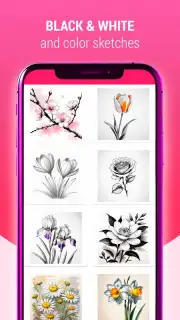
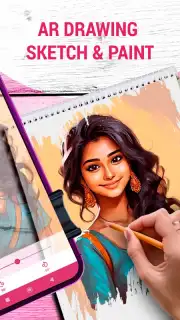
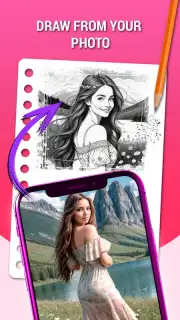
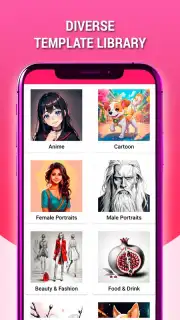
Description AR Drawing: Sketch & Paint
Ever wished you could draw on anything, anywhere, as if your pencil could touch the world itself?
Imagine sketching a dragon coiling around your coffee mug or painting a vibrant mural directly onto your living room wall. AR Drawing: Sketch & Paint transforms your surroundings into an infinite canvas. This isn't just another drawing app; it's a portal that blends your imagination with reality. You stop feeling limited by a small screen and start creating in three-dimensional space, turning everyday objects into part of your art. The thrill of seeing your drawings anchored in the real world is absolutely magical—it feels like unlocking a superpower you never knew you had.
Step into a studio where reality is your canvas
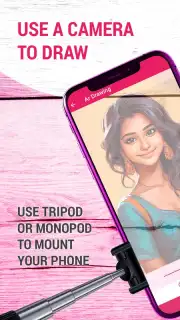
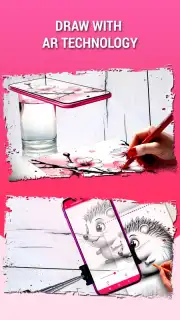
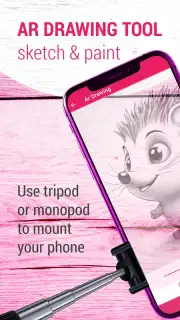
The core experience is built around augmented reality, allowing you to draw and paint in the space around you. Point your device at any surface—a table, a wall, or even the floor—and watch as a virtual canvas appears, ready for your creations. You're not just drawing on your phone; you're using it as a window to place art into your environment. The app provides a rich set of tools tailored for this immersive experience.
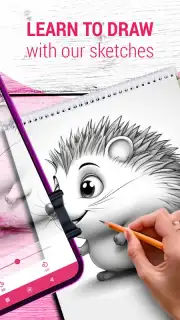
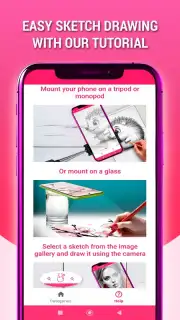
- AR Sketch Mode: Trace over real-world objects or follow guided lines projected into your space. Perfect for practicing perspective or creating stunning, life-sized sketches.
- 3D Painting: Use a variety of virtual brushes and a full spectrum of colors to paint in the air. Your strokes have depth and can be viewed from different angles.
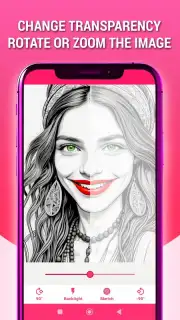
- Photo & Object Integration: Import a photo from your gallery and project it into your room to trace or use as inspiration. Anchor your drawings to physical objects for interactive art.
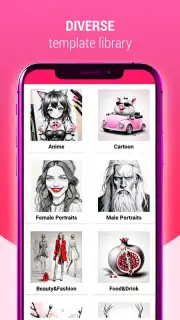
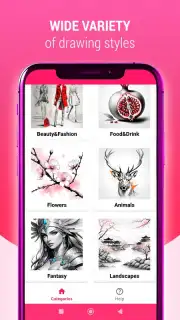
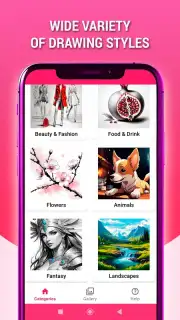
- Creative Library: Access a growing collection of templates, 3D models, and traceable images to kickstart your projects, from simple shapes to complex designs.
Why your creative process just got a major upgrade
This app removes the traditional barriers between the artist and their vision. The intuitive interface feels natural from the moment you start, designed so you can focus on creating, not on complicated menus. The AR tracking is remarkably stable, meaning your drawings stay locked in place even as you move around, providing a truly professional and immersive feel. It’s incredibly satisfying to walk through a space you’ve personally decorated with virtual art. Whether you're a seasoned artist exploring new mediums or a beginner looking for a fun, accessible way to create, this tool makes artistic expression feel fresh, exciting, and limitless.
- Unlimited Canvas: Your room, your street, your entire world becomes your workspace. No more constraints of paper size or screen edges.
- Intuitive & Responsive Tools: Enjoy smooth, lag-free drawing with pressure-sensitive stylus support (where available) and highly responsive touch controls.
- Share Your World: Easily record videos or capture screenshots of your AR creations to share with friends, showing off your art in its real-world context.
- Regular New Content: The library of traceable assets and templates is frequently updated, giving you a constant stream of new inspiration.
We suggest trying AR Drawing: Sketch & Paint to experience the future of digital art. Consider downloading it today and start transforming your reality.
Download mobile app now
Disclaimer: Requires a stable internet connection for initial download and access to certain features. The app may contain optional in-app purchases for premium brushes, templates, and tools. Some AR features require a device with a capable camera and sensor system. Data usage may apply when downloading additional content. Please be aware of your physical surroundings while using augmented reality features for safety.
Information
| Version | 5.0.5 |
| Developer | instantapps |
| Requirements | Android Android + 8.0+ |
| Updated | 17.03.2026 |
| Size | 24.91 MB |
| Package | ar.drawing.sketch.paint.tool |
| Signature | 36c12f8db20bf47b8004ddb4d0d9c2c5 |
| Architecture | arm64-v8a |


