


AR Drawing: Sketch & Trace screenshots (16)


Description AR Drawing: Sketch & Trace
Struggling to Translate Ideas into Accurate Drawings?
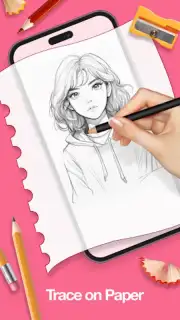
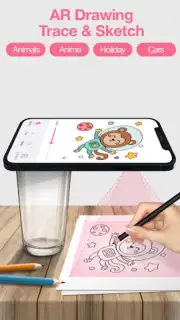
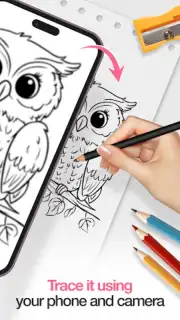
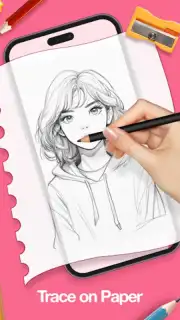
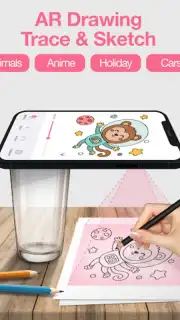
Many aspiring artists and hobbyists face a common hurdle: the gap between the image in their mind and the lines on the paper. Achieving correct proportions, perspective, and detail often requires extensive technical skill or tedious grid methods. AR Drawing: Sketch & Trace addresses this directly by functioning as a digital art projector, using your device's camera to overlay reference images onto any physical surface for guided tracing and sketching.
Core Functionality and Feature Analysis
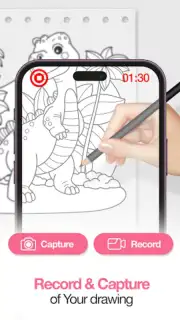
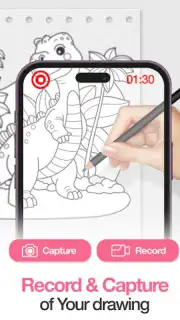
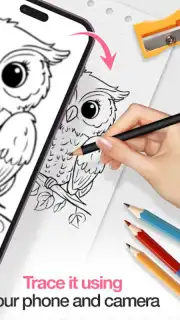
The application operates by utilizing augmented reality (AR) technology to superimpose a selected image onto the view from your camera. This projected image is displayed in real-time on your screen, overlaid on your actual drawing paper, canvas, or other surface. The primary mechanical function is to allow you to trace this projection directly, translating digital images into physical artwork with structural accuracy. This process is supported by several adjustable tools to accommodate different working conditions and user preferences.
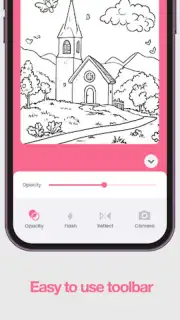
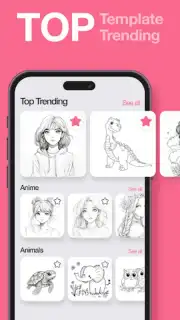
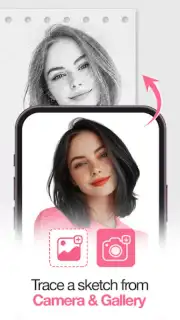
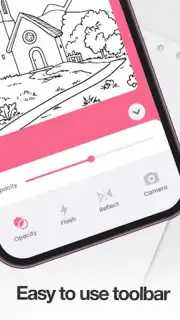
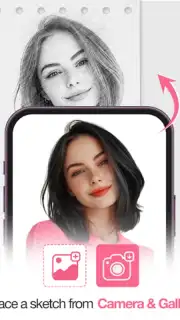
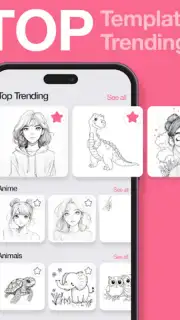
A key operational feature is the comprehensive image management system. Users can either import personal photographs from their device's gallery or select from the app's integrated library of pre-made templates. This library is categorized, offering a range of subjects including portraits, animals, landscapes, and various design patterns to serve different artistic projects. For precise control during the tracing process, the app provides transparency sliders to adjust the visibility of the projected image and alignment tools to ensure the reference is correctly scaled and positioned on your workspace.
Technical accommodations are made for practical use. An integrated flashlight tool can be activated to illuminate the drawing surface in low-light environments, maintaining clarity of both the projection and your actual lines. The application is designed to be lightweight, aiming for smooth performance on a wide range of mobile devices without significant lag or battery drain. Completed works can be saved to an in-app gallery for progress tracking and are easily exportable for sharing on social platforms or with other applications.
Primary Application Utilities
- AR Projection & Tracing: Overlays any image onto a physical surface using your camera, enabling precise tracing for accurate artwork reproduction.
- Custom Image & Template Library: Sketch from personal photos or a built-in collection of categorized templates spanning multiple artistic subjects.
- Precision Adjustment Tools: Fine-tune sessions with transparency controls, alignment guides, and a built-in flashlight for optimal visibility in any setting.
Download the AR Drawing: Sketch & Trace mobile app now and transform any space into your personal studio. Stop struggling with freehand inaccuracies and start producing precisely proportioned art today!
Heads up: you'll need wifi for initial downloads and template access. Some premium templates and advanced features are extra.
Information
| Version | 4.2.4 |
| Developer | BHO SOFTWARE CO., LTD |
| Requirements | Android Android + 6.0+ |
| Updated | 17.03.2026 |
| Size | 71.68 MB |
| Package | com.ar.drawing.sketch.trace.paint.photo |
| Signature | 318e10e81e21bd52969039f2e7c48799 |
| Architecture | arm64-v8a |


