


Bitwarden screenshots (7)
Description Bitwarden
Tired of juggling dozens of passwords for your email, social media, and banking apps? What if a single, secure tool could remember and fill every login for you, across every device?
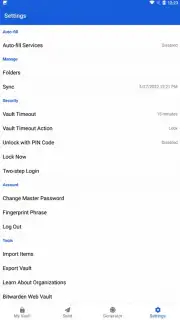
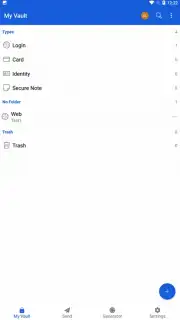
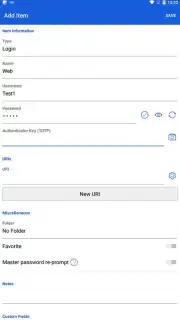
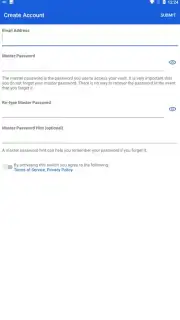
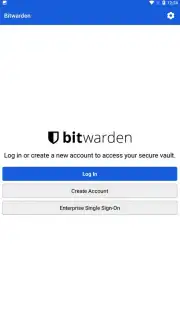
Bitwarden is a password manager designed to replace the insecure habits of reusing passwords or saving them in your browser. It operates as an encrypted digital vault, storing not only usernames and passwords but also secure notes, identities, and payment cards. The application uses end-to-end encryption before any data leaves your device, ensuring that only you can access your information. A master password is the sole key to this vault, eliminating the need to memorize credentials for individual sites. The interface is structured around an item list and a form-based editor, allowing for quick addition and organization of login entries. For active use, the autofill service integrates directly with other apps and browsers on your device, prompting to save new credentials and populate saved ones automatically.
The core functionality extends beyond simple storage through several key operational modes:
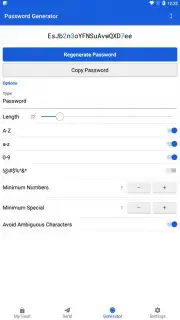
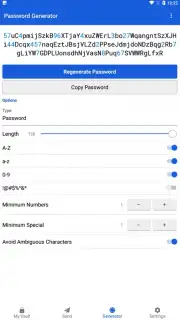
- Secure Password Generation: Create strong, unique passwords of customizable length and character types directly within the app or during account sign-up flows.
- Encrypted Data Synchronization: Your vault syncs seamlessly across mobile, desktop, and web platforms using your personal Bitwarden account, keeping all devices updated.
- Cross-Platform Autofill Service: The tool detects login fields in apps and websites, offering to fill them with a single tap using secure keyboard integration or accessibility services.
- Two-Factor Authentication (2FA) Management: The app can generate time-based one-time passwords (TOTP) for services that support 2FA, consolidating security steps.
- Secure Data Sharing: Send encrypted text or files, like passwords or documents, to other Bitwarden users through a system of time-limited, access-controlled sends.
We suggest trying Bitwarden to completely eliminate the friction and risk of manual password management on your mobile device.
Heads up: you'll need wifi for initial sync and most updates. Some advanced features like secure file storage require a premium subscription.
Information
| Version | 2026.2.1 |
| Developer | 8bit Solutions LLC |
| Requirements | Android Android + 12L+ |
| Updated | 17.03.2026 |
| Size | 19.06 MB |
| Package | com.x8bit.bitwarden |
| Signature | be9ec31af72b4e1b0f69a07d4c60ecbd |
| Architecture | armeabi-v7a, arm64-v8a |




