

Calendar Notify screenshots (8)
Description Calendar Notify
Never Miss a Moment Again
Imagine your day flowing perfectly, with every meeting, birthday, and task gently nudging you at just the right time. No more frantic scrolling, no more forgotten appointments. Your phone becomes a seamless extension of your intentions, transforming your calendar from a static list into a living, breathing assistant. That’s the peace of mind waiting for you.
Your Personal Notification Command Center
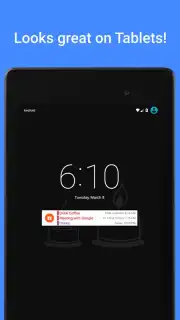
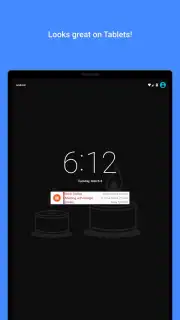
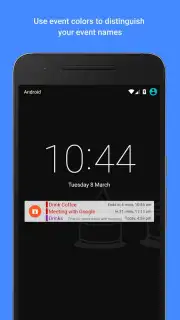
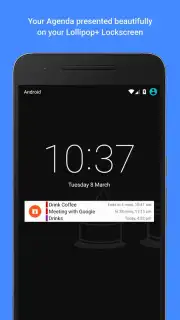
Calendar Notify reimagines how you interact with your schedule. It pulls events from all your calendars—Google, Outlook, device default—and presents them with beautiful, highly customizable widgets right on your home screen. But the real magic happens with notifications. You move beyond simple alerts into a world of intelligent reminders. Set multiple pre-event notifications for that crucial meeting, get a gentle morning digest of your entire day, or receive location-based alerts when it’s time to leave for an appointment. The app acts as a graceful layer over your existing digital life, making it more visible, manageable, and less stressful.
Why Your Home Screen Will Thank You
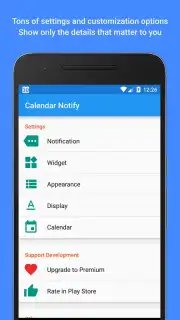
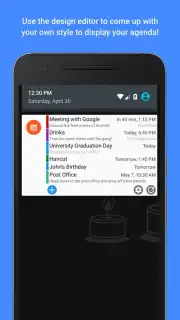
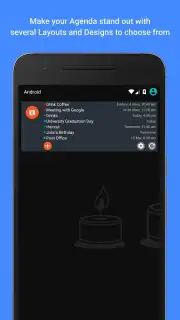
- Deep Customization, Total Control: Craft the perfect widget to match your style and needs. Choose from multiple widget sizes and layouts, select your favorite fonts and color themes, and decide exactly which calendar accounts and event types to display. Your schedule should look and feel uniquely yours.
- Intelligent & Proactive Reminders: Go beyond a single "10-minute before" alert. Configure elaborate reminder chains—like "1 day before," "2 hours before," and "15 minutes before" for important events. Enable smart all-day event notifications so those full-day items don’t slip by unnoticed.
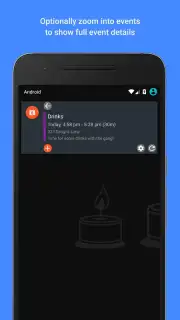
- Crystal-Clear Event Visibility: See your agenda at a glance with clean, informative widgets. Event titles, times, and locations are displayed clearly. Tapping any event opens it directly in your native calendar app for full details and editing, creating a perfect workflow.
- Lightweight & Efficient Performance: Designed to run smoothly in the background without draining your battery or slowing down your device. It integrates seamlessly, requiring minimal setup to start delivering maximum value from the moment you install it.
Consider downloading Calendar Notify today. It’s the simplest upgrade to turn your phone into a truly proactive personal assistant, ensuring you’re always prepared and in control of your time.
Download the mobile app now and give your schedule the clarity it deserves.
Calendar Notify requires an internet connection for initial calendar synchronization and may offer optional in-app purchases for premium features. Widget functionality requires placement on the home screen. Compatible with Android 4.1 and above.
Information
| Version | 2.19.306 |
| Developer | r2 Studios |
| Requirements | Android Android + 4.1, 4.1.1+ |
| Updated | 17.03.2026 |
| Size | 7.57 MB |
| Package | com.cliffcawley.calendarnotify |
| Signature | 466884c3dc5c5e5883788b26f1bac573 |
| Architecture | armeabi-v7a, x86, arm64-v8a, x86_64 |


