


Citadel Colour screenshots (16)



Description Citadel Colour
The Problem with Miniature Painting: Information Overload and Inconsistent Results
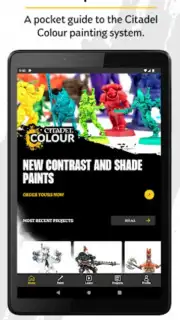
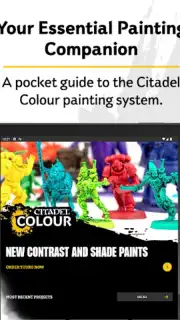
For painters of Warhammer miniatures, from those assembling their first set to veterans with decades of experience, the process often involves a frustrating scattergun approach. You might find a color recipe in a physical book, a shading technique in a forgotten video, and inspiration on social media, with no centralized system to organize this knowledge. This fragmentation leads to inconsistent results, wasted paint, and stalled projects. The Citadel Colour app, developed by Games Workshop, functions as a definitive digital solution to this problem, consolidating the entire painting ecosystem into a structured, searchable, and deeply practical toolkit. It is less an optional accessory and more a fundamental upgrade to the painting workstation, designed to bring precision and repeatability to a creative but often chaotic hobby.
A Systematic Breakdown of the Citadel Colour Toolkit
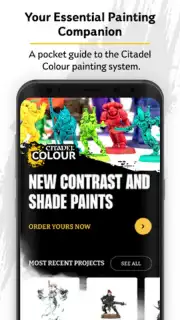
The application’s core strength is its transformation of the vast Citadel paint system from an intimidating spectrum into a logical, actionable database. It moves beyond being a simple digital catalogue. The search, sort, and filter functions are engineered for speed, allowing a user to instantly locate a specific paint by name, find all paints within a color family like blues or greens, or filter to view only the range of Contrast paints. This foundational organization is critical for efficient planning. The visual library is another cornerstone, featuring high-resolution, studio-quality images of every paint. This is not mere decoration; it provides an essential, reliable reference for how a color truly appears when applied, covering its base hue, opacity, and finish, which is far more accurate than relying on pot labels or memory.
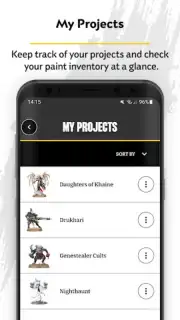
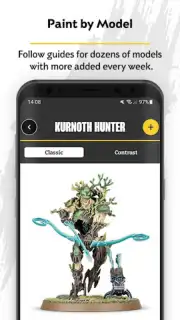
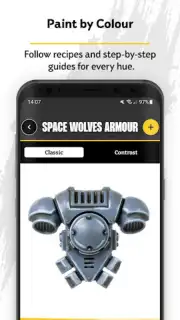
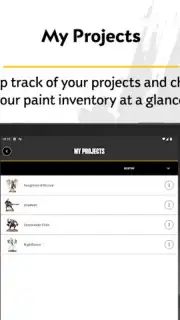
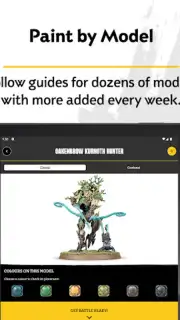
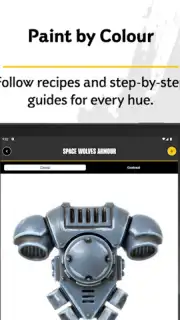
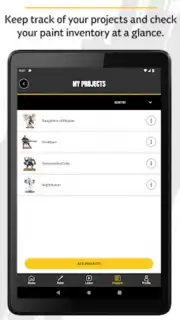
The app’s intelligence is most apparent in its project management features. The ‘Projects’ tool allows for the creation of customized lists, which can be organized either by a specific miniature model (‘Paint by Model’) or by a chosen color scheme (‘Paint by Colour’). This means you can build a step-by-step recipe for painting a Space Marine Intercessor squad, save it, and return to it months later with perfect fidelity. Conversely, you can create a ‘Ghostly Greens’ scheme and apply it across different model types. This personalization ensures your developed techniques and proven color combinations are never lost. Complementing this is the robust ‘Inventory’ and ‘Wishlist’ system, which enables meticulous tracking of your physical paint collection. By marking what you own and what you need to acquire, the app eliminates guesswork from project planning and shopping, turning abstract inspiration into a executable materials list.
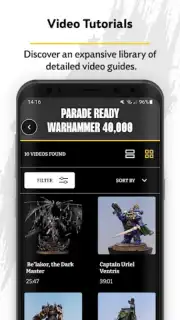
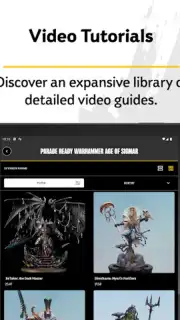
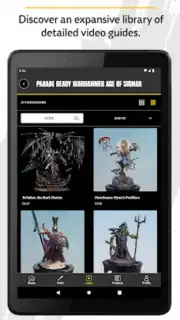
Educational depth is where the app transitions from a reference tool to a skill-building platform. The guided tutorials are comprehensive, breaking down fundamental and advanced techniques into clear, sequential steps. These range from mastering foundational skills like layering and shading to dedicated, in-depth modules on leveraging the unique properties of the Contrast paint range. The library of color schemes is continually expanded, serving as both direct inspiration for hundreds of official miniatures and a creative springboard for your own designs. Furthermore, the application’s utility extends beyond the model itself to include expert guidance on basing techniques, teaching you how to create textured, painted, and themed bases that provide a professional, cohesive finish to every miniature.
- Advanced Project & Recipe Management: Create and save personalized ‘Paint by Model’ and ‘Paint by Colour’ lists for flawless, repeatable results.
- Comprehensive Paint System Database: Instantly search, filter, and view high-resolution references for the entire Citadel paint range.
- Integrated Inventory Tracking: Log your owned paints and maintain a wishlist to streamline project planning and supply management.
Download the Citadel Colour App Now
For a limited time, new users can access this complete professional painting system directly from Games Workshop. This is the exclusive digital tool used to develop the studio’s own schemes—now available to organize and elevate your own work. Stop juggling disconnected references and start painting with confidence. Install the app today and transform your workflow before your next project begins.
Heads up: you'll need a stable wifi connection for accessing the full tutorial library and high-res images. Some advanced scheme packs and early-access guides may be offered as additional premium content.
Information
| Version | 3.45.0 |
| Developer | Games Workshop |
| Requirements | Android Android 5.0+ |
| Updated | 15.09.2026 |
| Size | 16.28 MB |
| Package | com.gamesworkshop.citadelpaint |
| Signature | 2d1eb1b1f3d6d96089a410249666cad3f7093484 |
| Architecture | armeabi-v7a |


