

ColorTRUE screenshots (15)

Description ColorTRUE
Ever Showed Someone a Photo on Your Phone, Only to Watch Their Screen Show Different Colors?
You know that sinking feeling. You've spent hours perfecting the colors in a photograph on your professional monitor, capturing the exact mood and detail. You send it to your phone to share, and suddenly, the vibrant sunset looks muted, or the subtle skin tones are off. Your masterpiece is lost in translation between screens. That frustration ends right here, right now.
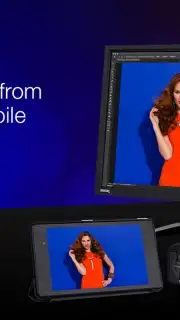
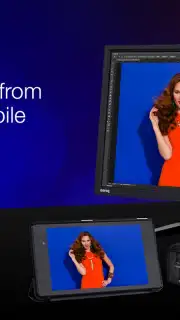
Welcome to ColorTRUE, the groundbreaking mobile app that finally bridges the gap between your studio monitor and your mobile device. Imagine a world where the colors you painstakingly create are the exact colors everyone sees, no matter where they're viewing your work. This isn't just an app; it's your passport to color confidence. Developed by the color science experts at X-Rite, Inc., ColorTRUE transforms your smartphone or tablet into a trusted, color-accurate extension of your creative workflow. No more second-guessing, no more compromises. Your vision stays true, from your desk to your device.
Your Pocket-Sized Color Studio, Calibrated to Perfection
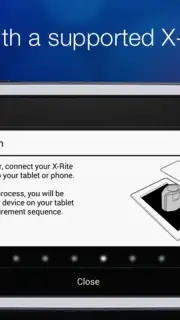
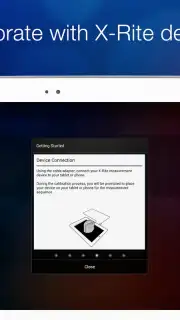
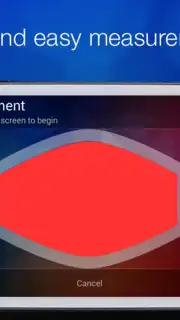
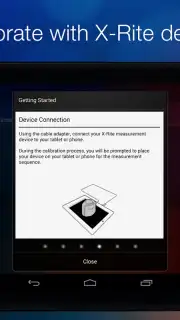
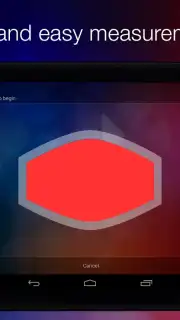
ColorTRUE delivers professional-grade color management, putting tools in your hand that were once confined to high-end studios. The magic begins by pairing the app with compatible X-Rite calibration devices like the ColorMunki Display™ or i1Display Pro. A quick, guided calibration process creates a unique color profile for your specific mobile display in just minutes. It’s like giving your device a personalized color prescription.
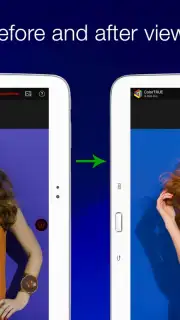
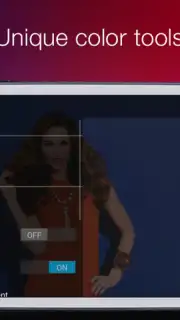
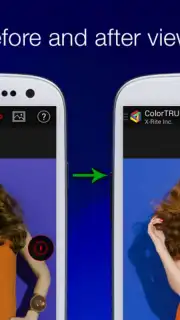
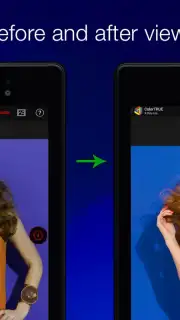
Once calibrated, you step into a suite of powerful features designed for absolute control. The side-by-side Before & After Mode lets you swipe to instantly compare your uncalibrated and calibrated images, revealing the stunning difference true color makes. Working under tricky lighting? The Ambient Light Compensation feature intelligently adjusts the display so your images look correct whether you're in a dim cafe or bright sunlight.
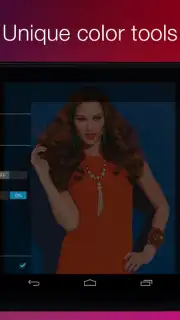
Planning a print? The Print Simulation tool is a game-changer, allowing you to preview exactly how your image will look when printed using specific printer and paper profiles, saving you time and costly test prints. For ultimate technical control, the ICC Profiling function lets you set and lock your working color space—be it sRGB, Adobe® RGB, or ProPhoto RGB—ensuring you're working in the right color universe from the start. And the White Point Selector tool seamlessly syncs your mobile display's color output with your primary monitors, creating a harmonious, consistent viewing experience across all your devices.
This is more than a standalone tool. ColorTRUE is pioneering a unified color ecosystem through its ColorTRUE Aware Partner Program, encouraging other app developers to integrate consistent color display. This means a future where your colors remain faithful as you move between editing, gallery, and social media apps on your device.
- Professional display calibration for mobile
- Before & after comparison mode
- Ambient light compensation tool
- Accurate print simulation preview
Download ColorTRUE Now and See Your True Colors Today
Stop letting inconsistent screens dilute your hard work. For photographers, designers, and any visual creator who demands precision, this app is the missing link in your creative chain. This is your exclusive invitation to join the forefront of mobile color accuracy. For a limited time, experience the confidence that comes with perfect color portability.
Download the ColorTRUE mobile app now and claim your color fidelity. Your audience is waiting to see what you really created.
Disclaimer: Use of this application requires a compatible X-Rite hardware calibration device. An internet connection may be required for certain features and updates. The application may offer in-app purchases or require additional hardware for full functionality.
Information
| Version | 1.2.0 |
| Developer | X-Rite, Inc. |
| Requirements | Android Android + 5.0+ |
| Updated | 17.03.2026 |
| Size | 35.12 MB |
| Package | com.xrite.mobiledisplaycalibration |
| Signature | 8851a33430afedae86005742adb2da20 |
| Architecture | armeabi, armeabi-v7a, mips, x86, arm64-v8a, mips64, x86_64 |


