

Data Folder screenshots (9)

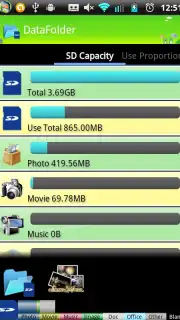
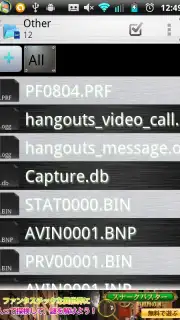
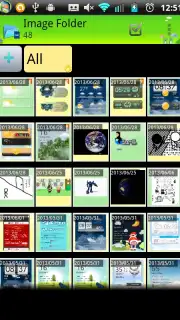

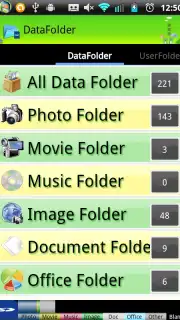
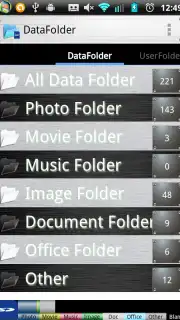

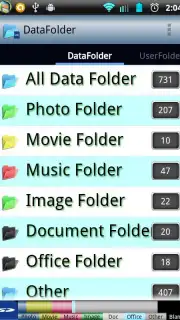
Description Data Folder
Take Full Control of Your Device's File System
Stop struggling with scattered files and limited system access. This tool provides direct, powerful management for your Android's internal storage and data folders, putting essential control back in your hands. Organize, analyze, and modify app data with precision, moving beyond the restrictions of standard file managers.
Core Functionality and Tools
This application functions as an advanced data directory explorer and management suite. It grants detailed access to the Android data and obb folders, which are typically restricted or hidden by standard file managers. You can navigate the complete internal storage tree, view detailed file properties including permissions and size, and perform batch operations. The tool includes a built-in text editor for modifying configuration files, a package manager viewer to inspect installed applications, and search functionality to instantly locate specific files or folders across the entire storage.
Key Advantages for Technical Users
The interface is designed for clarity and efficiency, presenting a clean hierarchical view of the file system. It operates with high performance, enabling quick browsing and operations even on directories containing thousands of items. The utility requires no unnecessary permissions, focusing solely on file system access. It provides essential tools like root access support for compatible devices, allowing for deeper system modifications and management of protected directories that are otherwise inaccessible.
- Navigate and manage the full internal
/dataand/obbapp directories with read/write access. - View comprehensive file details including permissions, owner, group, last modified date, and size.
- Utilize a built-in text editor and code viewer to open and modify files directly within the app.
- Inspect all installed applications, their package names, version codes, and associated data paths.
- Perform batch file operations, deep storage searches, and folder bookmarking for quick access.
Download this essential tool now and unlock the full potential of your device's storage!
Disclaimer: This application requires access to your device's file storage and may require an internet connection for specific advanced functions. It is intended for technical users familiar with system file structures. Use caution when modifying system or app data, as improper changes can affect device stability. Continued use may consume battery and data resources.
Information
| Version | 4.4.10 |
| Developer | k0j1 |
| Requirements | Android Android + 8+ |
| Updated | 17.03.2026 |
| Size | 1.65 MB |
| Package | com.takaharabooks.data_folder |
| Signature | 505eef48af482ddd07206d1c26fe6851 |


