

Desk Clock screenshots (10)
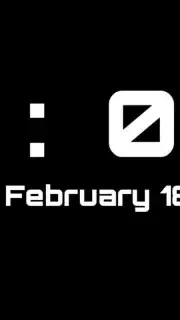
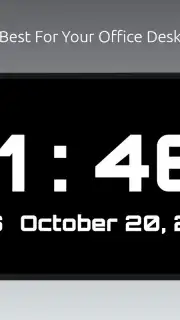


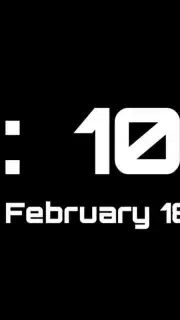
Description Desk Clock
Your Phone Deserves a Clock That’s Actually Useful
Ever glance at your phone just to check the time, only to get lost in notifications, messages, and a dozen other distractions? That tiny digital clock in your status bar isn’t helping. You need a dedicated, beautiful, and always-on timepiece right on your screen—a true desk clock for your digital life. This app transforms your device into a sleek, personalized timekeeper that puts function and style front and center, turning a simple utility into a statement.
A Fully Customizable Timepiece at Your Fingertips
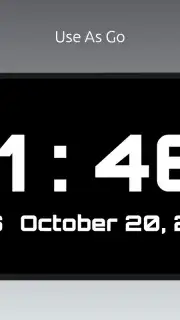
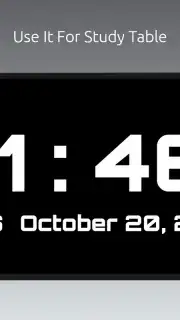
Imagine having a gorgeous clock display that you can tailor to match your mood, your wallpaper, or your desk setup perfectly. This isn’t just a static widget; it’s a dynamic tool designed for clarity and personal expression. Set it up on your home screen or let it run as a standalone display, providing an elegant, at-a-glance view of the time without any fuss. The interface is clean, intuitive, and built to be exactly what you need it to be.
Why This Clock App Becomes Your Daily Essential
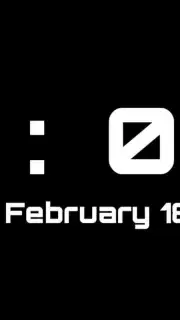
- Stunning Visual Themes: Choose from a collection of beautifully designed clock faces. Whether you prefer a classic analog look with sweeping hands, a modern digital readout with crisp fonts, or a minimalist design that blends into your background, there’s a style that feels uniquely yours.
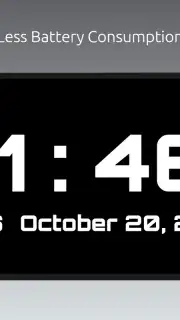
- Always-On Clarity: Designed for quick readability. The time is always displayed prominently, with perfect contrast and size, so you can see it from across the room without straining your eyes.
- Deep Customization: This is where it gets personal. Don’t just pick a theme—make it yours. Adjust the clock’s size, change the color of every element, from the digits and hands to the background tint, and select from various font styles to create a look that no other phone has.
- Lightweight & Efficient: Built to be a reliable companion that doesn’t drain your battery or slow down your device. It runs smoothly in the background, providing constant value without any performance headaches.
- Multiple Widget Formats: Fit the clock perfectly into your home screen layout. Select from different widget sizes and layouts to find the one that integrates seamlessly with your other apps and shortcuts.
Stop settling for a boring, default time display. Give your screen a centerpiece that is both profoundly useful and visually captivating.
Download Desk Clock now and transform your phone into a personalized timekeeping masterpiece.
Requires an internet connection for initial setup and potential feature updates. The app is free to download and use.
Information
| Version | 3.2.1.1 |
| Developer | Sanjay S Gangwar |
| Requirements | Android Android + 4.1, 4.1.1+ |
| Updated | 17.03.2026 |
| Size | 6.57 MB |
| Package | com.sanjaysgangwar.clock |
| Signature | e52fc7b6e2217ffa3bd634eb8377c4d3 |
| Architecture | universal |


