


DWG FastView - CAD Viewer&Editor screenshots (16)
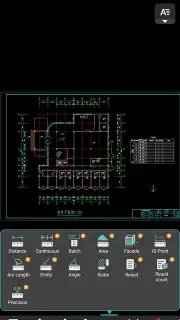
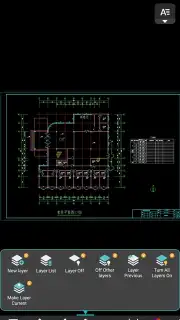
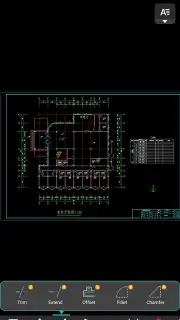
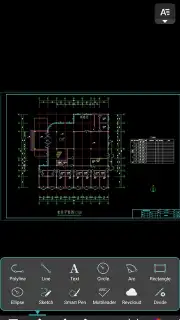



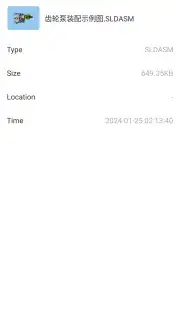
Description DWG FastView - CAD Viewer&Editor
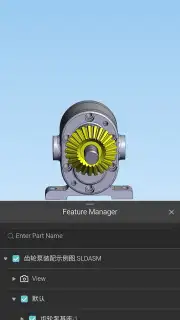
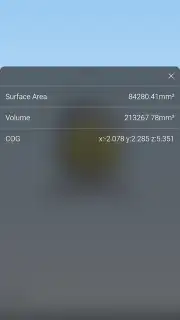
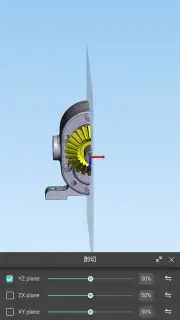
Looking for a professional-grade CAD solution that fits in your pocket and works without a constant internet tether? DWG FastView by Gstarsoft operates as a fully-featured mobile CAD viewer and editor, designed to handle core drafting and modification tasks directly from your smartphone or tablet. It positions itself not merely as a viewer but as a practical editing suite, enabling users to create, annotate, and adjust technical drawings in environments where desktop software is impractical.
Core Functionality and File Management
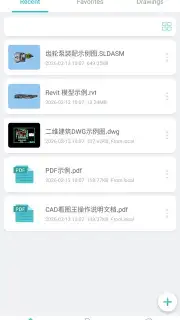
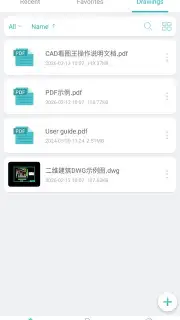
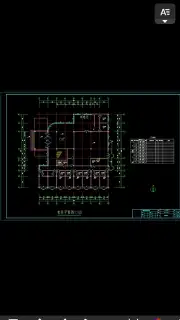
The application establishes its utility through robust file format support, natively opening DWG, DXF, and OCF files. This compatibility is central to its workflow integration; the app can be set as the default handler for these extensions, allowing you to open attachments from email or cloud storage directly. A significant operational advantage is its fully offline capability. You can initiate new drawings or edit existing ones without any network connection, syncing or sharing the finalized work only when convenient. The interface facilitates a focused drafting process, with a full-screen mode that maximizes the limited screen real estate for intricate detail work and pinch-to-zoom navigation that remains smooth even with complex, multi-point elements.
Drafting Tools and Annotation Features
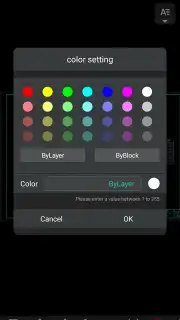
Within the editing environment, GstarCAD provides a foundational yet practical set of tools. Users can insert and manipulate geometric primitives like lines, circles, and rectangles, with dynamic resizing controls for precise dimensioning. For annotation and layer differentiation, a customizable color palette is available, allowing segments and elements to be clearly distinguished. The text tool includes support for a range of fonts and, critically, for East Asian character sets (Chinese, Japanese, Korean), enabling accurate technical notation and documentation for a global user base. The editing process is streamlined for mobile, focusing on the essential actions needed for on-site reviews or quick revisions.
- Offline-First CAD Editing: Create and modify drawings anywhere without an internet connection, with sharing functionality available for later use.
- Broad File Format Compatibility: Seamlessly open and set as default for DWG, DXF, and OCF files from email, cloud, or local storage.
- Practical Drafting & Annotation Tools: Draw with shapes, apply color coding, and add text notes including CJK language support for clear documentation.
For professionals and students who require reliable access to CAD files and basic editing functions while on the move, this app delivers a competent, no-nonsense toolkit. Consider downloading DWG FastView - CAD Viewer&Editor to handle your drafting needs directly from your mobile device.
Download the mobile app now.
Please note: The app requires an internet connection for initial download, sharing files, and accessing certain cloud services. Some advanced features may be available through in-app purchases.
Information
| Version | 5.19.6 |
| Developer | Gstarsoft Co., Ltd |
| Requirements | Android Android 6.0+ |
| Updated | 15.09.2026 |
| Size | 101.03 MB |
| Package | com.gstarmc.android |
| Signature | 7e3013c8475c7ecf4274d2163b73d4a5cfc22d37 |
| Architecture | arm64-v8a |




