

ES File Explorer screenshots (15)

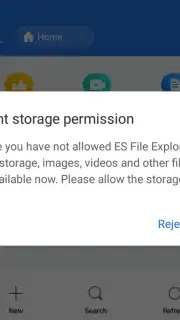
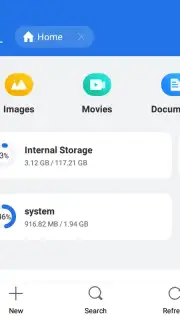

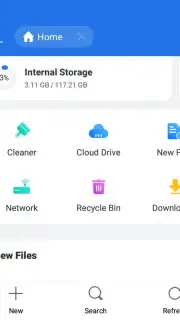
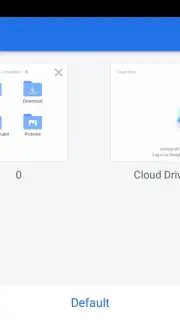
Description ES File Explorer
Your Phone, Unleashed: Meet Your New File Command Center
Ever felt like your phone is a black box? Photos are hiding, downloads are a mystery, and sharing a file feels like solving a puzzle. You know there's power under the hood, but the standard tools just don't give you the control you crave. That frustrating feeling ends the moment you open ES File Explorer. This isn't just another utility; it's the comprehensive file management suite you've been wishing for, transforming your Android device into a productivity powerhouse that bridges the gap between your mobile and desktop worlds. Imagine having the same intuitive control over your phone's storage as you do on your computer, coupled with cloud superpowers.
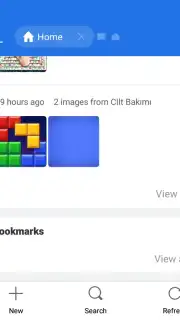
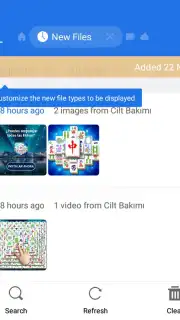
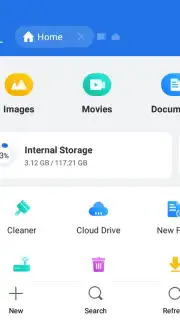
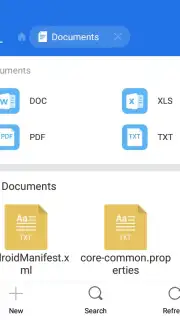
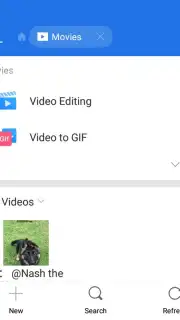
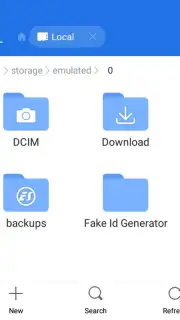
ES File Explorer hands you the master key to your device's entire digital library. You'll navigate through folders with familiar ease, performing instant copy, paste, cut, delete, and rename operations that feel second nature. But it goes far beyond basic organization. You'll compress and decompress ZIP or RAR archives directly on your device, no extra software needed. Need to review a document? The built-in viewers let you peek inside various file types without opening another app. The true magic happens with its connectivity: you can seamlessly manage files across linked cloud accounts like Dropbox, Google Drive, and OneDrive, and even access your home computer's files over Wi-Fi using the integrated FTP client. It streamlines everything—from batch uploading photos and watching movies in a native player to managing your mobile data connection for smarter bandwidth use.
Why Your Android Has Been Waiting for This App
- Master your local storage with full control to copy, move, delete, rename, and organize any file or folder effortlessly.
- Connect and manage multiple cloud drives like Dropbox, Google Drive, and OneDrive from a single, unified interface.
- Access your computer's files wirelessly by using the built-in FTP client to connect over your home Wi-Fi network.
- Handle archived files on the go by creating, extracting, and browsing the contents of ZIP and RAR archives directly.
- Share anything instantly and send files via email or other apps with just a couple of quick taps from within the manager.
You deserve an Android experience that's both powerful and streamlined. Consider downloading ES File Explorer now to finally take complete command of your digital content.
Heads up: you'll need wifi for most network features like cloud access and FTP. Some cool advanced tools and an ad-free experience are part of the optional Turbo upgrade.
Information
| Version | 4.4.2.2.1 |
| Developer | ES APP Group |
| Requirements | Android Android + 4.4+ |
| Updated | 17.03.2026 |
| Size | 35.15 MB |
| Package | com.estrongs.android.pop |
| Signature | 3079a983587b13f6861dedfb6fad5502 |
| Architecture | armeabi, armeabi-v7a, x86, arm64-v8a, x86_64 |


