


Fake GPS Location - GPS JoyStick screenshots (8)
Description Fake GPS Location - GPS JoyStick
Need to set a custom location for an app or game on your Android device?
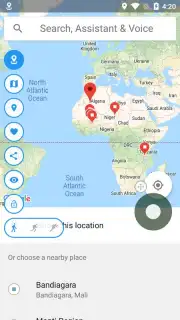
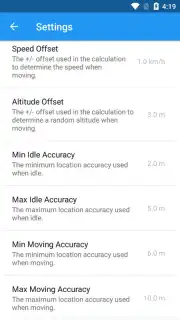
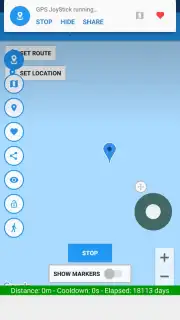
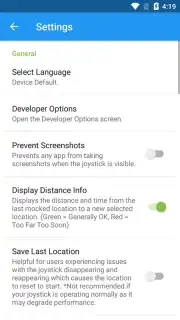
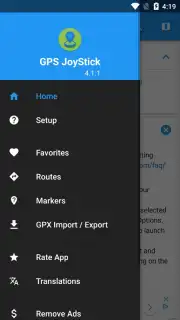
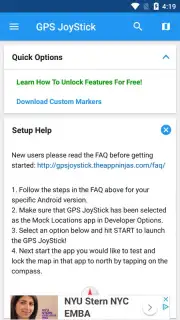
Fake GPS Location - GPS JoyStick provides a comprehensive toolkit for overriding your device's native GPS coordinates. This application enables you to manually select any point on the global map to serve as your simulated location, which is then broadcast to other applications on your phone. The primary interface for navigation is an on-screen joystick control, allowing for intuitive directional movement across the map to adjust your spoofed position in real time. Initial setup requires enabling the 'Fake Locations' or mock location provider option within your Android device's developer settings, a standard one-time configuration step for utilities of this type.
Core Functionality and Advanced Modes
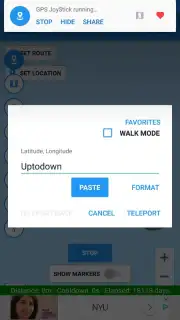
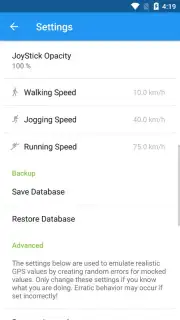
Beyond basic pin-dropping, the app includes a route simulation feature. This mode allows you to plot a path on the map and set a specific speed of travel, causing your spoofed location to move along that route. This creates a consistent data stream for the GPS sensor, mimicking the behavior of walking, running, or driving. This functionality is particularly relevant for location-based games or fitness applications that track movement for in-game objectives or activity logs. For precise targeting, users can forgo the joystick and directly input the name of a city or specific coordinates to instantly jump to that location anywhere in the world.
The application operates without displaying third-party advertisement banners during use. This is facilitated by its operational model, which focuses on delivering the core location-spoofing utilities directly.
- Set any global GPS coordinate
- Simulate routes with custom speed
- Intuitive on-screen joystick control
We suggest trying Fake GPS Location - GPS JoyStick for testing location-based app features, exploring global maps in games, or managing your privacy in social applications.
Consider downloading the mobile app now to configure your virtual location.
Note: This application requires an internet connection for initial map loading and may offer optional in-app purchases for advanced features. Enabling mock locations is a device-level setting and its compatibility is dependent on your specific Android OS version and hardware.
Information
| Version | 5.3.3 |
| Developer | The App Ninjas |
| Requirements | Android Android 6.0+ |
| Updated | 02.09.2026 |
| Size | 16.42 MB |
| Package | com.theappninjas.fakegpsjoystick |
| Signature | CF:55:16:41:6B:8A:F0:56:34:16:6A:44:A3:34:9A:A6:5B:34:6A:92 |
| Architecture | x86-64 |


