


File Converter screenshots (9)
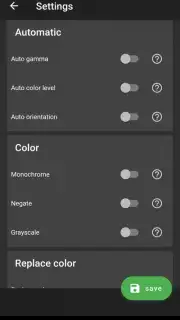
Description File Converter
The Universal File Problem Is Officially Solved
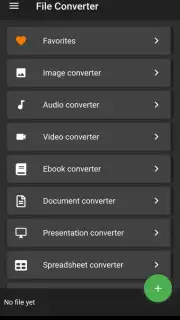
Every device speaks a different language, and every project seems to demand a different file format. You’re left with a dozen browser tabs open, wrestling with clunky online converters that are slow, riddled with ads, and compromise your privacy. This app eliminates that friction entirely by placing a comprehensive, offline-capable conversion toolkit directly into your pocket. It transforms your Android device into a self-sufficient digital workshop, where converting a document, image, audio, or video file is as simple as selecting it and choosing your desired output.
A Consolidated Toolkit for Digital Workflows
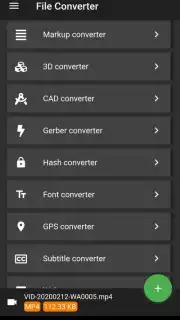
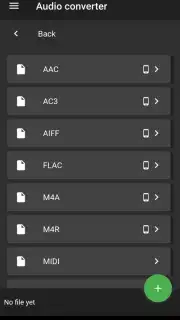
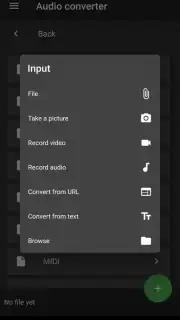
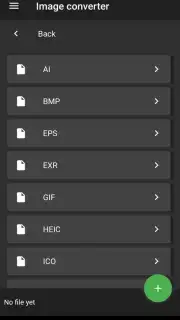
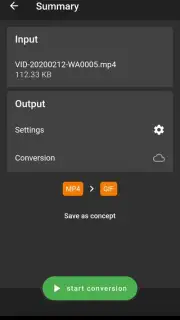
File Converter operates on a principle of streamlined utility. The core mechanic is a clean, file-system-based browser that lets you navigate directly to the document, image, or media file you need to transform. Upon selection, the app intelligently presents all viable conversion formats. For a PDF, this might include DOCX, TXT, JPG, or PNG. For a video file, you could select MP4, AVI, MOV, or extract the audio as an MP3. The conversion engine is designed to process files locally on your device where possible, ensuring speed and data security. For more complex tasks that require server-side processing, the operation is seamlessly handed off, maintaining a consistent and simple user experience from start to finish.
Key Advantages in Daily Use
The value of this application lies not in a single feature, but in the cohesive integration of its capabilities into a reliable daily driver.
- Broad Format Support: Handles over 50 file types across documents, images, audio, and video, including PDF, Word, Excel, EPUB, JPG, PNG, MP3, MP4, and more.
- Offline-First Processing: Core conversions happen directly on your device, guaranteeing privacy, speed, and the ability to work without an internet connection.
- Batch Operation Efficiency: Convert multiple files of the same type simultaneously, saving significant time when preparing documents for a project or optimizing a gallery of images.
Stop juggling between unreliable websites and desktop software. Get your professional-grade file converter now and handle any format challenge directly from your phone.
Download mobile app now
Heads up: you'll need wifi for some advanced conversion features. A stable connection is recommended for larger server-processed files.
Information
| Version | 24.2.2 |
| Developer | Ice Cold Apps |
| Requirements | Android Android + 7.0+ |
| Updated | 17.03.2026 |
| Size | 93.32 MB |
| Package | com.icecoldapps.fileconverter |
| Signature | ea5b196ce2b47bd45a7f628346f499fb,25d8824d93594194b748986a3f3d98ae |
| Architecture | armeabi-v7a, arm64-v8a |


