

File Manager HD screenshots (13)
Description File Manager HD
Navigating Your Device's Storage Shouldn't Feel Like an Archeological Dig
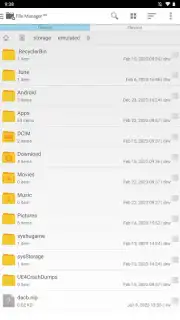
Locating a specific document, photo, or downloaded file on a device with fragmented storage can be a time-consuming and frustrating process. Standard system file explorers often lack the organizational tools and intuitive interfaces needed for efficient management, leaving users to manually sift through directories. This application provides a structured and powerful alternative for users who need direct control over their device's internal and external storage systems.
Core Functionality and Analytical Overview
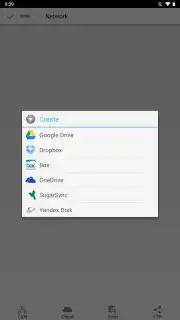
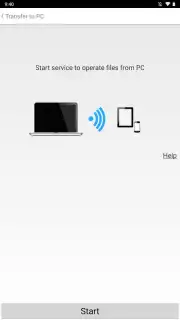
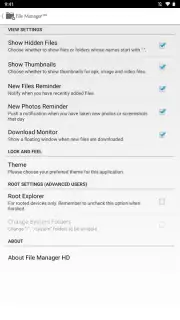
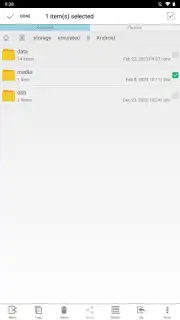
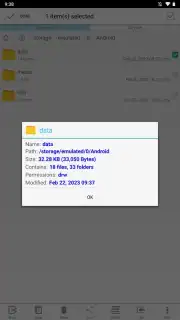
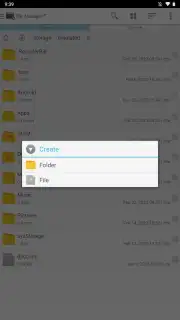
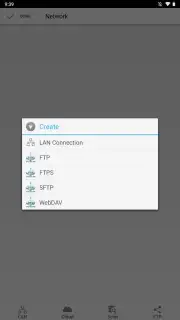
File Manager HD operates as a comprehensive storage navigation and maintenance tool. Its primary interface presents a hierarchical view of all storage volumes, including internal memory, SD cards, and cloud storage connections. The application facilitates standard file operations such as copy, move, delete, rename, and compress with a multi-tabbed manager that allows for direct drag-and-drop between locations. A central feature is its built-in cleaner module, which scans for residual files, app cache, duplicate photos, and unused installers to reclaim storage space. For media consumption, it integrates a capable file viewer that can handle a wide range of formats for images, audio, and video without requiring external apps, and includes a Wi-Fi file transfer function for sharing content between devices on the same local network.
Key Operational Advantages
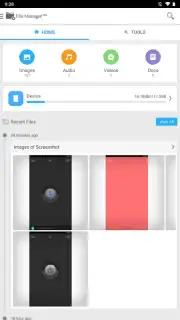
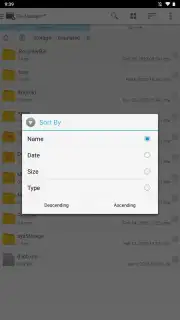
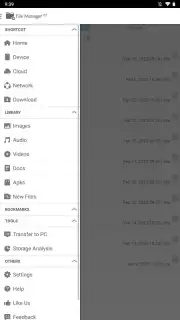
The utility distinguishes itself through a focus on user-centric design and performance optimization. The layout prioritizes clear visual categorization of files by type—documents, images, videos, music, archives—which dramatically reduces search time. Performance is enhanced by background processes that index and thumbnail media for faster browsing, while the cleaning algorithms are designed to target junk files without risking critical system data. The inclusion of app management tools, which allow for batch installation, uninstallation, and backup of APK files, extends its utility beyond simple file browsing into basic device administration.
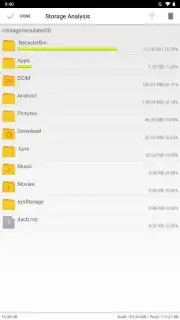
- Categorized Storage Analysis: Automatically sorts files into intuitive groups for instant access to media, documents, and downloads.
- Junk File Cleaner & Booster: Scans for cache, residual, and duplicate files to free up significant storage space with one tap.
- Integrated File Viewer & Player: Opens common document, image, audio, and video formats directly within the app, eliminating format compatibility issues.
We suggest trying File Manager HD if you require a more granular and powerful tool for organizing your device's storage than what is provided by the default system options.
Download mobile app now
Disclaimer: This application requires a persistent internet connection for certain features like cloud storage integration and update checks. It may contain advertisements and offer optional in-app purchases for premium features. The app requires permissions to access your device's storage to manage files. Data usage may apply when transferring files over mobile networks. Please review the app's listing for specific age ratings and permissions required for installation.
Information
| Version | 3.5.0 |
| Developer | Cheetah Mobile |
| Updated | 17.03.2026 |
| Size | 4.15 MB |
| Package | com.rhmsoft.fm.hd |
| Signature | fce85036903c4e2413164097c168b7dd |
| Architecture | armeabi |


