


Headphones Equalizer screenshots (14)
Description Headphones Equalizer
Tired of Flat Sound? Your Headphones Are Capable of More
You know that feeling when a favorite song just doesn't hit right through your headphones? The bass lacks punch, the vocals sound distant, or the overall experience feels flat compared to what you know your music should deliver. The issue often isn't your headphones, but the audio signal being sent to them. Every headphone model has a unique acoustic signature, and a one-size-fits-all audio output from your Android device rarely matches it perfectly. This mismatch means you're consistently missing out on the full depth and clarity your audio gear can provide. Without precise tuning, you're settling for a generic sound profile that fails to unlock the potential you paid for, leaving your listening experience feeling compromised and uninspired.
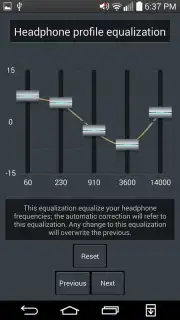
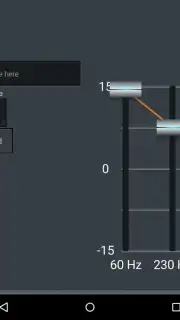
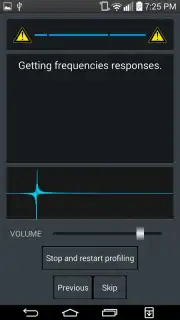
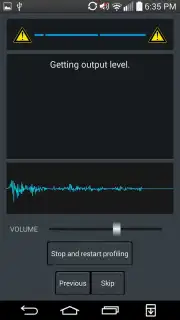
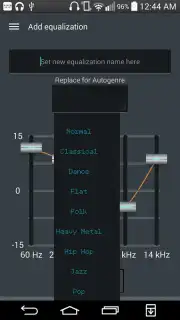
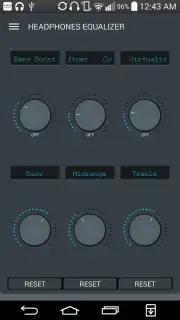
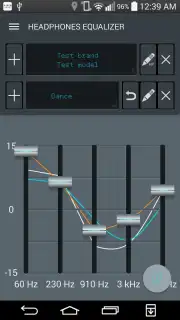
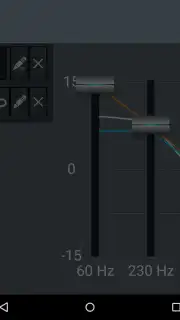
This is where precise control transforms your daily listening. Headphones Equalizer is built on the principle that you should shape your audio to fit your specific headphones, not the other way around. The core functionality allows you to create and save multiple custom audio profiles. This means you can craft a perfect setting for your studio-grade over-ear headphones, a different optimized profile for your wireless earbuds, and another for your car's auxiliary input—all switchable with a single tap. The manual equalizer gives you direct authority over audio correction and sensitivity across the frequency spectrum, putting detailed adjustment of bass levels, mids, and treble entirely in your hands. Beyond manual tuning, a selection of genre-specific presets offers a quick starting point, whether you're listening to classical, rock, hip-hop, or electronic music.
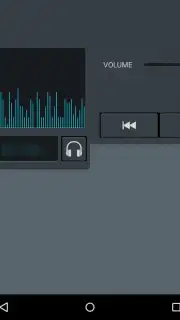
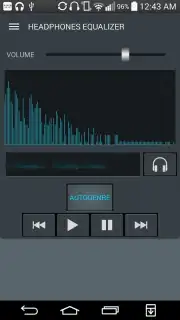
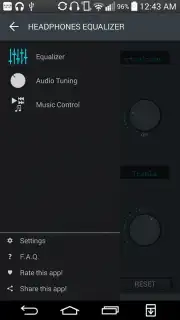
The application integrates these powerful tuning tools into a seamless, self-contained audio hub. It includes a built-in music player and a dedicated volume regulator, eliminating the need to juggle multiple apps. You can manage your local music library, apply your custom sound profiles, and control playback from one intuitive interface. This consolidation streamlines your audio experience, making high-fidelity sound adjustment a natural part of your routine rather than a technical chore.
- Create Multiple Custom Profiles: Design and save unique sound signatures tailored to each pair of headphones or earbuds you own, ensuring optimal performance for every device.
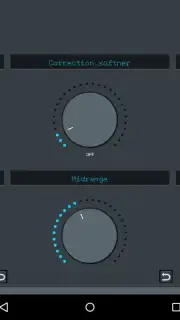
- Manual Audio Precision Control: Adjust audio correction, sensitivity, and bass levels manually with detailed controls for fine-tuning every aspect of your sound.
- Genre-Specific Audio Presets: Instantly apply curated equalizer settings optimized for different musical styles, from deep bass to vocal clarity.
- Integrated Music Player & Volume Control: Play your local music files and adjust volume within the app, creating a unified audio management center.
- User-Centric Design: Focus on delivering a streamlined experience for audio enthusiasts who demand more control and better quality from their mobile listening.
Consider downloading Headphones Equalizer to stop compromising on sound quality and start hearing your music and audio content as it was meant to be experienced through your specific gear.
Download the Headphones Equalizer mobile app now.
Disclaimer: This application requires an internet connection for initial download and potential updates. The app may contain in-app purchase options. Please be aware of data usage charges from your provider. Features are subject to change. Always follow safe listening practices to protect your hearing.
Information
| Version | 3.1.0.1 |
| Developer | ManyThingsDev |
| Requirements | Android Android + 5.0+ |
| Updated | 17.03.2026 |
| Size | 13.54 MB |
| Package | com.manythingsdev.headphonetools |
| Signature | 87b0082d58dc73b443168d4fd7228875 |
| Architecture | universal |


