


HP screenshots (20)

Description HP
Your Smartphone Just Became the Ultimate Command Center for Your HP Printer
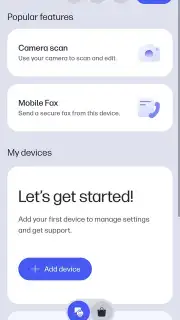
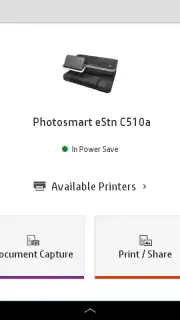
Imagine controlling your entire printing universe from the palm of your hand. No more scrambling for a laptop or being tethered to a desktop. The official HP Smart app transforms your mobile device into a powerful remote control and service hub for your HP printer, designed for both your home office and professional workspace. This isn't just a simple tool; it’s your all-in-one dashboard for making everyday tasks effortless, putting you in direct, seamless command of your printer’s full potential from anywhere.
Experience Unmatched Printing Freedom and Precision
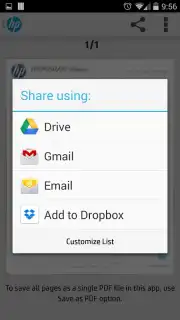
You get to print virtually anything with a single tap, breaking free from traditional constraints. Send documents to print directly from your phone—whether it’s a last-minute PDF, a crucial Office file, a cherished photo from your gallery, or content stored securely in your cloud services. The process is incredibly intuitive, giving you the same professional-grade control you’d expect from a computer. Before any page is printed, you can meticulously customize every detail: adjust paper size, switch between portrait and landscape orientation, choose between vibrant color or crisp black & white, and select the perfect print quality for the job. It’s like having a professional print shop configured by your personal preferences, ready at your fingertips.
Advanced Scanning That Turns Paper into Perfect Digital Files
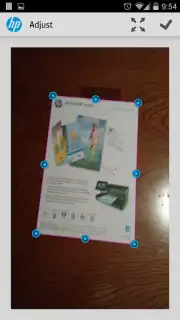
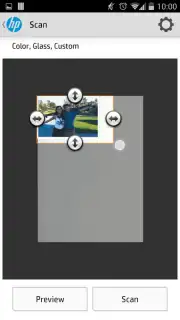
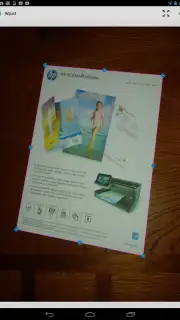
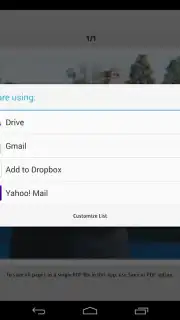
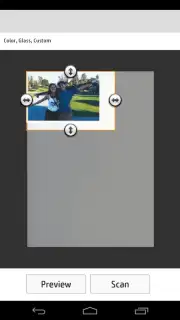
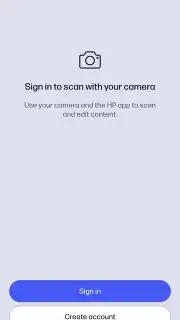
Step into the future of document management with intelligent scanning capabilities that feel like magic. You can digitize physical documents with stunning speed and accuracy, either directly from your printer’s scanner or by using your smartphone’s camera as a powerful portable scanner. The app’s smart technology automatically handles the hard work for you—cropping edges, correcting perspective skew, and enhancing text clarity to ensure every scan is perfectly readable. The result is a polished, ready-to-share PDF or image file that you can instantly archive, email, or upload without any tedious extra editing steps on your part.
Simplified Setup and Proactive Printer Management Made Easy
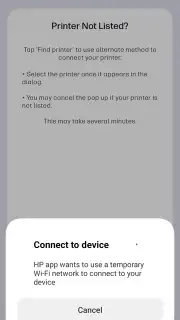
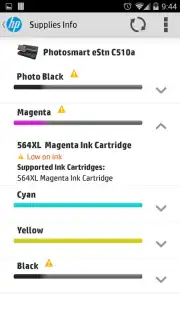
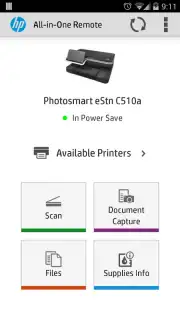
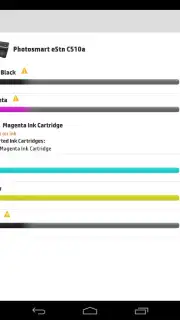
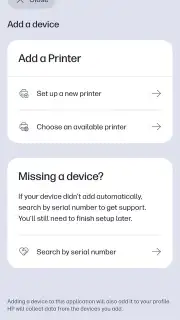
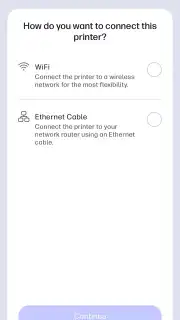
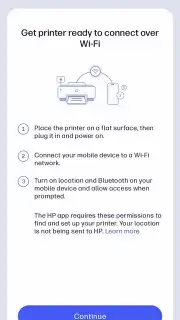
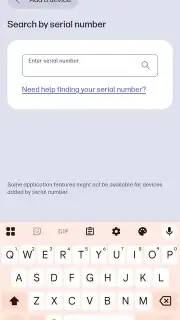
Forget about confusing installation CDs and complicated network configurations. The HP Smart app guides you through setting up any HP printer with clear, step-by-step instructions that anyone can follow, regardless of technical skill. You can effortlessly discover nearby printers, connect them to your Wi-Fi network, and complete the entire setup process directly from your phone. This streamlined approach eliminates common setup errors and removes the dependency on manual drivers or complex computer settings. Beyond setup, the app continuously monitors your printer’s status, alerting you to ink levels or potential issues before they disrupt your workflow, ensuring you’re always in the know and in control.
- Print any document directly from your phone
- Professional scanning with automatic enhancement
- Guided wireless printer setup and management
- Real-time printer status and supply monitoring
Download the HP Smart App Now – Exclusive Free Access for New Users!
Why wait to unlock this level of convenience and control? For a limited time, experience the full power of streamlined printing and scanning absolutely free. This is your exclusive opportunity to transform how you work with your HP printer. Join thousands of users who have already simplified their daily tasks—download the official HP Smart app today and take command from your smartphone!
Disclaimer: The HP Smart app requires an internet connection for initial setup, cloud printing features, and firmware updates. The app is free to download and use; certain premium features or printing services may involve optional in-app purchases. Printer functionality requires a compatible HP printer and a stable wireless network connection.
Information
| Version | 26.0.2.6338 |
| Developer | HP Inc. |
| Requirements | Android Android + 10+ |
| Updated | 17.03.2026 |
| Size | 195.96 MB |
| Package | com.hp.printercontrol |
| Signature | 32b628ad2d1f37b4faf4bf0d148c3d7d |
| Architecture | armeabi-v7a, arm64-v8a |


