

iOS Widgets screenshots (8)
Description iOS Widgets
The Home Screen Dilemma
Every Android user has faced the same visual compromise: a powerful device constrained by a home screen that feels generic and utilitarian. The default widgets often lack the aesthetic cohesion and at-a-glance functionality that transforms a phone from a tool into a personal command center. This gap between capability and customization is where a dedicated widget engine becomes essential.
Core Functionality and Mechanics
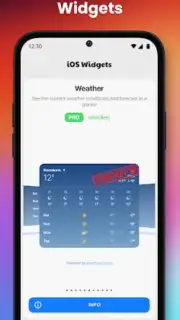
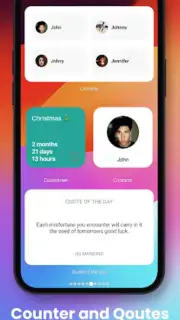
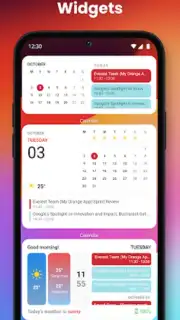
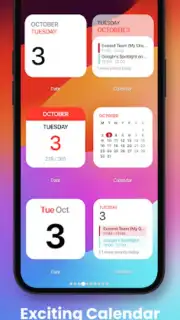
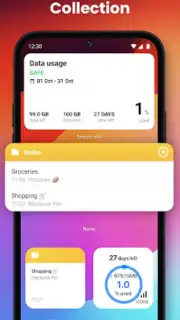
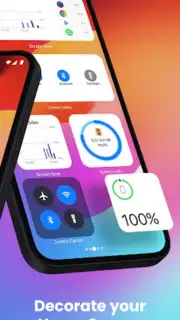
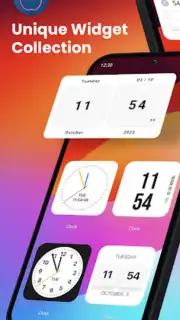
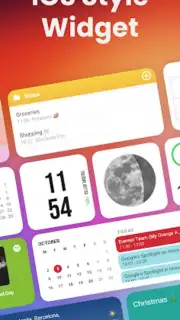
iOS Widgets operates as a comprehensive widget creation and management suite for Android devices. The application provides a library of widget styles and templates that emulate the design language and interactive principles found on iOS, including the signature rounded corners, consistent typography, and layered transparency effects. Users can select from a variety of widget types—such as clocks, calendars, weather displays, battery indicators, and music players—and apply them directly to their home screen. The mechanics involve dragging, dropping, and resizing these widgets, with options to customize their color schemes, data sources, and update intervals to match personal preference and system integration needs.
Analytical Feature Breakdown
The utility of the app is defined by its depth of customization and system-level integration. It functions not merely as a skin but as an interactive layer that pulls live data from your device and selected applications.
- Diverse Widget Library: Access a continuously updated collection of widget designs covering time, date, weather, fitness, and system utilities.
- Deep Visual Customization: Adjust every visual parameter including widget opacity, font style, color gradients, and corner radius.
- Live Data Integration: Widgets display real-time information from your calendar, music player, and system health monitors.
- Performance-Optimized Engine: Widgets are designed to consume minimal battery and memory, ensuring smooth home screen performance.
- Intuitive Placement Tools: Use grid-snapping and resize handles for pixel-perfect widget alignment on any home screen launcher.
Key User Experience Advantages
The primary advantage is the unification of Android's flexibility with a curated, cohesive visual design system. The widgets maintain consistent styling, which eliminates the visual clutter of mixing widgets from multiple developers. Performance is a critical focus; the widgets are optimized to avoid the lag or battery drain commonly associated with heavy home screen modifications. The setup process is streamlined, requiring no complex permissions or system modifications, making advanced customization accessible to users at any technical level.
Download the iOS Widgets app now and transform your home screen today—exclusive early access grants full template library availability for a limited time.
Heads up: you'll need wifi for initial setup and widget downloads. Some premium widget packs and advanced customization themes are extra.
Information
| Version | 4.1.0 |
| Developer | Dita Cristian Ionut |
| Requirements | Android Android + 7.0+ |
| Updated | 17.03.2026 |
| Size | 39.63 MB |
| Package | com.dci.dev.ioswidgets |
| Signature | b4e369377510ad6214ead00cff144771 |
| Architecture | universal |


