


J Notes:Note-Taking&Editor PDF screenshots (14)



Description J Notes:Note-Taking&Editor PDF
Ever feel like your best ideas slip away because your notes app can't keep up with your thinking? J Notes bridges the gap between quick handwritten thoughts and powerful digital organization, giving you a single, fluid workspace for everything from spontaneous sketches to structured PDFs.
A Dynamic Workspace for Every Idea
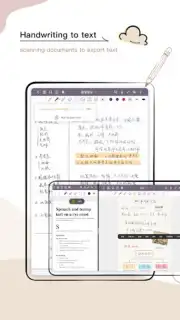
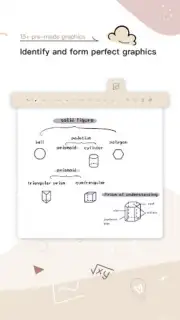
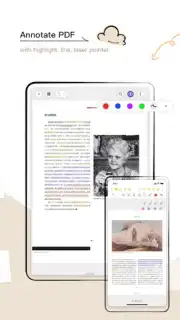
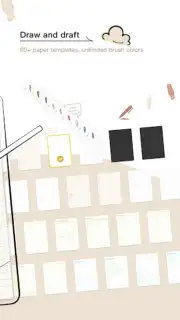
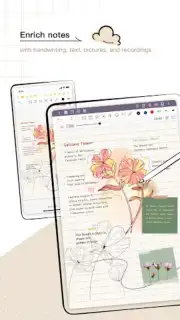
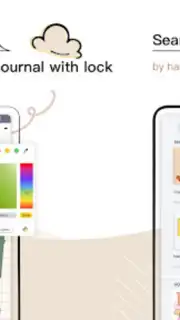
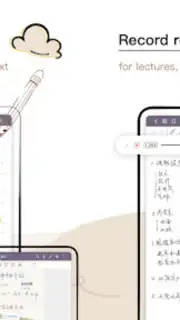
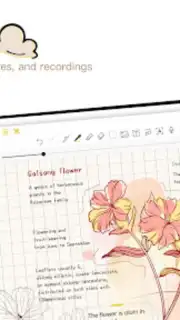
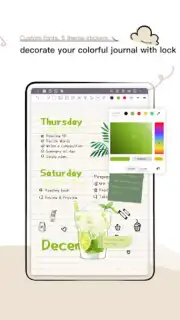
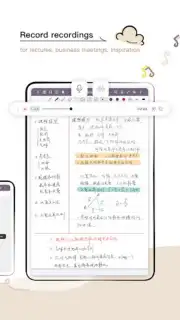
J Notes is built as a versatile editor that understands the need for both freeform creativity and precise documentation. The core experience centers on a responsive, pressure-sensitive canvas that mimics the natural feel of writing on paper with a stylus or your finger. Beyond simple ink, the app provides a full suite of editing tools for PDF documents, allowing you to annotate, highlight, sign, and fill forms directly on the file. You can seamlessly mix handwritten notes, typed text, imported images, and audio recordings on the same page, creating rich, multi-layered documents. The app intelligently organizes all your notebooks and files with a flexible folder system and robust search, ensuring you can always find that specific sketch or meeting note in seconds.
Engineered for Productivity and Precision
The advantage of J Notes lies in its commitment to being a frictionless tool that adapts to your workflow. The interface is clean and customizable, putting the tools you use most within easy reach without cluttering your creative space. It offers exceptional performance, handling large PDFs and notebooks with numerous pages smoothly, ensuring your flow is never interrupted by lag. The combination of offline reliability and seamless cloud sync options means your notes are both instantly accessible and securely backed up, ready on any device.
- Annotate and edit PDFs directly
- Pressure-sensitive handwriting & sketching
- Sync notes across your devices
- Mix audio, text, and images freely
- Powerful search for all content
We suggest trying J Notes to experience a note-taking environment that finally matches the speed and versatility of your mind. Consider downloading it today to transform how you capture, edit, and organize your world.
Disclaimer: This application requires an internet connection for initial download, cloud synchronization features, and potential in-app purchases. Some premium features or content may require additional purchases. Please be aware of your data usage when syncing over cellular networks. The app is rated for general audiences. User data is handled according to the developer's privacy policy.
Information
| Version | 3.6.4.1-gp |
| Developer | one of the handwritten notes |
| Requirements | Android Android 6.0+ |
| Updated | 15.09.2026 |
| Size | 211.54 MB |
| Package | com.jideos.jnotes.overseas.google |
| Signature | e410f6e65f17b8551fc31a037f959c934e930cf8 |
| Architecture | arm64-v8a, armeabi-v7a |


