


Learn how to draw screenshots (22)






Description Learn how to draw
Ever wondered if you could finally translate the images in your mind onto paper, but felt held back by a lack of formal training or the right guidance? What if your phone could become a personal art tutor, breaking down the mysteries of drawing into simple, enjoyable steps that actually track your improvement? This is the core promise of Learn how to draw by ArtWorkout, an educational app designed to demystify the artistic process for absolutely everyone, from complete novices to seasoned artists looking to refine their technique.
A Structured Path From First Sketch to Finished Artwork
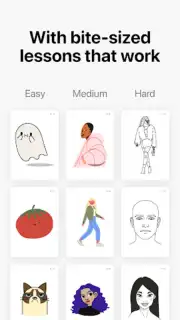
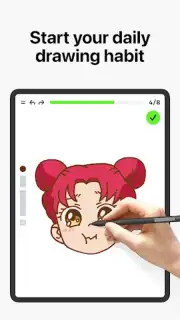
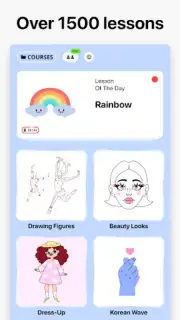
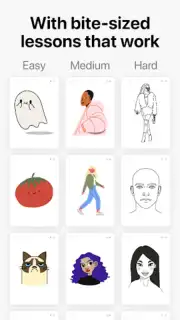
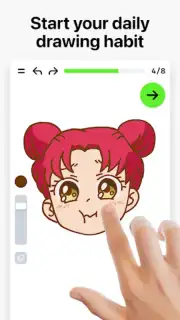
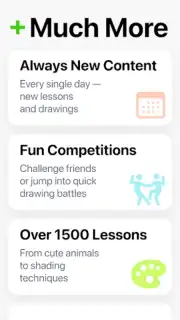
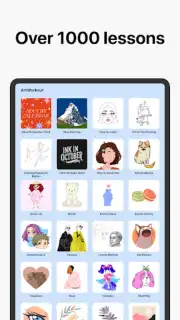
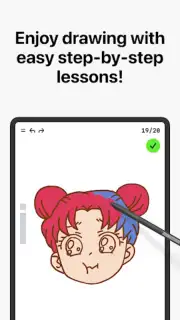
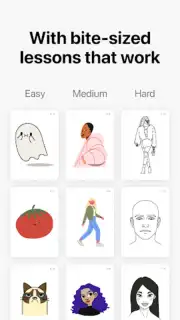
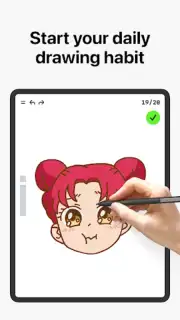
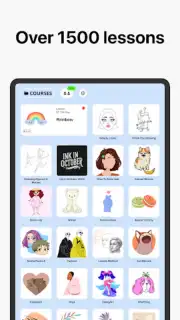
The journey begins with access to a vast and ever-growing library containing over a thousand step-by-step drawing lessons. You are not thrown into the deep end. Instead, each lesson meticulously deconstructs complex subjects into manageable stages, guiding you from initial sketches and outlines through to shading and final details. This methodical approach removes the anxiety from a blank page, transforming drawing into a relaxing, almost meditative activity. The app covers an impressive range of styles and focuses, including quick sketches, detailed illustration, painting techniques, and even the art of beautiful handwriting. New lessons are added regularly, often inspired by global cultures and seasonal themes, ensuring your creative exploration never grows stale.
Beyond Solo Practice: Interactive Learning and Community
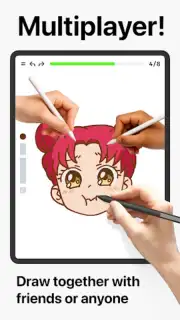
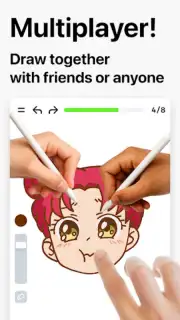
Where this app truly distinguishes itself is in its move beyond passive tutorials. It introduces interactive courses tailored to specific interests, providing a more guided, curriculum-like experience. The most innovative feature is arguably the real-time multiplayer mode. This allows you to collaborate on digital canvases with friends or other learners worldwide. You can work on shared templates, learn from each other’s techniques in a collaborative session, or engage in friendly creative challenges. This fosters a genuine sense of community and makes skill development a shared, socially engaging adventure rather than a solitary task.
Intelligent Feedback That Actually Improves Your Skill
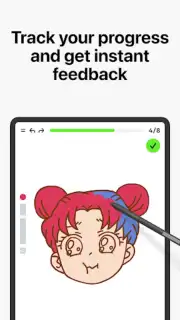
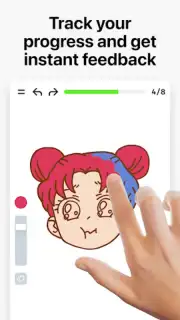
This is not an app that simply shows you how to draw and then leaves you to it. It incorporates a sophisticated evaluation system that actively analyzes your work. By assessing the accuracy of your lines and the technique of your shading, the app provides precise, constructive feedback after each exercise. This data-driven insight highlights areas for improvement in your proportions, perspective, and artistic expression, giving you clear goals for your next session. This unique combination of foundational theory and evaluated practical exercise creates a balanced learning environment that builds genuine confidence with every stroke you make.
Your Comprehensive Digital Art Studio
- Adaptive Learning for All Levels: Whether you're a child taking a first pencil to paper, an adult rediscovering a hobby, or a professional honing your craft, the app’s structured progression adapts to your starting point and goals.
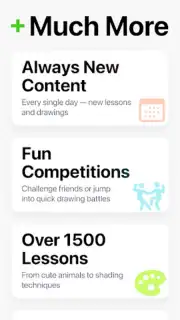
- A Library of 1000+ Guided Lessons: Endless content covering simple objects, complex scenes, animals, portraits, and various art styles, all broken into digestible steps.
- Real-Time Collaborative Drawing: Connect and create with others through the unique multiplayer mode, perfect for learning with friends or joining a global creative community.
- Intelligent Performance Tracking: Receive automated feedback on your drawings' accuracy and technique, allowing you to measure your tangible progress over time.
- Diverse Creative Tools & Courses: Explore specialized interactive courses and a full suite of digital drawing tools designed for sketching, painting, and illustration.
- A Fresh, Evolving Experience: With regular updates adding new lessons and features, the app remains a dynamic and inspiring partner in your artistic journey.
Stop dreaming about drawing and start doing it. Transform your device into a portable art academy and begin creating with confidence today. Download the Learn how to draw mobile app now and claim your creative advantage!
Disclaimer: This application requires an internet connection for certain features, including accessing lessons and multiplayer modes. The app may offer optional in-app purchases for premium content or subscriptions.
Information
| Version | 0.1.89 |
| Developer | ArtWorkout |
| Requirements | Android Android 8.0+ |
| Updated | 14.09.2026 |
| Size | 151.17 MB |
| Package | app.artworkout.learn.how.to.draw |
| Signature | 9357d65db67d32d9ec3909e22914c8d4c277fc64 |
| Architecture | arm64-v8a |


