


LetsView screenshots (8)
Description LetsView
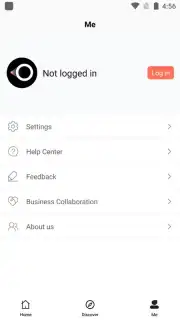
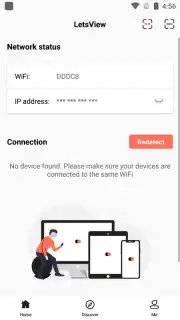
Ever wished your smartphone could become a powerful presentation and teaching tool, projecting your ideas onto any large screen with ease? LetsView transforms your mobile device into a versatile wireless display and interactive whiteboard, eliminating the need for complex cables or expensive hardware. It’s designed for educators, presenters, and teams who need to share content dynamically and interact with their audience in real time.
Core Functionality and Modes
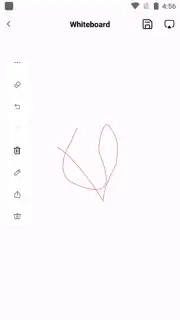
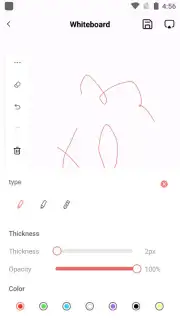
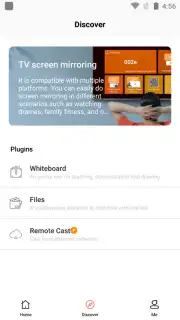
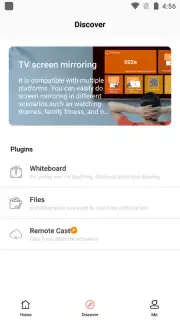
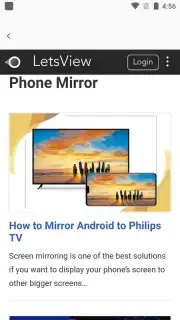
LetsView operates through two primary, seamless modes. The first is screen mirroring and media casting, which allows you to wirelessly project your entire smartphone screen—or specific media files—onto a TV, monitor, or projector. Share presentations, videos, photos, and documents directly from your device to a larger display, perfect for lectures, meetings, or group viewings. The second mode activates a full-featured digital whiteboard directly on your phone. Anything you write, draw, or annotate on this digital canvas is instantly mirrored on the big screen, turning your smartphone into a portable interactive whiteboard for live demonstrations and brainstorming sessions.
Detailed Feature Breakdown
- Wireless screen mirroring to project your phone's display onto TVs, projectors, and monitors in real time.
- Direct media file casting for sharing PowerPoint presentations, PDFs, images, and videos without cables.
- Interactive digital whiteboard with tools for writing, drawing, and annotating directly on your smartphone.
- Live annotation overlay that lets you mark up any mirrored content during a presentation for emphasis.
- Stable, low-latency connection ensuring smooth projection and responsive drawing without noticeable delay.
This combination of reliable casting and interactive whiteboarding makes LetsView an indispensable tool for educators conducting lessons, professionals delivering pitches, or study groups collaborating on visual ideas. The ability to switch instantly from showing a prepared slide deck to live drawing on a blank canvas provides unparalleled flexibility. Experience a clutter-free presentation setup and engage your audience with dynamic, visual explanations directly from your pocket.
Transform your smartphone into your ultimate presentation remote and interactive display today! Download LetsView now and start projecting with professional ease!
Internet required. IAP available.
Information
| Version | 1.5.24 |
| Developer | WangxuTech |
| Requirements | Android Android + 6.0+ |
| Updated | 17.03.2026 |
| Size | 78.78 MB |
| Package | com.apowersoft.letsview |
| Signature | 82a45919ce5501ac2bf4aee3679d793e |
| Architecture | armeabi-v7a, arm64-v8a |


