

Magisk Manager screenshots (12)
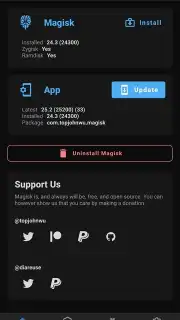
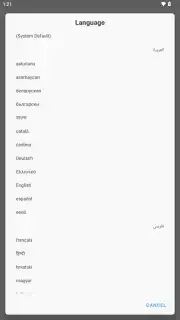
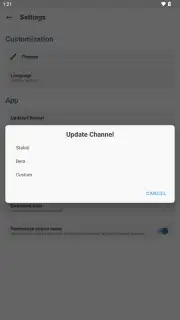
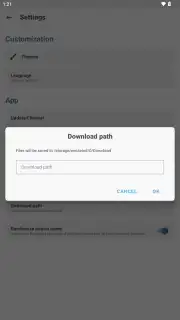

Description Magisk Manager
A Comprehensive Tool for Advanced Android System Modification
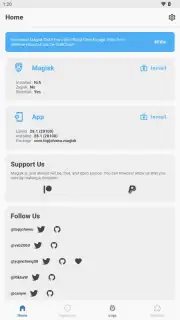
For users seeking to unlock the full administrative potential of their Android device, the process of obtaining and managing root access presents a significant technical challenge. Magisk Manager provides a structured framework for achieving this control, focusing on a method that minimizes system alteration while offering granular permission management and compatibility preservation. This application functions as the central control panel after the initial rooting procedure is complete, allowing for precise oversight of which applications are granted elevated privileges.
Detailed Analysis of Core Functionality and Management
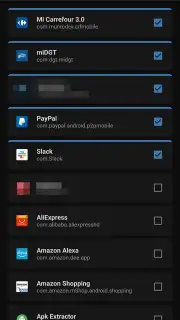
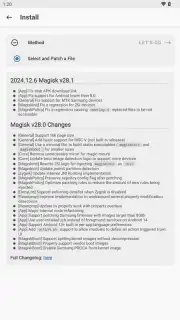
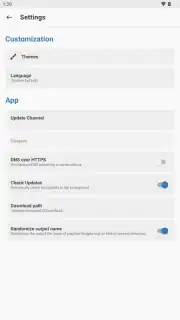
The primary utility of Magisk Manager begins after a device has been prepared with an unlocked bootloader. The application itself is used to patch a specific boot.img file extracted from the device's current firmware. This patched image is then flashed back to the device, typically using a computer with ADB (Android Debug Bridge) tools or a custom recovery environment. This process establishes root access at the boot level. Following this, the manager interface becomes essential for daily operation, featuring biometric authentication locks—such as fingerprint or facial recognition—to secure root permissions from unauthorized access. This adds a critical layer of security to the powerful system controls now available.
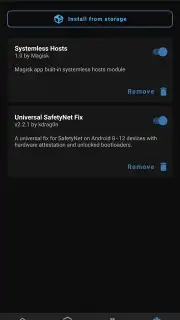
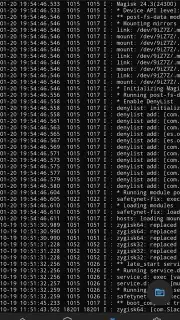
A defining characteristic of the Magisk system is its implementation of a systemless root. This approach avoids direct modification of the system partition, which enhances safety during over-the-air (OTA) updates and reduces the risk of creating an unstable system state. For extended functionality, the application supports the installation of modules. These are add-on packages that modify system behavior; a prominent example is the SafetyNet Fix module, which masks the presence of root from security-sensitive applications like banking apps and certain games, allowing them to function normally. Furthermore, the optional integration of Zygisk, a more advanced form of the Zygote process daemon, allows developers to inject code and resources earlier in the system startup sequence, which can lead to performance optimizations for certain modules and system tweaks.
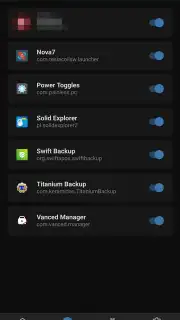
- Granular Root Permission Control: Manage superuser rights on a per-application basis, with optional biometric security to lock access.
- Systemless Root Implementation: Achieve full root access without altering the core system partition, promoting stability and OTA update compatibility.
- Expansive Module Ecosystem: Install community-developed modules to add features, fix compatibility, and customize system behavior deeply.
The application provides a centralized and secure method for administering root privileges on compatible Android devices. Its design prioritizes user control, system integrity, and the maintenance of application compatibility where possible.
We suggest trying Magisk Manager for detailed system-level management and customization on your rooted Android device.
Download mobile app now
Internet required. IAP available.
Information
| Version | d6062944 |
| Developer | topjohnwu |
| Requirements | Android Android + 4.2, 4.2.2+ |
| Updated | 17.03.2026 |
| Size | 8.83 MB |
| Package | com.topjohnwu.magisk |
| Signature | ceda68c1e174710aef58897dae6eab4f |
| Architecture | universal |


