


MediaFire screenshots (12)


Description MediaFire
Imagine needing a critical document during a commute, or a collection of high-resolution photos while away from your desktop. The challenge of accessing your digital life across multiple devices is solved by integrating a dedicated cloud storage hub directly into your mobile workflow. MediaFire provides this centralised access point, transforming your smartphone into a command center for all your files, from personal media to professional documents, with an emphasis on straightforward management and reliable sharing protocols.
Core Functionality and Storage Architecture
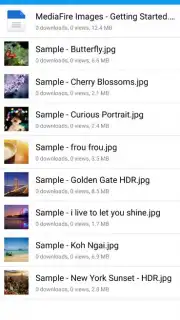
MediaFire operates as a cloud storage platform that synchronises user data across devices. The service begins with a base offering of 10 GB of complimentary storage upon account creation. This initial allocation is designed for general use and can be systematically increased to a potential 50 GB through user-driven promotional activities such as referral programs. The architecture supports a wide array of file formats, including documents, image files, video recordings, and audio tracks, creating a unified repository that alleviates local device storage constraints.
File Transfer and Security Protocols
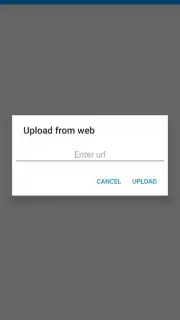
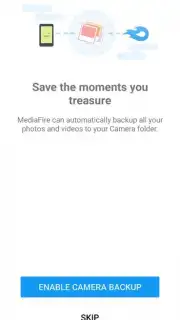
The application facilitates bidirectional file transfer with a focus on operational efficiency. Users can upload content directly from their mobile device's local storage to the cloud and, conversely, download files from their cloud library for offline access. All data transfers are conducted over encrypted connections, implementing security measures to protect file integrity and privacy during transit and while at rest on the servers, guarding against unauthorized interception.
Cloud-Based File Management System
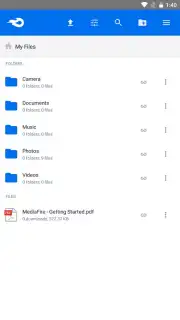
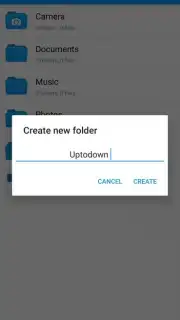
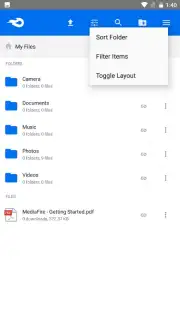
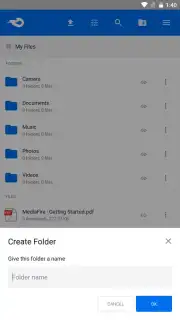
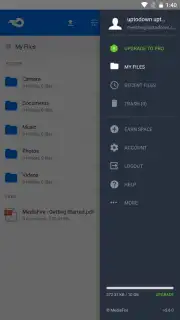
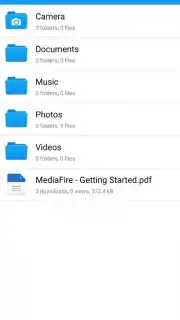
Beyond simple storage, the app includes a suite of file management tools accessible through a structured interface. Users can perform standard organizational actions such as creating folders, renaming items, moving files between directories, and deleting data. An integrated search function allows for rapid retrieval of specific files using names or keywords. This system ensures that large collections of data remain ordered and readily accessible without manual sorting on the local device.
Advanced Sharing and Access Controls
A defining feature is the granular control over file sharing. Users can generate unique, secure URLs for any file or folder stored in their cloud. These shareable links can be distributed to any recipient, who can then access the content without requiring a MediaFire account. For enhanced security, link creators can optionally impose access restrictions, including password protection and the setting of expiration dates, providing precise control over how and when shared content can be retrieved.
- Substantial Free Tier: Start with 10 GB of free cloud storage, expandable through referrals and promotions.
- Cross-Platform Synchronization: Access and manage your stored files from any mobile or desktop device seamlessly.
- Secure Encrypted Transfers: Upload and download files with confidence using protected data transfer channels.
- Comprehensive File Organizer: Use folders, rename tools, move functions, and search to keep your cloud storage structured.
- Controlled Sharing Links: Generate secure, password-protectable links with expiry dates to share files safely.
Claim your centralized file hub and expand your mobile storage capacity today.
Heads up: you'll need wifi for most features. Some cool stuff is extra.
Information
| Version | 5.6.0 |
| Developer | MediaFire |
| Requirements | Android Android + 5.0+ |
| Updated | 17.03.2026 |
| Size | 19.82 MB |
| Package | com.mediafire.android |
| Signature | 9a5db42e442a270850a839a2ddae5b49 |
| Architecture | armeabi, armeabi-v7a, x86, arm64-v8a |


