


Microsoft Launcher screenshots (27)
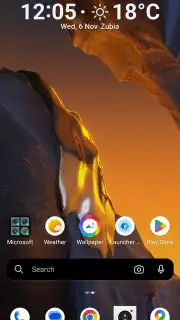
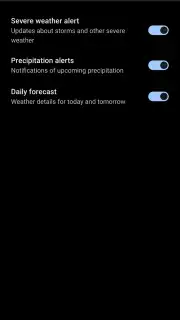
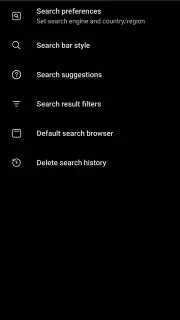
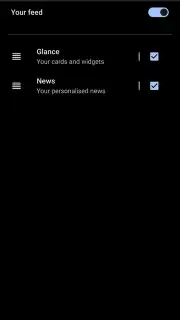

Description Microsoft Launcher
Tired of a generic, cluttered phone that doesn't really work for you?
What if your Android's home screen could actually anticipate your needs, connect seamlessly to your digital life, and transform into a truly personal command center? That's the promise of Microsoft Launcher. This isn't just another skin for your device; it's a powerful productivity layer from Microsoft Corporation that reimagines how you interact with your phone every single day. Forget the limitations of your phone's default launcher and step into an environment designed for efficiency and style.
Your phone, profoundly personalized
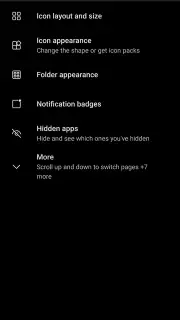
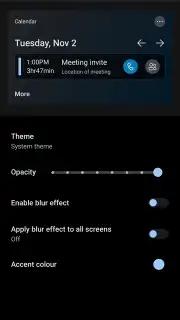
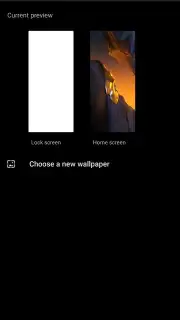
Microsoft Launcher hands you the keys to completely redesign your mobile experience from the ground up. Start with aesthetics: apply cohesive icon packs, choose stunning wallpapers from your gallery, or let your background become a window to the world with the daily Bing dynamic image feature. The launcher intelligently supports a system-wide dark theme that's easy on the eyes, and it even fully operates in a smooth landscape mode—perfect for tablet users or anyone who docks their phone.
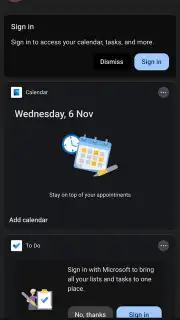
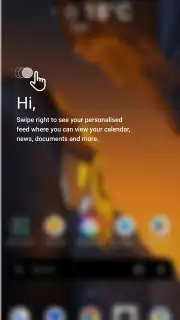
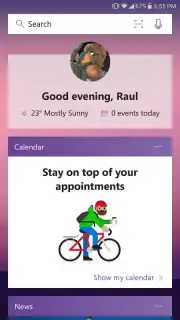
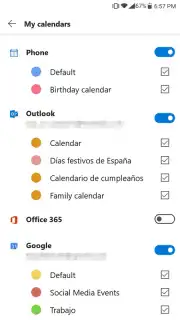
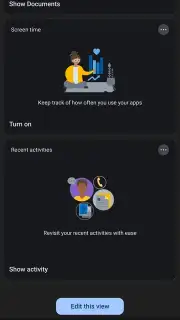
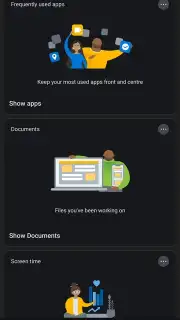
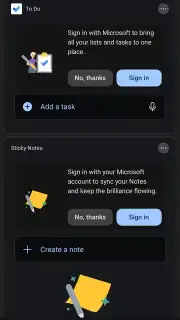
But the real magic happens when you swipe right from your home screen. Here, you'll find your personalized feed, a dynamic stream of what matters most to you. It surfaces your upcoming calendar appointments, recent notes, to-do lists, and curated news based on your interests—all without opening a single app. Sign in with your Microsoft account, and this becomes the glue for your digital life, syncing your calendar and tasks across your PC and other devices instantly.
A toolkit designed for effortless control
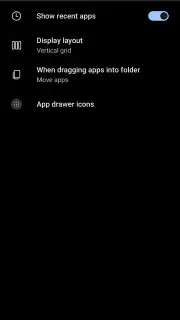
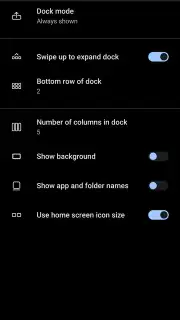
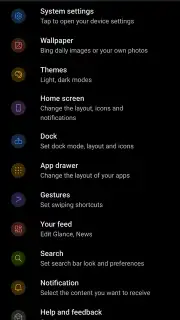
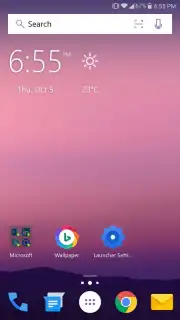
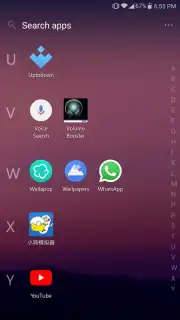
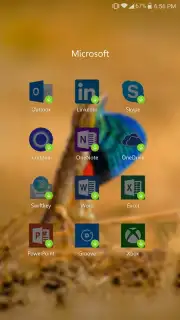
Dive deeper, and you'll discover a level of control that makes your phone feel truly yours. The home screen is fully modular. Keep the elegant default setup with time, weather, and handy Microsoft app shortcuts, or go wild adding as many widgets as you need for at-a-glance information. Access your entire app drawer with a tap, and organize everything just the way you like.
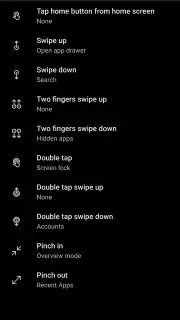
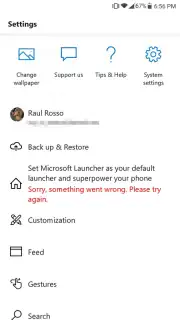
- Gesture-Based Navigation: Unlock next-level efficiency with customizable gestures. Set a swipe-up to open your notification panel, a swipe-down to see recently downloaded apps, or a double-tap to launch a quick search. These intuitive motions make navigating your phone faster and more fluid than ever.
- A Clean, Focused Experience: Enjoy a premium, ad-free interface that prioritizes your content and workflow. The launcher is built to streamline, not distract, giving you a serene and productive digital space.
- Deep Android Integration: This is a full-featured replacement launcher that integrates deeply with Android's capabilities while adding a powerful Microsoft ecosystem layer, offering a uniquely comprehensive toolset you won't find elsewhere.
This is more than a launcher—it's a productivity upgrade waiting on your home screen.
Why settle for a default experience when you can have a tailored one that connects your work and personal life seamlessly? Microsoft Launcher transforms your Android device into a powerful extension of your Microsoft world, all with a stunning, adaptable design.
Ready to redefine your Android experience? Exclusive access to this premium launcher is free for all users. Download Microsoft Launcher now and install your phone's missing link to true productivity and style today!
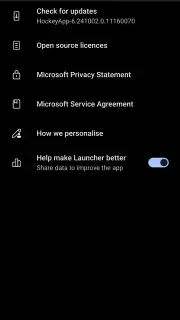
Heads up: You'll need an active internet connection for features like the personalized news feed and Bing daily wallpapers. Syncing with your Microsoft account is required for cross-device calendar and notes integration. The core launcher experience is completely free with no ads.
Information
| Version | 6.251202.0.1175611 |
| Developer | Microsoft Corporation |
| Requirements | Android Android + 7.0+ |
| Updated | 17.03.2026 |
| Size | 55.54 MB |
| Package | com.microsoft.launcher |
| Signature | b1725dd41376da902e490c630604ddc2,bc7de72f3fe2e0645233efb9917c6bcd |
| Architecture | armeabi-v7a, arm64-v8a |


