


Microsoft OneNote screenshots (11)






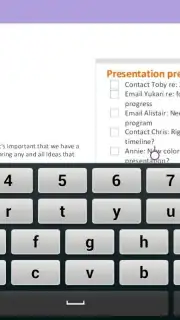
Description Microsoft OneNote
Is Your Note-Taking System Truly Adapting to Your Workflow?
Many productivity tools promise organization but enforce rigid structures that can stifle the natural flow of information. Microsoft OneNote, a core component of the Microsoft Office suite, approaches this problem differently. It functions less like a traditional document editor and more like a digital extension of your thought process, built on a foundation of free-form canvases. Its true power lies not in a single feature, but in how its interconnected systems—note capture, hierarchical organization, and cloud synchronization—work in concert to create a seamless information management hub across Windows, mobile, and other platforms. This review examines whether its flexibility translates into genuine utility for students, professionals, and anyone managing complex projects across devices.
Core Mechanics and Feature Integration
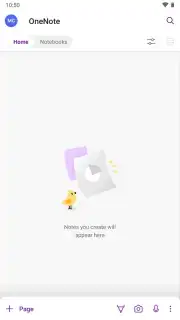
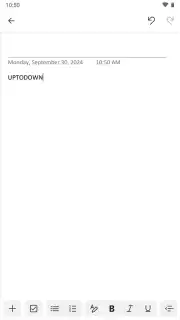
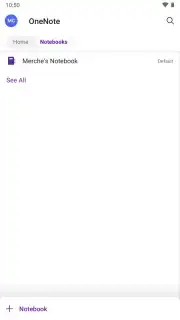
The application operates on a multi-layered organizational framework: Notebooks, Sections, and Pages. This hierarchy allows for logical separation of major life or work categories into dedicated Notebooks. Within each, Sections act as chapter dividers, which are further populated by individual Pages. This structure mirrors physical organization but without the limitations, enabling instantaneous restructuring and search. The note-taking canvas itself is intentionally unbounded. You can click anywhere and begin typing, pasting, or drawing, facilitating mind maps, meeting minutes, and research boards that aren't constrained by linear formatting. This spatial freedom is augmented by deep integration with the Microsoft 365 ecosystem, allowing for the direct embedding and linking of live Excel charts, Word document excerpts, or PowerPoint slides, turning a static note into a dynamic dashboard.
Synchronization is handled through Microsoft's OneDrive cloud infrastructure. Every alteration, from a typed character to a rearranged image, is automatically and continuously saved and synced across all signed-in devices. This creates a persistent, up-to-date workspace accessible from a phone, tablet, or desktop computer. The system extends its utility through connections with services like Microsoft Outlook, where you can directly send emails to a designated notebook or link calendar events to relevant project pages. For collaborative work, shared notebooks allow multiple users to edit and comment in real-time, with changes meticulously versioned and attributable.
Detailed Functional Breakdown
- Unstructured Digital Canvas: Input text, handwritten ink, images, file attachments, audio recordings, and web clippings onto a free-form page. Arrange elements spatially without the constraints of a linear document layout.
- Hierarchical Project Management: Organize content within a customizable system of Notebooks, Section Groups, Sections, and Pages. Apply color-coding and custom icons for rapid visual identification and workflow sorting.
- Cross-Platform Cloud Synchronization: Automatically syncs all content via OneDrive, ensuring instant access and continuity across Windows PCs, macOS, Android, and iOS devices. Edits made offline queue and update once connectivity is restored.
- Deep Microsoft 365 Integration: Embed and interact with live files from Word, Excel, and PowerPoint. Use the "Meeting Details" feature to automatically populate notes with data from Outlook calendar invites.
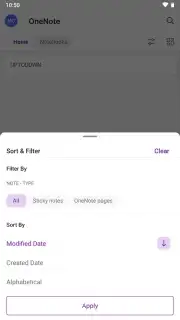
- Advanced Search and Tagging: Locate text within images and handwritten notes using OCR technology. Apply and search by custom tags (e.g., "To-Do," "Important," "Question") for filtered content retrieval across all notebooks.
- Real-Time Collaborative Editing: Share entire notebooks or specific sections with team members for simultaneous editing. View author highlights and use integrated comments and @mentions for threaded discussion directly within the note context.
Download the Microsoft OneNote mobile app now to transform your fragmented ideas into a seamlessly organized system. This is exclusive access to a professional-grade toolkit, often at a premium, now available to structure your workflow today only.
Heads up: you'll need wifi for initial sync and optimal performance of embedded cloud features. Some advanced integrations and expanded storage are part of paid Microsoft 365 subscriptions.
Information
| Version | 16.0.19725.20156 |
| Developer | Microsoft Corporation |
| Requirements | Android Android + 9+ |
| Updated | 17.03.2026 |
| Size | 147.13 MB |
| Package | com.microsoft.office.onenote |
| Signature | 03aef1b47a462db1501f2ab11b6843b0 |
| Architecture | arm64-v8a |


