


Microsoft PowerPoint screenshots (14)

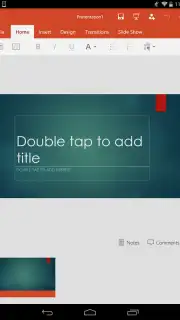
Description Microsoft PowerPoint
What defines a truly professional presentation tool in a mobile-first workflow? Microsoft PowerPoint for Android delivers the core functionality of its desktop counterpart, optimized for on-the-go creation and editing. This application provides a comprehensive suite for developing slide decks, integrating seamlessly with cloud storage to facilitate access and collaboration across devices. The experience is built around precision editing, a vast template library, and robust sharing capabilities, all within a mobile-optimized interface.
Core Functionality and Editing Capabilities
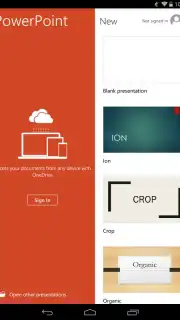
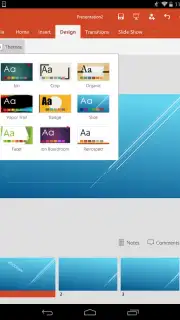
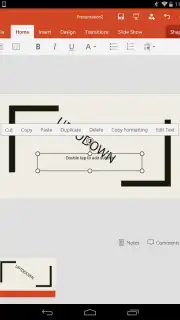
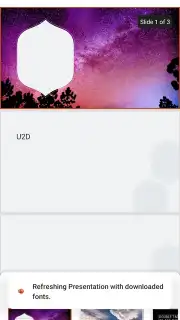
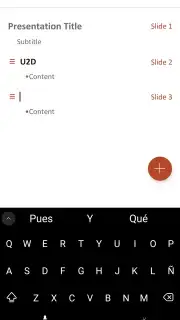
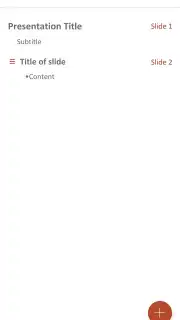
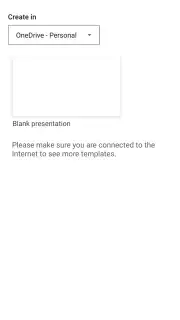
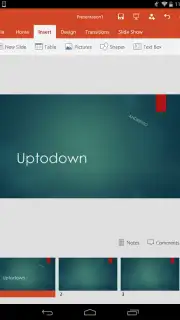
The mobile application replicates the essential toolset of desktop PowerPoint, reorganized for touch interaction. Users can initiate new presentations from a blank slate or modify existing files. The editing suite allows for the direct insertion and formatting of text boxes, images, charts, and tables. Slide layouts can be changed instantly, with options to apply consistent visual styles and themes. Content adjustment is often managed through contextual menus and one-tap formatting options. For rapid development, the app includes access to a catalog of professionally designed templates, which serve as a foundation for various business and educational purposes.
Presentation Delivery and Cloud Integration
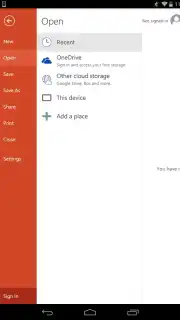
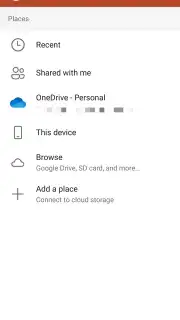
A dedicated presentation mode transforms the mobile device into a remote control and display tool. This mode enables the delivery of slideshows directly from the phone or tablet, with support for external displays via casting or cables. Speaker notes are accessible privately on the device during the presentation, along with annotation tools for live markup. The app’s architecture is deeply integrated with Microsoft OneDrive, enabling automatic synchronization of files across all signed-in devices. This cloud foundation also supports linking to other services like Google Drive and Dropbox, ensuring that the latest version of a presentation is always available, whether you are switching from a PC to a phone or sharing a link for collaborative review.
Offline Accessibility and Workflow
Full functionality is maintained without a persistent internet connection. Presentations saved locally to the device can be opened, edited, and saved while offline. Any modifications made are queued and automatically synced to the linked cloud storage once a network connection is re-established. This ensures a continuous workflow in environments with intermittent connectivity, from travel to remote meetings.
- Comprehensive Mobile Editing: Edit text, images, charts, and tables with a touch-optimized interface mirroring desktop tools.
- Template Library and Design Tools: Access and customize pre-built professional templates with integrated style and layout controls.
- Cloud Synchronization and Sharing: Automatically sync work via OneDrive and easily share documents through secure links for collaboration.
- Offline Presentation Creation: Open, edit, and save files locally with changes syncing once you reconnect to the internet.
- Mobile Presentation Delivery: Present directly from your device using speaker notes and annotation tools, with support for external displays.
Consider downloading Microsoft PowerPoint for Android if your work requires reliable, professional presentation editing and delivery across multiple devices.
Download the mobile app now.
A stable internet connection is recommended for initial setup, cloud synchronization, and accessing online templates. The app is free to download and use with a Microsoft account; certain premium features may require a Microsoft 365 subscription.
Information
| Version | 16.0.19725.20126 |
| Developer | Microsoft Corporation |
| Requirements | Android Android + 13+ |
| Updated | 17.03.2026 |
| Size | 124.26 MB |
| Package | com.microsoft.office.powerpoint |
| Signature | 03aef1b47a462db1501f2ab11b6843b0 |
| Architecture | arm64-v8a |


