


Microsoft Word screenshots (22)


Description Microsoft Word
What Does a Professional Word Processor Look Like on a Mobile Device?
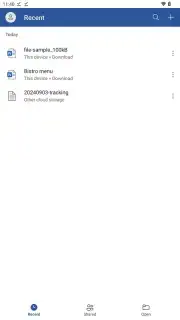
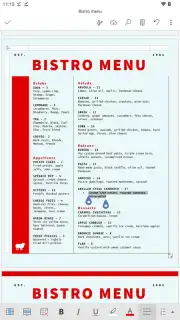
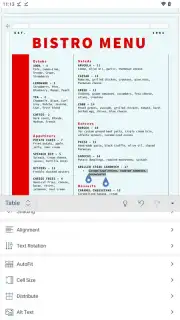
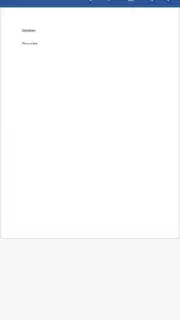
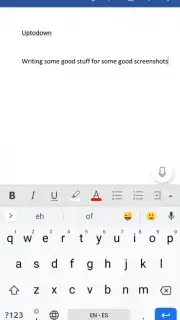
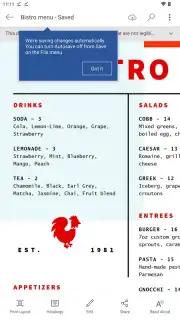
Is it possible to have the full, uncompromised power of a desktop word processor in your pocket? The Microsoft Word mobile app answers this by delivering the official, flagship text editing experience directly to Android smartphones and tablets. This isn't a simplified viewer; it's a robust application engineered to scale its interface intelligently across different screen sizes while preserving the core functionality users expect. A key operational choice is the view mode: you can work in a mobile-optimized layout for focused editing or switch to a full-page print layout to see precise formatting, margins, and the final document flow exactly as it will appear. This foundational flexibility makes it a serious tool for on-the-go creation rather than just a companion app.
Core Functionality: From Draft to Polished Document
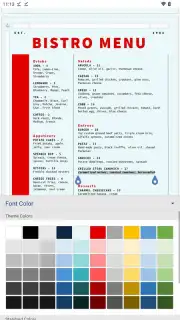
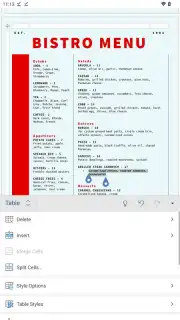
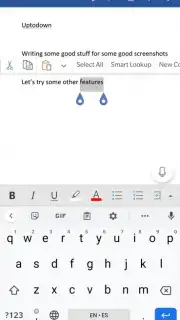
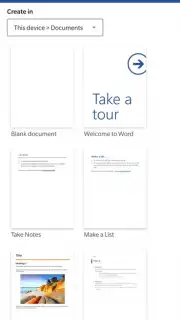
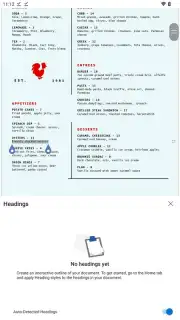
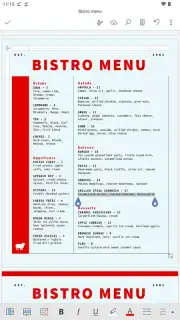
The application provides comprehensive tools for both creating documents from a blank slate and editing existing files with depth. Text formatting controls are extensive, allowing granular adjustments to font type, size, weight, color, paragraph alignment, indentation, and line spacing. The editor supports complex document structuring through customizable headings and styles, enabling the creation of organized reports, outlines, and lengthy manuscripts. Beyond text, you can insert and format tables, embed high-resolution images and shapes, and add hyperlinks. To accelerate workflow, the app includes a vast, integrated library of professionally designed templates for resumes, letters, reports, and flyers, providing a structured starting point that eliminates design guesswork.
Seamless Integration and Advanced Collaboration
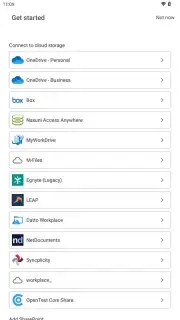
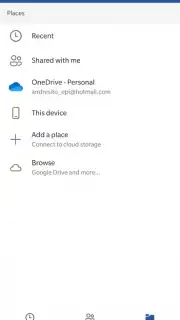
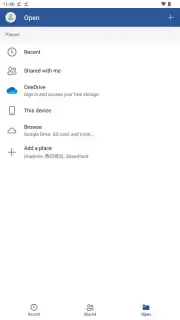
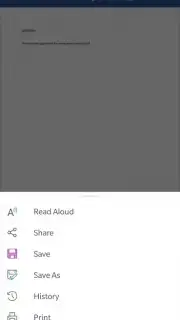
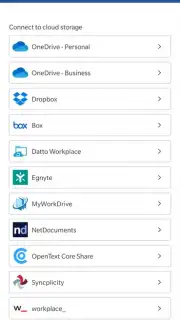
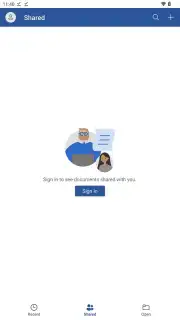
Microsoft Word’s power is significantly amplified by its deep integration with cloud services, primarily OneDrive. This enables automatic, real-time saving of every change, ensuring the latest version of your document is accessible from any device, anywhere. This cloud backbone unlocks potent real-time co-authoring capabilities. You can share a document link with colleagues or classmates, granting them permission to view or edit simultaneously. All participants see each other's cursors and edits as they happen, with integrated commenting and mention features, streamlining collaborative projects and group editing sessions without the chaos of emailing file versions back and forth. For optimal synchronization and access, signing in with a Microsoft account is recommended.
Broad File Compatibility and Intelligent Proofing
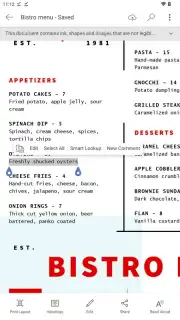
The app handles a wide spectrum of file formats. While direct editing is reserved for the modern .docx format, the reading mode supports opening and viewing .doc, .docm, .odt, .pdf, .rtf, and .txt files. If you need to edit a file in one of these legacy or alternative formats, the app will seamlessly convert it to .docx for full editing capability. A sophisticated proofing engine operates continuously, offering robust spelling and grammar checking. Misspelled words are typically underlined in red, while grammatical inconsistencies, awkward phrasing, or punctuation errors are flagged in blue. The system often suggests corrections in real-time as you type, acting as an always-available editorial assistant to enhance writing clarity and correctness.
- Create & edit documents deeply with full control over text formatting, styles, images, tables, and templates.
- Choose your view mode between a mobile-optimized layout or a full-page print preview for accurate formatting.
- Sync & collaborate in real-time via OneDrive, enabling co-authoring and access from any device.
- Open & convert multiple formats including DOC, PDF, RTF, and TXT for viewing or editing.
- Utilize advanced proofing tools with real-time spelling and grammar checking for polished writing.
This application delivers a professional-grade writing and editing suite, indispensable for business professionals, students, authors, and anyone who needs to work with documents seriously on a mobile device. Don't wait to equip your smartphone with this essential productivity tool.
Download the Microsoft Word mobile app now and transform your device into a portable document powerhouse!
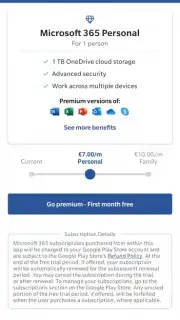
Disclaimer: This application requires an internet connection for initial setup, cloud synchronization, real-time collaboration, and accessing certain premium templates or features. It may offer in-app purchases or require a Microsoft 365 subscription for full functionality. Data usage applies for cloud services. Please check the official listing for age ratings and permissions details regarding data access.
Information
| Version | 16.0.20228.20090 |
| Developer | Microsoft Corporation |
| Requirements | Android Android 13+ |
| Updated | 02.09.2026 |
| Size | 140.51 MB |
| Package | com.microsoft.office.word |
| Signature | 7D:C8:3C:D2:AB:E8:33:56:0C:28:96:62:6E:30:70:41:C0:DF:3A:7A |
| Architecture | arm64-v8a |


