


Netflix (Android TV) screenshots (21)

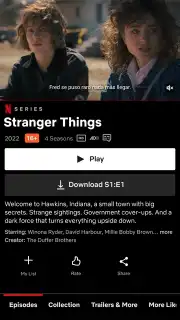

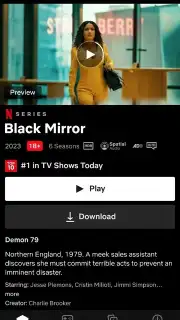
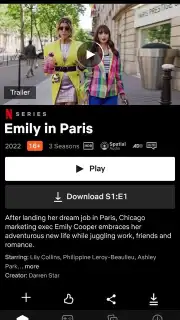




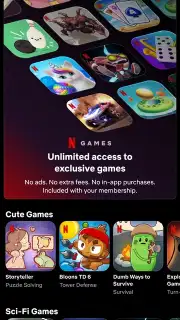

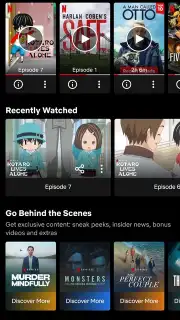
Description Netflix (Android TV)
Imagine settling into your favorite couch, the lights dim, and with a single press of a button on your remote, your entire world of entertainment materializes on the big screen. This is the experience unlocked by the Netflix (Android TV) app, the official portal designed to transform your Android-powered Smart TV into a dedicated Netflix theater. It’s not just a mirrored version of your phone app; it’s a purpose-built interface that leverages the power of a large display and intuitive remote navigation to deliver a seamless, cinematic viewing session right in your living room.
Core Functionality and Setup
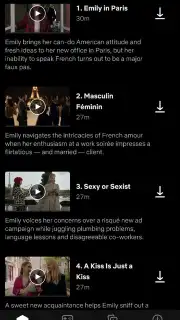
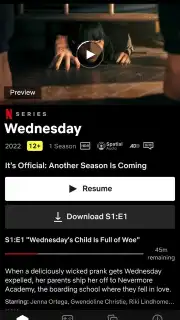
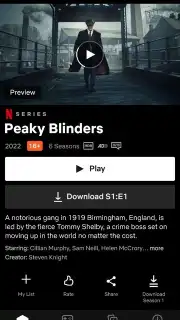
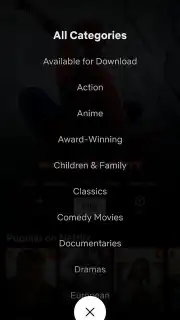
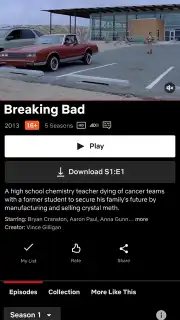
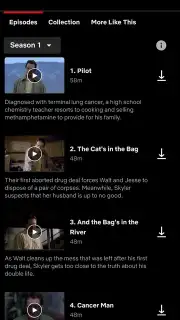
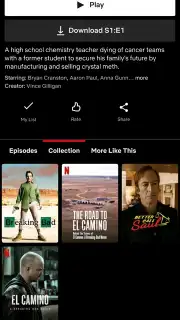
This application delivers the complete Netflix service, meticulously optimized for television hardware. It requires an active Netflix subscription for access, which can be created directly during the initial setup process within the app. Account creation involves registering an email, setting a password, and linking a payment method, as the service begins billing from your first month. The platform offers tiered subscription plans: a basic ad-supported tier, standard ad-free plans, and premium plans that enable simultaneous streaming on multiple devices in Ultra HD quality. Once logged in, the entire Netflix catalog—spanning original series, blockbuster films, documentaries, anime, and live events—is immediately accessible. The app maintains perfect sync with your profile across all devices, remembering exactly where you paused and providing all available audio tracks and subtitle options for a guaranteed, high-fidelity viewing experience.
Intelligent Viewing and Big-Screen Optimization
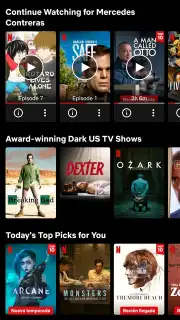
A significant advantage of using this dedicated TV application is its evolving intelligence. The more you watch, the more refined its recommendation algorithms become. It analyzes your viewing habits to surface personalized suggestions directly on your home screen. With new titles added daily, the app can proactively notify you of fresh content from your favorite genres, directors, or actors when you turn on your TV. The interface is engineered for comfort and control from a distance, featuring large, legible artwork and simplified menus. For subscribers with a compatible 4K TV and the Premium plan, the app unlocks stunning Ultra HD resolution with high dynamic range (HDR), delivering exceptional picture clarity and color depth that fully utilizes your home theater system’s capabilities.
- Complete Netflix catalog access
- 4K Ultra HD & HDR streaming
- Personalized profile recommendations
- Remote-controlled optimized interface
- Multi-device sync for watch history
- Various subscription tier options
Don't just watch—immerse yourself. Transform your television into the ultimate streaming hub and experience every detail as it was meant to be seen. Download the Netflix (Android TV) app now and claim your front-row seat to endless entertainment!
Heads up: you'll need a stable wifi connection for HD/4K streaming. A paid Netflix subscription is required to access all content. Some premium features like 4K are tied to specific subscription tiers.
Information
| Version | 12.1.1 build 23010 |
| Developer | Netflix, Inc. |
| Requirements | Android Android + 7.0+ |
| Updated | 17.03.2026 |
| Size | 42 MB |
| Package | com.netflix.ninja |
| Signature | 38cc31bf1e228ddce7c415f6e6ef997d |
| Architecture | armeabi-v7a |


