


Node Video screenshots (12)
Description Node Video
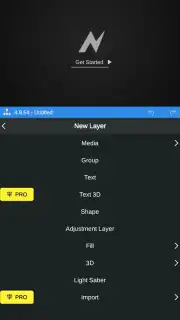
Looking for a professional-grade video editor that fits in your pocket? Node Video delivers desktop-level compositing and color grading tools directly to your Android device, transforming complex edits into a node-based workflow.
Core Editing & Compositing Capabilities
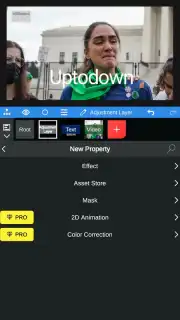
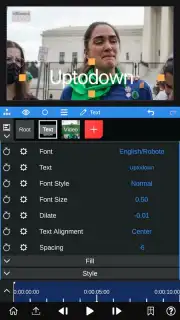
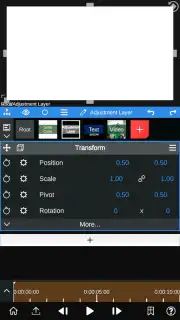
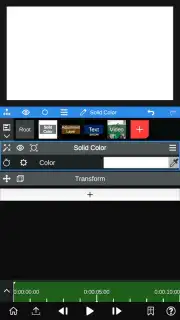
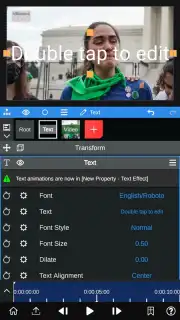
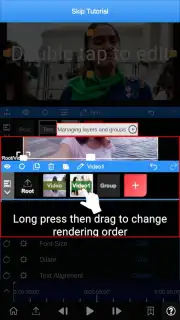
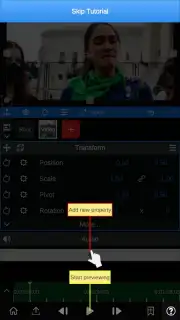
This application functions as a comprehensive mobile editing suite built around a visual node system. You gain precise control over color correction with dedicated tools for adjusting luminance, contrast, and saturation. The editor supports advanced masking for applying effects to specific areas, object motion tracking to pin elements to moving subjects, and frame-by-frame pencil drawing for annotations or rotoscoping. Keyframe animation is integrated for creating smooth parameter changes over time, allowing for dynamic transitions and effects.
Audio Processing & Pro Features
Beyond visual editing, the app includes specialized audio tools. A waveform overview function provides a visual representation of your audio track, pinpointing exact moments for cuts or highlighting volume changes when gain is applied. The Pro version unlocks further processing, such as real-time human voice isolation to separate speech from background noise and AI-powered extraction of 3D depth elements from standard 2D images for creating parallax effects.
Export & Render Control
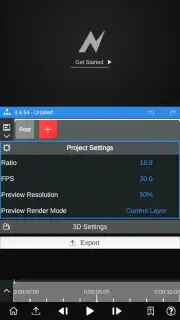
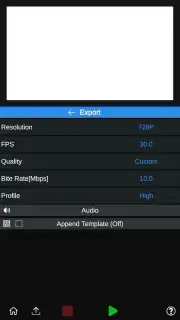
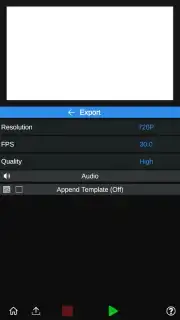
Upon completing your project, you maintain full authority over the final render settings. You can configure output resolution up to 1080p, set a custom frames-per-second value, and manually define the bitrate for precise quality management. Choosing the high-quality preset applies minimal compression, but you retain the option to manually adjust the bitrate to balance file size and visual fidelity for any platform.
- Node-based visual editing interface
- Object tracking & keyframe animation
- Advanced color grading & masking tools
Get immediate access to professional mobile video editing. Download Node Video now and start producing high-end content today!
Heads up: you'll need wifi for most features. Some cool stuff is extra.
Information
| Version | 8.4.5 |
| Developer | Shallway Studio |
| Requirements | Android Android + 7.0+ |
| Updated | 17.03.2026 |
| Size | 121.83 MB |
| Package | com.shallwaystudio.nodevideo |
| Signature | 31db8afef3cb695606c118b55ae61f80 |
| Architecture | arm64-v8a |


