

OTT Navigator screenshots (12)




Description OTT Navigator
Looking for a powerful, neutral IPTV player to organize and stream your personal media links on Android? OTT Navigator provides the framework, letting you aggregate content from multiple providers into a single, customizable interface.
Core Functionality and Setup
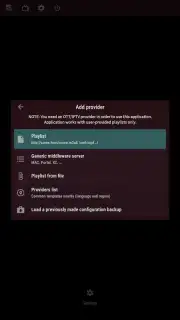
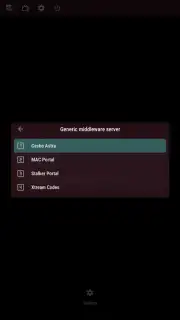
This application operates as a content-agnostic player. It does not host or provide any media streams itself. Its primary function is to accept your authorized content links and present them in a unified electronic program guide (EPG) and library system. Setup involves importing playlist files in standard M3U or M3U8 formats, entering direct streaming URLs, or configuring credentials for supported IPTV services. Once added, the app automatically categorizes channels by source for structured browsing.
Playback Control and Customization
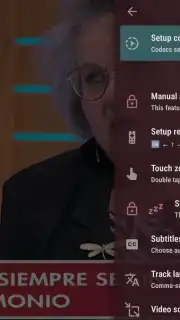
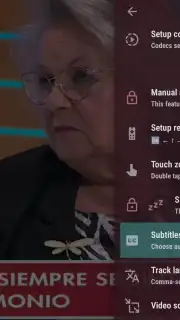
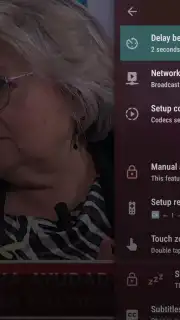
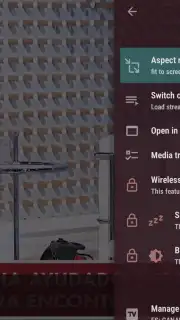
Content playback begins with a single channel selection. During viewing, you have direct access to technical adjustments including aspect ratio correction, audio track selection, and subtitle management. The app supports integration with external video players installed on your device, allowing you to leverage their specific codec or rendering capabilities. Playback can also be scheduled for recording, dependent on source provider support.
Advanced Management Features
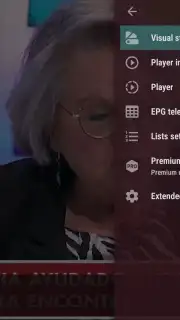
For complex setups, OTT Navigator handles multiple content providers simultaneously, switching between different service lists seamlessly. User profiles with parental control locks can be configured to restrict access to specific channels or categories. The interface is highly customizable, from channel sorting and grouping to visual theme adjustments. An optional Turbo mode removes all advertising from the app's own interface and unlocks additional organizational tools.
- Import M3U and M3U8 playlists
- Multi-provider content aggregation
- External video player support
Stop managing multiple apps. Consolidate your streams and take full control of your viewing experience today. Download OTT Navigator now!
Heads up: you'll need wifi for most features. Some cool stuff is extra. The app requires valid content sources from external providers; it does not include any built-in channels or streams.
Information
| Version | 1.7.3.3 |
| Developer | SIA Scillarium Studio |
| Requirements | Android Android 8.0+ |
| Updated | 02.09.2026 |
| Size | 20.84 MB |
| Package | studio.scillarium.ottnavigator |
| Signature | D1:FB:8D:14:5C:0C:13:04:B0:AE:1F:27:9B:C0:F0:88:38:AD:95:4A |
| Architecture | x86-64, armeabi-v7a, arm64-v8a |


