

PadCAD screenshots (18)
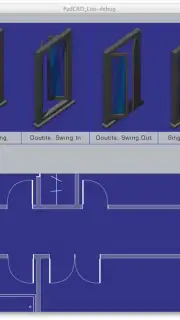
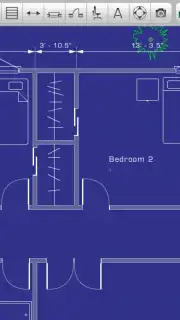
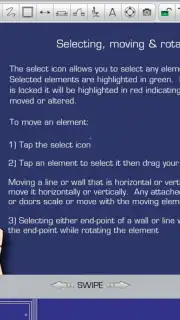
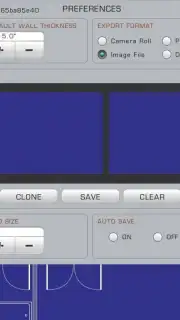
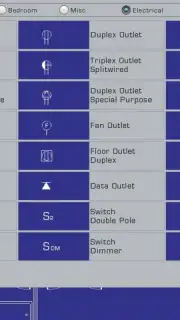
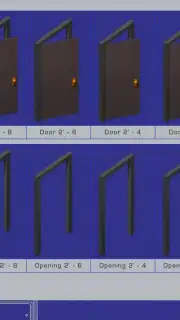
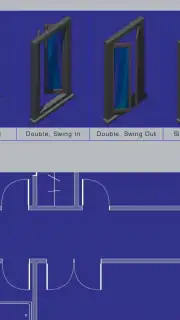
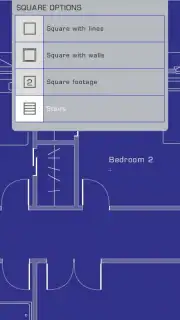
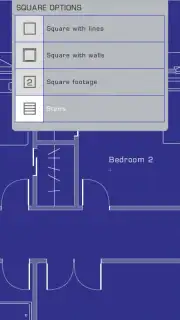
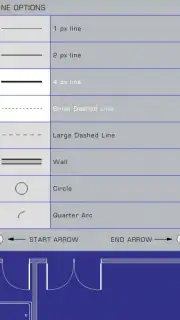
Description PadCAD
From Sketch to Panel: The Digital Drafting Table for Modern Creators
Every comic artist knows the struggle: ideas strike anywhere, but capturing them requires carrying bulky sketchbooks or wrestling with desktop software never designed for a thumb and a touchscreen. PadCAD addresses this disconnect directly, functioning as a purpose-built mobile studio that transforms your tablet or phone into a professional-grade drafting tool. It eliminates the friction between inspiration and execution, allowing for precise line work, panel layout, and character design directly on the device you always have with you.
Core Functionality and Creative Toolkit
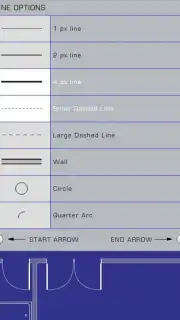
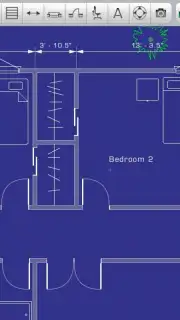
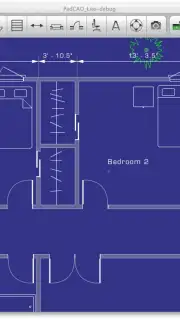
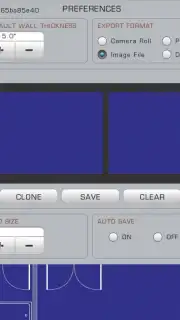
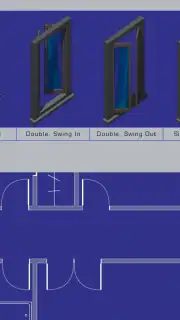
PadCAD provides a suite of vector-based drawing tools engineered for clarity and control on a mobile interface. The workspace is built around an infinite canvas, supporting multi-layered compositions essential for separating line art, flat colors, shading, and text bubbles. Its vector engine ensures that every stroke remains scalable and editable without loss of quality, which is critical for adjusting compositions or exporting assets at different resolutions. The app includes specialized guides for comic panel creation, offering customizable grids, perspective lines, and non-destructive clipping masks to quickly define storyboard frames.
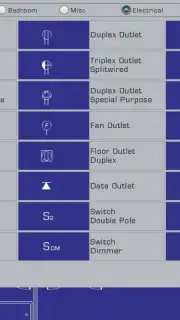
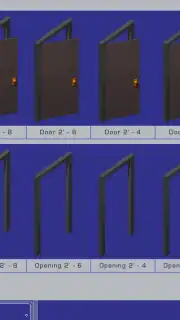
Beyond basic drawing, the system incorporates tools for narrative flow. Users can construct full page layouts, dynamically rearrange panels, and populate them with a library of reusable assets like custom character turnarounds, speed lines, and impact effects. Typography controls for speech and caption bubbles are integrated into the layer system, allowing for precise text wrapping and font styling. The environment is designed for a non-linear workflow, where sketching, inking, and lettering phases can be revisited and adjusted independently at any point in the creative process.
Key Technical and Usability Advantages
- Vector-First Engine: All artwork remains fully editable and resolution-independent, crucial for multi-format publishing.
- Comic-Specific Layout Tools: Dedicated panel creation guides, gutter controls, and page template management.
- Advanced Layer System: Supports blending modes, layer groups, and clipping masks for complex visual effects.
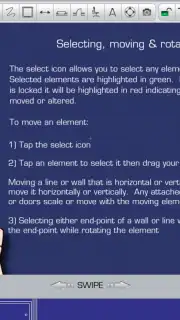
- Optimized Mobile Interface: Customizable tool palettes and gesture-based shortcuts for efficient one-handed operation.
- Robust Export Pipeline: Capable of exporting individual layers, full pages, or multi-page documents in standard print and web formats.
The application’s performance is tuned for mobile hardware, maintaining responsiveness even with complex, multi-layered documents. Its file management system allows for cloud synchronization, enabling a seamless transition between devices for on-the-go sketching and more detailed finishing work. The toolset avoids unnecessary ornamentation, focusing instead on providing deep, professional-grade functionality through an interface that prioritizes discoverability and minimal screen clutter.
Start building your visual narrative with precision tools designed for the way you actually create. Download PadCAD now and turn your next idea into a finished page.
Heads up: you'll need wifi for initial sync and cloud backup features. Some advanced brush packs and asset libraries are available as optional in-app purchases.
Information
| Version | 1.9.41 |
| Developer | Plugworks, Inc. |
| Requirements | Android Android + 2.2.x+ |
| Updated | 17.03.2026 |
| Size | 12.15 MB |
| Package | air.com.plugworks.padcad |
| Signature | be9f8d351feb2a9089095015b65bcd49 |
| Architecture | armeabi-v7a |


