


Parallel Space screenshots (9)
Description Parallel Space
A Technical Analysis of Parallel Space for Dual Account Management
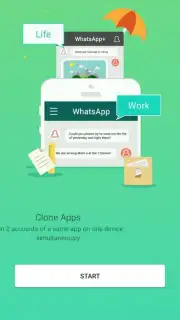
Parallel Space provides a functional solution for users who require simultaneous access to multiple accounts within a single application on Android devices. This tool operates by creating an isolated virtual environment, separate from the device's native operating system. Within this cloned space, you can install and run a second instance of applications such as social media platforms like Facebook and Instagram, or games including Clash of Clans and Candy Crush Saga. The core mechanic involves a virtualization layer that allows two independent installations of the same app to coexist without data conflict, enabling one account to run in the native system and a second, distinct account to operate within the Parallel Space container.
Operational Mechanics and System Specifications
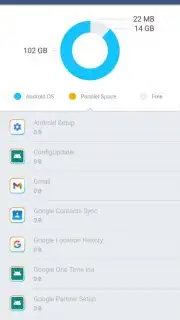
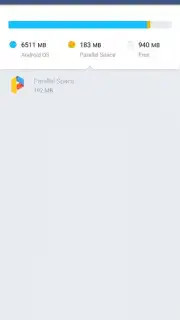
From a technical standpoint, the application functions with notable efficiency regarding device resources. The base installation footprint is approximately 2 MB, which is minimal for a utility of this type. A significant operational detail is that root access to the Android device is not required, distinguishing it from many alternative cloning applications that often necessitate deeper system permissions. However, to facilitate the full functionality of the cloned applications within its environment, Parallel Space requests a broad range of standard Android permissions. These are logically required to grant the virtualized apps access to features like storage, contacts, or location, mirroring the permissions the original apps would need.
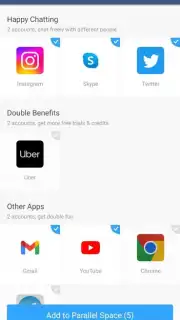
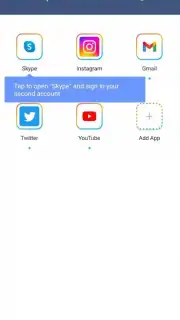
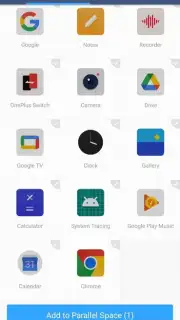
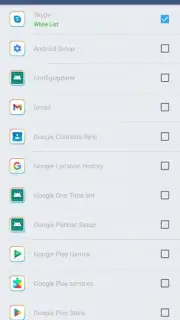
The interface is designed for straightforward operation: users select applications from their device's installed list to add to the Parallel Space environment. Once added, these apps launch from within the utility, functioning independently with their own cache, login sessions, and data. This separation is particularly effective for managing distinct personal and professional social media profiles concurrently or maintaining separate game progress accounts. The optional Turbo mode, typically accessed via in-app purchase, is promoted to enhance performance and remove advertising elements from the Parallel Space interface itself.
Key Functional Attributes
- Runs dual accounts simultaneously
- No root access required
- Minimal storage footprint
- Supports games and social apps
We suggest trying Parallel Space if your daily digital routine involves juggling multiple identities on the same platform. It presents a pragmatic technical workaround for a common modern necessity.
Download the Parallel Space mobile app now.
Disclaimer: This application requires an internet connection for the initial setup and operation of cloned online services. It may contain in-app purchases for additional features. Use of multiple accounts must comply with the terms of service of individual applications. The app requests various device permissions to enable full functionality of cloned applications. Data usage will depend on the activity within the cloned apps.
Information
| Version | 4.0.9614 |
| Developer | Parallel Space |
| Requirements | Android Android 7.0+ |
| Updated | 09.09.2026 |
| Size | 57.73 MB |
| Package | com.lbe.parallel.intl |
| Signature | F6:63:94:B1:FE:31:C8:C0:97:1C:92:6E:F8:F0:64:2F:42:A4:58:C8 |
| Architecture | armeabi-v7a, arm64-v8a |


