


PDF Document Scanner screenshots (11)

Description PDF Document Scanner
Transform Your Android Camera into a Professional Document Scanner
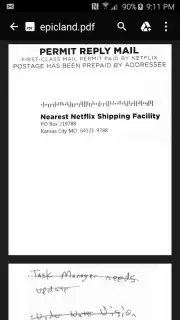
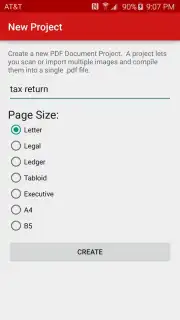
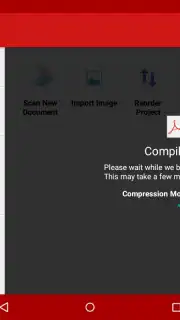
Managing physical paperwork creates inefficiency and risk. Important documents can be lost, damaged, or simply become inaccessible when you need them most. PDF Document Scanner by Ape Entertainment directly addresses this by converting your Android device's camera into a portable, on-demand scanning station. This tool eliminates the need for bulky hardware, enabling you to digitize contracts, receipts, notes, and forms directly from any well-lit, flat surface in under a minute. The process creates clean, editable PDF files from physical originals, streamlining archiving, sharing, and backup.
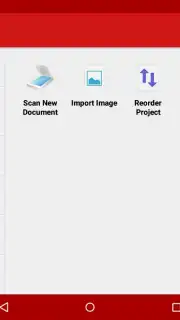
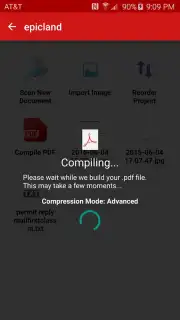
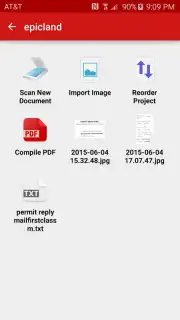
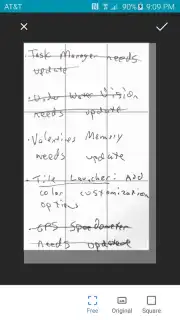
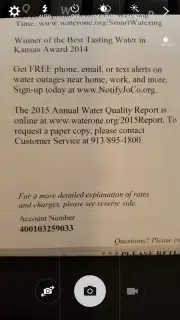
The application's functionality is built around a precise, two-tap capture system. A single tap on the screen focuses the camera on your document, ensuring text and details are sharp. A second tap captures the image. Following capture, the app provides a suite of editing tools to refine the scan. These go beyond basic cropping; you can automatically detect and remove document borders, correct perspective distortion, and apply filters to eliminate visual noise, shadows, or glare, resulting in a document that appears professionally scanned. The final output is saved directly as a multi-page PDF file, ready for cloud storage, email, or printing.
- Two-tap focus and capture system
- Border removal and perspective correction
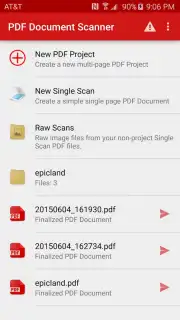
- Direct export to PDF format
Don't let disorganized paperwork slow you down. For a limited time, new users can access premium scanning features without interruption. This exclusive offer provides the tools to build a secure digital filing system instantly.
Download the PDF Document Scanner mobile app now and digitize your first document in seconds.
Disclaimer: This application requires an internet connection for full functionality and potential in-app purchases. Data usage may apply during operation and file uploads. The developer is not responsible for the content of scanned documents. Use in accordance with all applicable laws and age restrictions.
Information
| Version | 5.16.0 |
| Developer | Ape Entertainment |
| Requirements | Android Android + 12L+ |
| Updated | 17.03.2026 |
| Size | 19.09 MB |
| Package | com.ape.camera.docscan |
| Signature | 4985262d89ba86761c3030f16184307d |
| Architecture | universal |


