

Pixel Launcher screenshots (13)
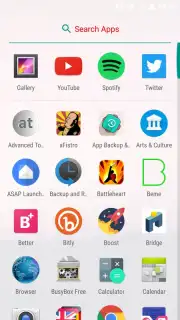
Description Pixel Launcher
What if you could experience the purest form of Android on your device?
The Pixel Launcher is the official system interface developed by Google for its Pixel smartphone line. This application delivers the definitive, stock Android experience, characterized by its clean aesthetics, intuitive gestures, and seamless integration with Google's ecosystem. It is designed not just as a launcher but as the foundational layer that dictates how you interact with your device's core functions. For users seeking the unadulterated vision of Android without manufacturer overlays or unnecessary bloat, this launcher represents the benchmark. However, its architecture is deeply tied to the Pixel framework, which introduces specific considerations for installation on non-Pixel hardware, a critical factor for potential users to evaluate.
A Detailed Look at Functionality and Integration
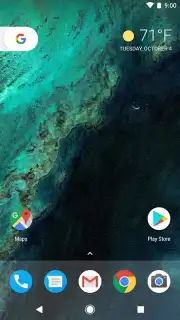
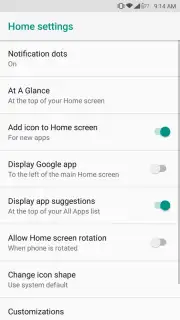
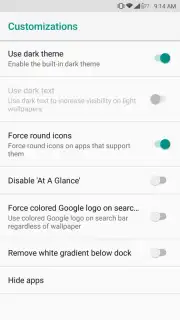
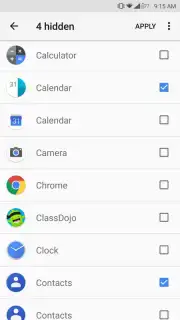
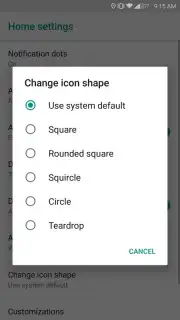
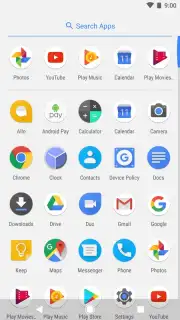
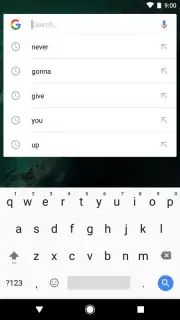
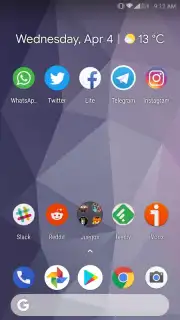
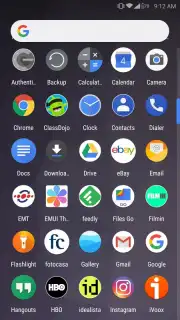
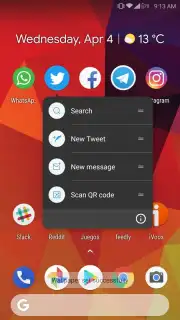
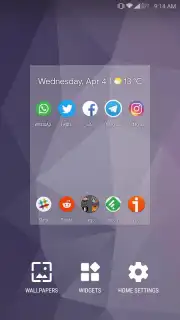
The launcher provides a streamlined, widget-friendly home screen environment where app icons can be freely rearranged and folders created. Its utility widgets for at-a-glance information—such as time, weather, and calendar events—are optimized for clarity and efficiency. The app drawer features a smart sorting system, allowing you to hide infrequently used applications to reduce clutter and focus on essentials. Direct integration with services like Google Assistant and Google Maps enables proactive information delivery and voice-controlled actions directly from the home screen. A persistent Google Search bar is anchored at the top of the display for universal query access, while a fixed dock at the bottom provides stable placement for your most essential application shortcuts.
Core Features and Operational Mechanics
- Experience the clean, material design interface of stock Android without modifications.
- Utilize integrated information widgets for weather, time, and calendar updates.
- Customize your app drawer by hiding unused applications to minimize visual noise.
- Access Google Assistant and deep search functionality directly from your home screen.
- Enjoy an ad-free environment with performance optimized for smooth navigation.
This launcher operates most reliably within its intended ecosystem. On Google Pixel devices, it functions as the native interface, with full access to device-specific features and frameworks. Installation on other Android devices is possible via APK, but may lead to compatibility issues, unexpected errors, or unstable behavior due to missing proprietary Pixel framework components. Users should proceed with caution, ensuring they understand the potential for instability when replacing a device's default launcher.
Download the Pixel Launcher APK now to install the definitive Android interface! Don't wait to transform your device's interaction model—get it immediately and experience Google's vision firsthand!
Heads up: you'll need wifi for most features. Some cool stuff is extra. This launcher is designed for Pixel devices; sideloading the APK on other phones may cause crashes or instability.
Information
| Version | Q-4753642 |
| Developer | Google Inc. |
| Requirements | Android Android + 5.0+ |
| Updated | 17.03.2026 |
| Size | 3.95 MB |
| Package | com.google.android.apps.nexuslauncher |
| Signature | 7013cab6f1552c8845297b31a3b0d645 |


