


Pixel Studio: pixel art editor screenshots (21)

Description Pixel Studio: pixel art editor
A Practical Tool for Pixel Art Creation
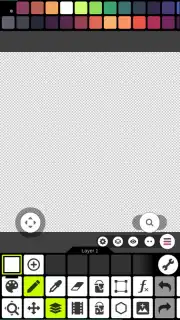
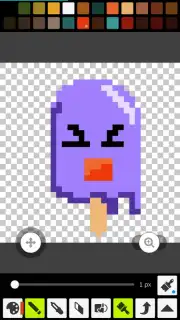
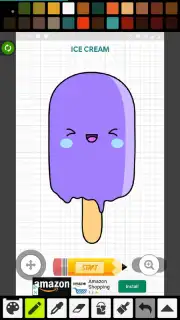
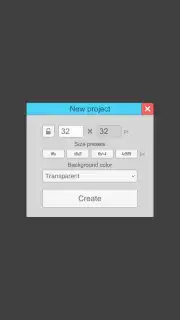
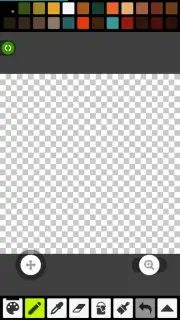
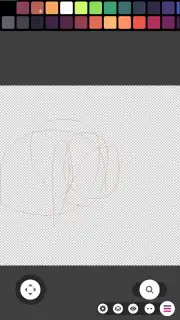
For digital artists and hobbyists seeking a dedicated pixel art editor, the challenge often lies in finding software that balances professional-grade tools with an accessible interface. Pixel Studio addresses this by providing a focused environment for creating sprites and pixel-based graphics directly on a mobile device. Its operation centers on a grid-based canvas, offering two primary starting points: a blank project for original artwork or the ability to import a photograph to use as a base layer for tracing or conversion. This approach removes initial barriers to creation, allowing users to begin work immediately regardless of their skill level.
Core Functionality and User Workflow
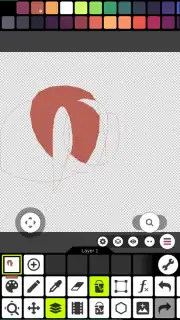
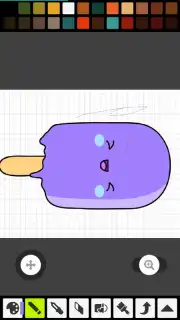
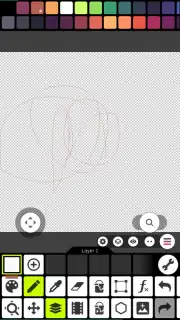
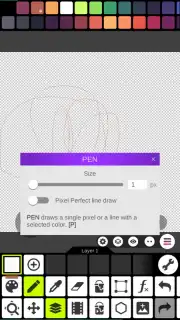
The application's toolset is built around fundamental pixel art mechanics. The primary drawing instrument functions as a pixel-perfect pencil, placing individual squares on the grid to form lines and shapes. Corrections are handled by a dedicated eraser tool, while a paint bucket enables rapid filling of enclosed areas with a selected color. Standard editing commands for undo and redo are present, crucial for iterative design work. Color management is facilitated through a customizable palette; users can save specific hex values for consistent use across a project, which is essential for maintaining a cohesive color scheme in sprite sheets or game assets.
Operational Advantages and Output
A significant operational note is the absence of advertising interruptions during use, a feature typically associated with the app's premium Turbo mode. Upon completing a piece, the output process is streamlined. Finished artwork can be exported directly to the device's local storage in common image formats. The application also integrates sharing functions to social media platforms. Internally, a built-in gallery library automatically catalogs all projects, providing a chronological and searchable portfolio of your work without relying on external file managers.
- Grid-Based Canvas & Photo Import: Start from a blank pixel grid or convert an existing image by importing it as a project base layer for editing.
- Essential Pixel Art Tools: Utilize a pixel pencil, eraser, paint fill bucket, and standard undo/redo functions for precise creation and correction.
- Custom Color Palettes & Ad-Free Experience: Save and manage custom color swatches and work without advertisement interruptions in the Turbo environment.
Download Pixel Studio: pixel art editor for mobile now and start creating detailed sprites today!
Internet required. IAP available.
Information
| Version | 5.45 |
| Developer | Hippo |
| Requirements | Android Android + 7.0+ |
| Updated | 17.03.2026 |
| Size | 79.21 MB |
| Package | com.PixelStudio |
| Signature | 8ea5859042f151748e6c70584d7a80a9 |
| Architecture | armeabi-v7a, arm64-v8a, x86_64 |


