

Play Slide Video Projector screenshots (5)
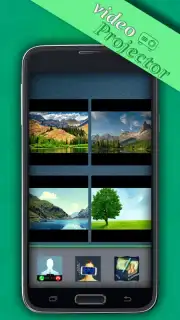
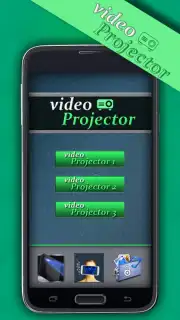
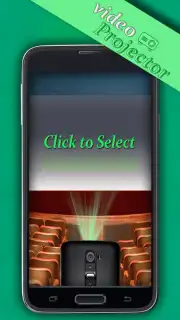
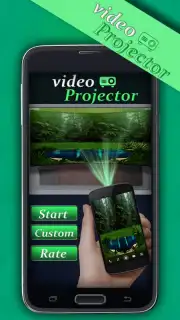
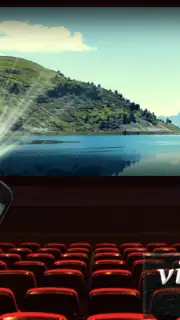
Description Play Slide Video Projector
Your Pocket-Sized Cinema, Ready to Project Anywhere
Imagine finding a forgotten video on your phone—a birthday party, a sunset from a trip, a child’s first steps. Now, picture being able to share that moment not just on a small screen, but by projecting it large and bright onto any wall, turning your living room into a personal theater. That instant, magical transformation is what awaits you. No more huddling around a single device, squinting to see details. This app hands you the power to broadcast your memories and media with a tap, making every video a shared experience.
Crafted for Intuitive, Powerful Playback
This is more than a simple video player; it’s a dedicated projection suite designed for clarity and control. You gain direct access to your device’s entire gallery, where you can browse and select any video file instantly. Once loaded, the app activates a powerful, simulated projection mode. It optimizes the video output for projection, enhancing brightness and contrast to ensure the image remains vivid even when cast onto a larger surface. You have full command over playback with easy pause, play, and skip functions, all from a clean, distraction-free interface that puts the focus entirely on your content.
Why This Becomes Your Go-To Media Hub
- Instant Large-Screen Projection: Transform any video from your gallery into a big-screen experience. The app intelligently processes the video to maintain quality and visibility when projected onto walls or ceilings.
- Universal File Compatibility: Plays a wide range of video formats directly from your device’s storage. There’s no need for complicated conversions or imports.
- Optimized Projection Mode: A dedicated viewer mode that maximizes brightness and stabilizes the image, creating the ideal output for a clear, projected display.
- Simple, Focused Interface: Navigate your library and control playback with effortless gestures. The design eliminates clutter so you can start projecting within seconds.
- Portable Entertainment System: Turns your Android device into a versatile projector for movies, home videos, presentations, or ambient visuals, anywhere you go.
Turn your phone into the center of every gathering and relive your favorite moments on a grand scale.
Download mobile app now and project your world.
Requires an internet connection for initial download and potential updates. The app may contain optional in-app purchases. This application is intended for a general audience. Data usage may apply depending on your activity and network. Compatible with Android 4.0.3 and above.
Information
| Version | 1.5 |
| Developer | Play Slide |
| Requirements | Android Android + 4.0.3, 4.0.4+ |
| Updated | 17.03.2026 |
| Size | 3.97 MB |
| Package | com.playslide.videoprojector |
| Signature | 672da94cb125346b10141b426ed74461 |
| Architecture | universal |


