


RAR screenshots (22)
Description RAR
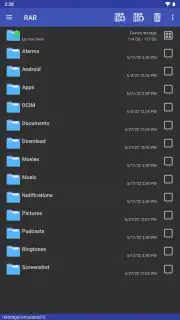
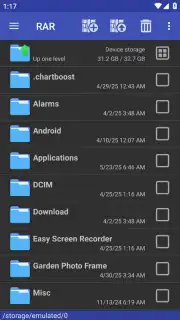
Looking for a powerful, official file compression tool that goes everywhere your Android device does? Meet RAR, the mobile companion to the legendary WinRAR software, putting decades of archiving expertise directly into your pocket. This app transforms your phone into a fully-featured compression workstation, allowing you to open, create, convert, and secure archives on the go without ever needing a desktop computer.
Core Functionality and Archiving Power
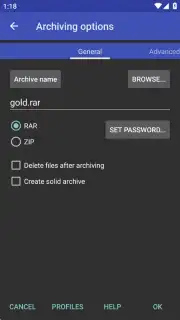
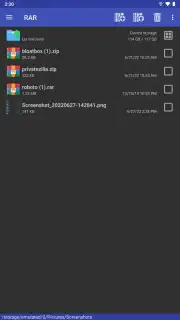
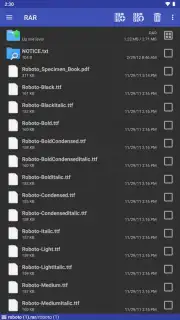
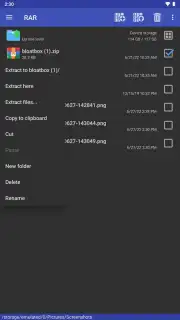
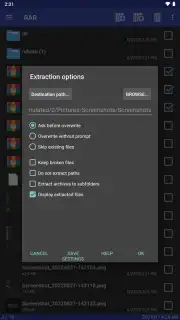
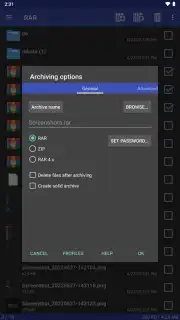
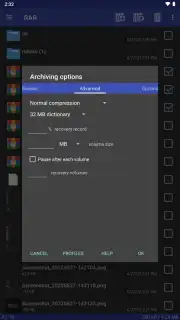
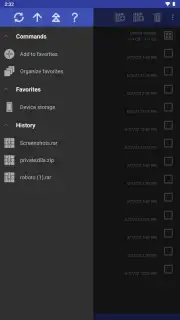
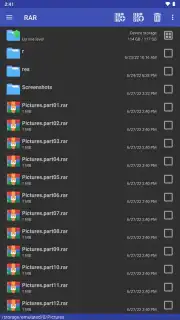
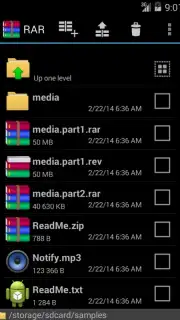
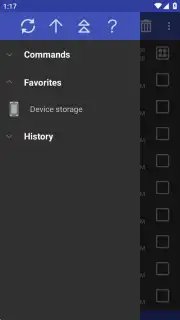
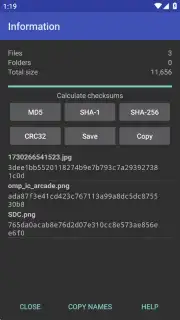
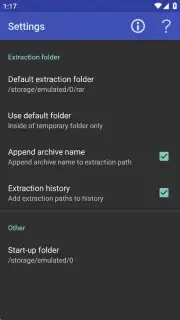
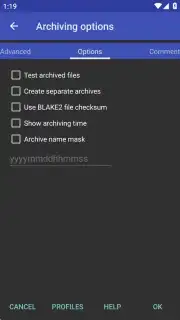
RAR for Android delivers professional-grade file management with a streamlined mobile interface. It serves as a universal extractor, capable of opening a vast array of compressed formats including RAR, ZIP, TAR, GZ, BZ2, XZ, 7z, ISO, and ARJ files downloaded from the internet or received via email. When creating your own archives, you have the choice between the highly efficient RAR format or the universally compatible ZIP format. The app provides deep control over the compression process, letting you set password protection, encrypt both file names and contents for maximum security, and even adjust CPU core usage to balance speed and battery life. A dedicated history log keeps track of all your compression and extraction activities for easy reference.
Advanced Features and Format Management
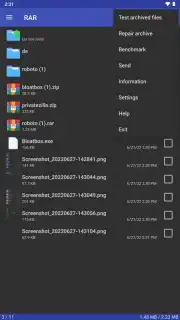
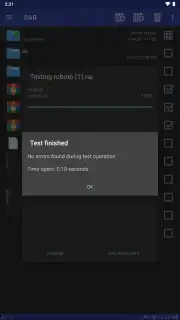
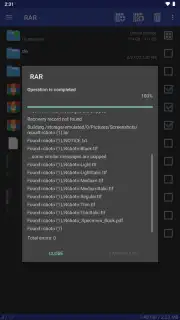
Beyond basic tasks, RAR includes sophisticated tools for handling complex scenarios. It attempts to repair damaged or incomplete archive files, offering a chance to recover crucial data. The app also functions as a powerful file converter, allowing you to change a compressed file from one format to another in seconds directly on your device. A key differentiator is the Turbo mode, which accelerates operations significantly. The interface remains completely ad-free, ensuring an uninterrupted workflow. For users curious about format differences, while ZIP offers wider compatibility, the RAR format often provides a superior compression ratio, meaning smaller file sizes and more efficient storage—a critical advantage on mobile devices with limited space.
Optimized Feature List
- Open and extract numerous archive formats
- Create password-protected, encrypted archives
- Convert between compression formats instantly
We strongly recommend downloading RAR now if you regularly handle downloaded files, need to save device space by compressing photos and documents, or require a reliable tool for securing sensitive information. It's the definitive mobile solution for anyone who values powerful, ad-free file management.
Please note: An internet connection may be required for initial download and accessing online files. The app is free and may contain optional in-app purchases for additional features.
Information
| Version | 7.20.build131 |
| Developer | Rar Lab |
| Requirements | Android Android + 5.0+ |
| Updated | 17.03.2026 |
| Size | 5.46 MB |
| Package | com.rarlab.rar |
| Signature | 1c3b9052b917236fa09a32f0038a5683 |
| Architecture | armeabi-v7a, x86, arm64-v8a |


