


ReadEra screenshots (20)



Description ReadEra
Imagine a single, uncluttered space on your device where every book, document, and article you own is instantly accessible, perfectly organized, and ready to read in your preferred style. This is the core functionality of ReadEra, a dedicated reading application engineered to replace multiple, disjointed readers with a unified, automated library system. It operates on a principle of practical efficiency, stripping away superfluous settings to deliver a focused and fluid reading experience across an extensive range of file formats.
Comprehensive Format Support and Automated Library Management
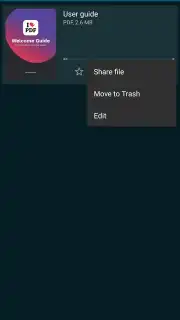
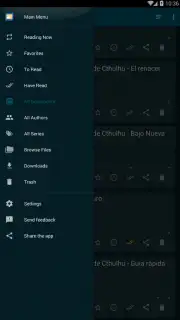
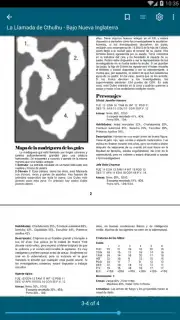
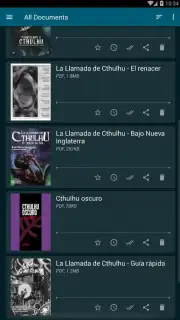
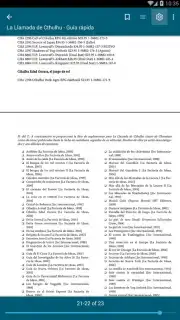
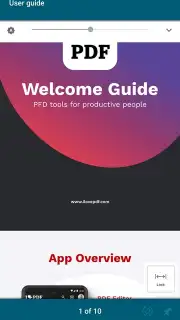
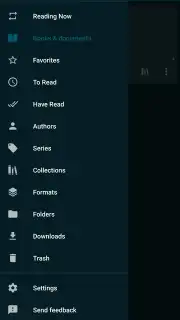
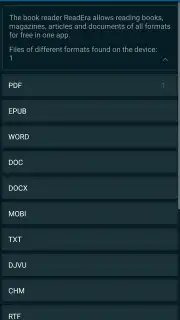
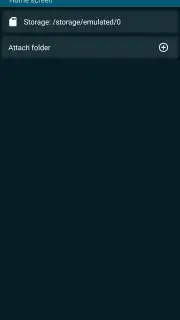
The application’s primary operational capability is its native compatibility with a vast array of digital text formats. It processes EPUB, MOBI, and FB2 e-books alongside PDF documents, Microsoft Word files (DOC, DOCX), and plain text (TXT) without requiring conversion. This eliminates the need to maintain separate software for different file types, consolidating your entire digital collection into a single repository. Upon installation, the tool performs an automatic scan of your device’s storage, identifying supported files and importing them into a visually structured library. The system intelligently manages this library by detecting duplicate files and grouping different editions of the same title, maintaining order without manual intervention.
Customizable Reading Parameters and Session Management
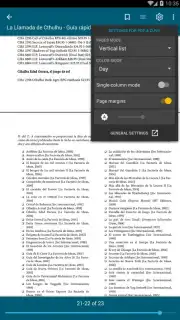
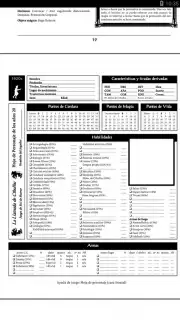
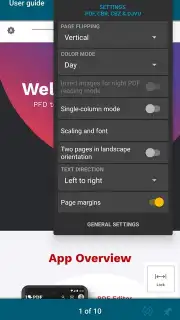
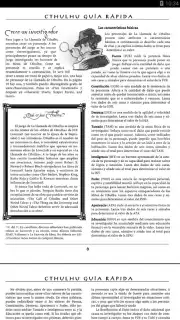
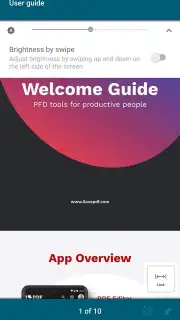
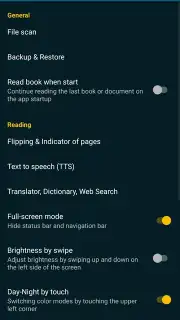
ReadEra provides granular control over the visual presentation of text. Users can adjust typeface, font size, line spacing, and margin dimensions to suit personal preference. The application includes specific color mode presets, such as a sepia tone for reduced contrast and a true night mode with a dark background, designed to minimize eye strain during extended reading sessions. For graphic-heavy content like comics or PDFs, dedicated layout modes optimize the display. A core functionality is the automatic saving of reading progress; the application bookmarks the exact page and scroll position whenever a document is closed, allowing you to seamlessly resume across multiple books without manually tracking your place.
Operational Environment and Access Model
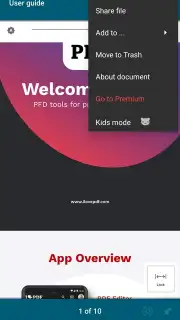
The application functions as a local reader, with primary operations not requiring a constant internet connection after the initial download. An optional premium tier, ReadEra Turbo, unlocks additional features and removes all advertising content from the library interface. The base application remains free to use with core reading and library management features fully active.
- Wide format compatibility
- Automatic library organization
- Customizable reading settings
Download the ReadEra mobile app now to transform your device into a unified, high-performance library. This limited-time offer provides exclusive, uninterrupted access to its full suite of free organizational tools—install today to secure your optimized reading experience.
Disclaimer: The application requires an internet connection for initial download and potential updates. ReadEra Turbo is an optional in-app purchase. The app may access device storage to manage your library. Data usage depends on book downloads. Please check the product page for current age ratings and permissions.
Information
| Version | 26.02.05+1705 |
| Developer | READERA LLC |
| Requirements | Android Android + 4.4+ |
| Updated | 17.03.2026 |
| Size | 37.39 MB |
| Package | org.readera |
| Signature | cb95cf8f90ad26f7585f4d65f9024828 |
| Architecture | armeabi-v7a, x86, arm64-v8a, x86_64 |


