

Root ToolCase screenshots (22)



Description Root ToolCase
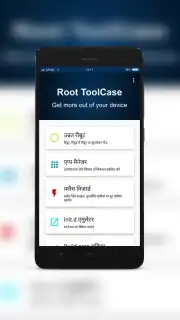
Imagine having a toolbox that unlocks every hidden setting on your Android device. Root ToolCase is that comprehensive utility suite, designed specifically for users with root access who demand granular control over their smartphone's operating system and hardware. It transforms administrative privileges into practical actions, from deep system cleaning to low-level configuration.
Core Functionality and Tools
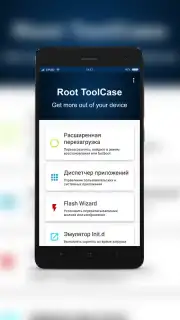
Root ToolCase operates as a centralized management hub for rooted Android devices. It provides direct access to system-level functions that are typically restricted, enabling modifications that can enhance performance, reclaim storage, and personalize the device beyond standard limits. The application requires an active internet connection for initial verification and to access certain cloud-based component databases.
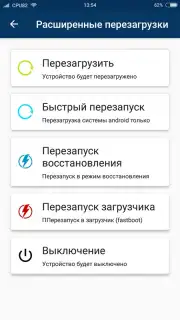
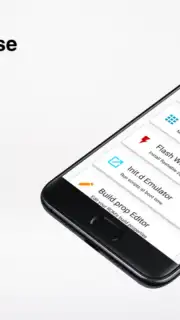
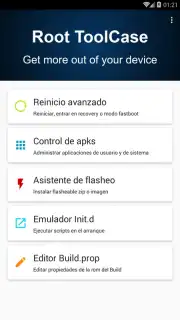
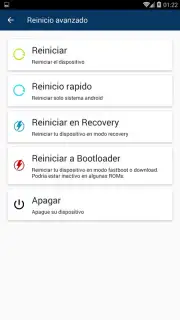
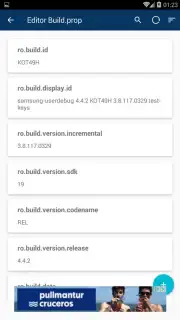
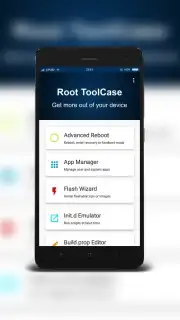
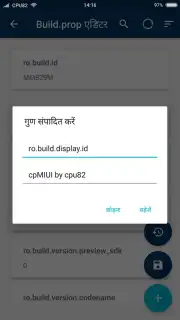
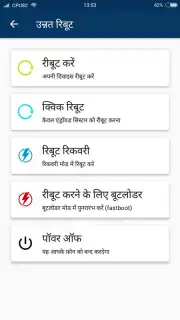
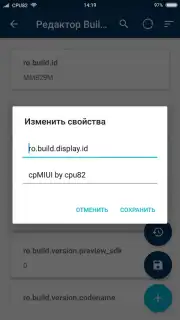
The Build.prop Editor is a dedicated module for modifying the build.prop file, which contains key ROM properties and system parameters. Changes made here can alter device identification, enable hidden features, or tweak system behavior. The Advanced Reboot menu configures the device's boot sequence, offering one-tap access to recovery mode, safe mode for troubleshooting problematic apps, and the bootloader. This tool also provides a direct path to factory reset functions.
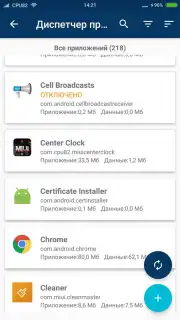
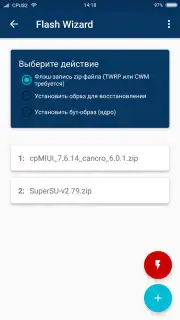
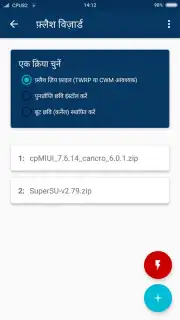
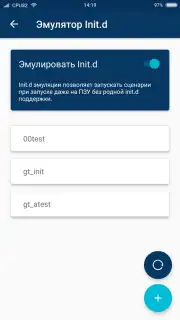
For storage and performance management, the app includes a persistent cleaner that removes residual files, APK caches, and obsolete data from uninstalled applications. This process aims to free up internal memory and reduce CPU overhead from unnecessary background processes. The flash device installer function supports the installation of custom firmware, mods, and system packages directly from storage, facilitating deep customization.
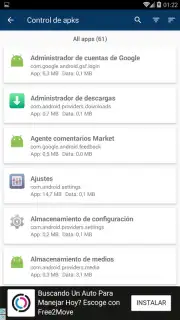
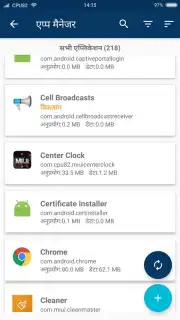
- Deep System Application Management
- Persistent File and Cache Cleaner
- Build.prop ROM Editor
- Advanced Reboot Configuration Menu
- Flash Installer for Custom Packages
- Turbo Mode for Ad-Free Operation
We suggest trying Root ToolCase if you possess a rooted device and seek to leverage its full potential through systematic tools.
Download the Root ToolCase mobile app now to take command of your rooted Android system.
Note: This application requires root access, a stable internet connection for full functionality, and may involve interactions with system files. Proceed with caution, as improper use can affect system stability. Some features or modules may be accessed via in-app purchases.
Information
| Version | 1.16.4 |
| Developer | cpu82 |
| Updated | 17.03.2026 |
| Size | 9.53 MB |
| Package | com.cpu82.roottoolcase |
| Signature | 0efa0d181d4f8072ce6220e0394f5715 |


