

Screen Recorder screenshots (8)
Description Screen Recorder
Your Phone is Now a Production Studio
Imagine capturing every moment on your screen exactly as it happens—no shaky cameras, no missed taps, no complicated setups. Whether you're showcasing an epic gaming victory, creating a crystal-clear tutorial for your followers, or saving an important video call, this tool transforms your device into a seamless recording powerhouse. You stop worrying about how to record and start focusing on what to create.
Capture, Customize, and Share with Ease
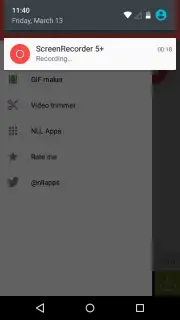
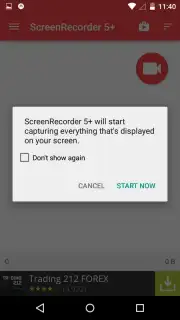
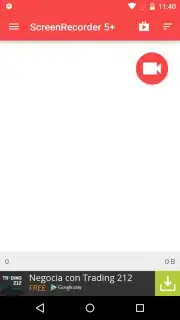
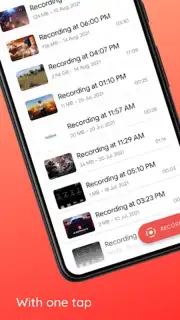
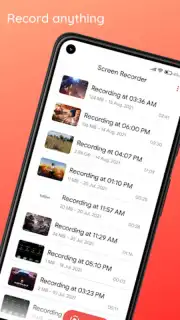
This screen recorder puts you in full command. You initiate a recording with a single tap from a persistent floating widget, giving you total control to start and stop without ever leaving the app you're in. You choose exactly what to capture: full HD video of your entire screen, or select a specific area for a more focused view. The built-in microphone lets you add your live commentary or narration, so your personality shines through every video.
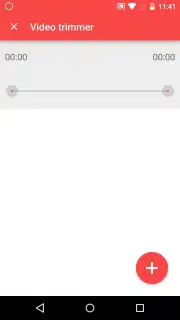
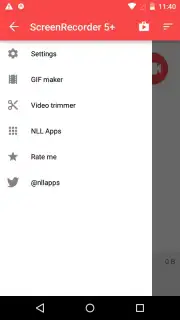
Once your recording is complete, the built-in editor awaits. You are no longer stuck with raw, unpolished footage. Trim the beginnings and ends with simple sliders, merge multiple clips into one seamless video, and add custom text or stickers to highlight key moments. You can even extract perfect still images directly from your recording with a single tap. The final, polished video is ready to be shared directly to your favorite social platforms or saved in high quality to your gallery.
Why This Recorder Becomes Your Go-To Tool
- Zero-Lag Recording: Experience buttery-smooth capture that keeps up with fast-paced games and rapid screen transitions without dropping frames.
- Floating Control Widget: A discreet, always-accessible button lets you pause, resume, or stop recording from any screen, without interrupting your flow.
- Front Camera Picture-in-Picture: Record your reactions live by enabling a small, movable window of your facecam over the screen recording, perfect for vlogs and reactions.
- Intuitive Built-in Editor: Perform essential edits immediately after recording—no need to download a separate app. Trim, merge, and annotate on the spot.
- No Root Required: Gain advanced recording capabilities without the need to root your device, keeping your phone secure and warranty intact.
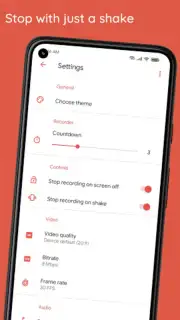
- Customizable Settings: Tailor video resolution, frame rate, and bitrate to balance stunning quality with efficient file sizes for easy sharing.
Download the Screen Recorder app now and turn every screen interaction into shareable, professional-looking content!
Heads up: A stable internet connection is recommended for uploading and sharing videos. Some advanced editing features may be part of a premium upgrade.
Information
| Version | 3.0 |
| Developer | SmoothMobile, LLC |
| Requirements | Android Android + 4.4+ |
| Updated | 17.03.2026 |
| Size | 14.83 MB |
| Package | us.screen.recorder |
| Signature | a62d9e29b339addcaa60c5a52b6a2687 |
| Architecture | universal |


