


Slidey screenshots (11)


Description Slidey
Struggling to build a presentation on your phone between classes or during your commute? What if you could craft a professional slide deck from scratch, entirely offline, with tools that feel intuitive from the first tap? Slidey transforms your mobile device into a powerful, portable presentation studio, designed specifically for students who need to create, edit, and finalize impressive work anywhere, anytime.
Core Functionality & User Experience
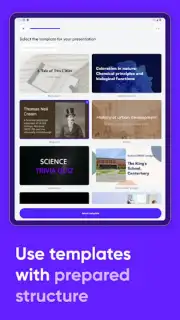
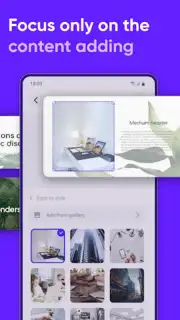
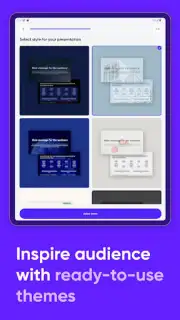
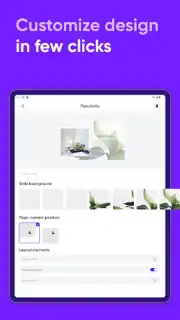
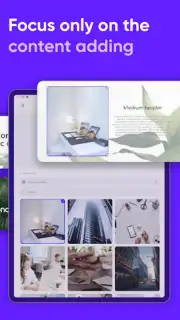
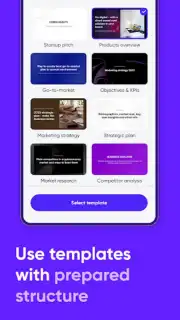
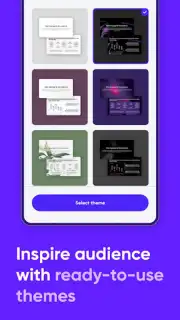
Slidey operates as a fully-featured presentation suite built for the mobile workflow. The application provides a seamless environment for constructing slide decks from a library of pre-designed templates and themes, which serve as a starting point for any academic subject or personal project. Users engage with a streamlined editing interface that utilizes smart functional blocks—think of them as modular design elements for text, images, and shapes—that snap together to form a coherent layout. This builder-style toolkit dramatically accelerates the creation process, enabling logical sequencing of ideas without complex software knowledge. A central pillar of the app is its complete offline functionality; every core tool for development, refinement, and completion of slides is available without an internet connection, ensuring uninterrupted productivity.
Detailed Feature Breakdown
The app's efficiency is delivered through a set of specific, powerful capabilities focused on customization, control, and export flexibility.
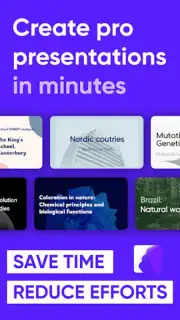
- Access a vast library of professionally designed templates and thematic layouts suitable for case studies, lecture summaries, or project pitches.
- Utilize smart editing blocks and drag-and-drop tools to quickly assemble slides with precise alignment and consistent styling.
- Work entirely offline to create, edit, and finalize presentations without any dependency on Wi-Fi or mobile data connectivity.
- Export your finished presentation in multiple formats including PPT for editing, PDF for sharing, and JPEG for individual slide images.
- Monitor your progress with built-in tracking tools that provide a clear overview of your deck's structure and completion status.
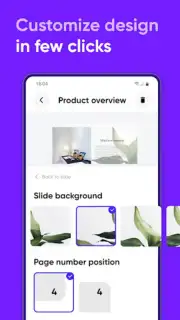
This combination of depth and simplicity makes Slidey an indispensable tool for students who prioritize both speed and a polished final product. The ability to personalize every element, from font choices to color schemes, ensures that the final output is not only informative but also visually cohesive and tailored to specific content requirements.
Get your presentation advantage today—download Slidey now and turn your ideas into compelling visual stories with unmatched speed and style.
Heads up: you'll need Wi-Fi for initial app download and template updates. Some premium template packs and advanced export options are extra.
Information
| Version | 1.0.97 |
| Developer | Enpower Apps |
| Requirements | Android Android + 8.0+ |
| Updated | 17.03.2026 |
| Size | 54.16 MB |
| Package | com.enpowerapps.presentationmaker |
| Signature | 8f6a3eb79a8182c1612ecbf515baf680 |
| Architecture | armeabi-v7a, arm64-v8a |


