

Smart View 2.0 screenshots (11)
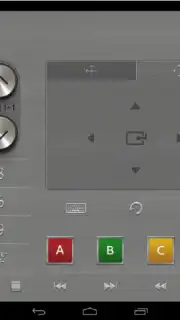
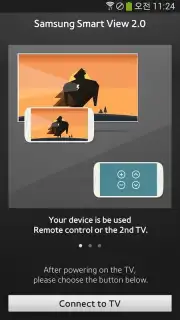
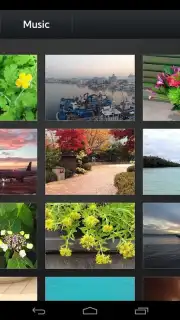
Description Smart View 2.0
From Screen to Canvas: A Digital Art Studio in Your Pocket
The transition from a fleeting idea to a finished digital piece often involves a frustrating gap between inspiration and execution. You might sketch a concept on paper, only to lose its energy when transferring it to a screen, or feel limited by the basic tools on your primary device. Smart View 2.0 addresses this disconnect by transforming your Samsung smartphone or tablet into a central command hub and a wireless canvas for your larger displays, effectively bridging the gap between portable ideation and expansive creation.
Core Functionality and Creative Tools
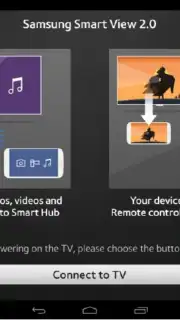
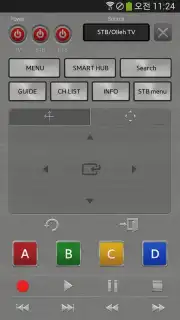
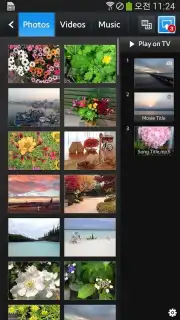
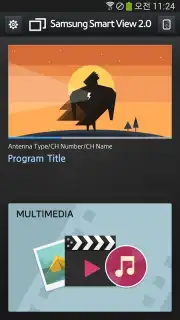
This application functions primarily as a sophisticated screen mirroring and content sharing tool, but its integration within the Art & Design category suggests a focus on leveraging that capability for creative workflows. The core mechanic involves wirelessly connecting your mobile device to compatible Samsung Smart TVs, monitors, or projectors. Once linked, you can mirror your device's screen in real-time, turning your TV into a large-scale preview monitor for artwork, designs, or presentations. Beyond simple mirroring, it facilitates the casting of specific media files—photos, videos, design mockups—directly from your gallery or supported creative apps to the big screen for client reviews or detailed editing. The interface provides control over the display resolution and frame rate to ensure visual fidelity, which is critical when evaluating fine details in a design.
For creators, this transforms the process. You can use your phone's touch screen with a stylus for precise input in your preferred drawing app, while viewing the results on a large, high-definition display without any physical cables. This setup is particularly useful for digital painters, graphic designers, and UI/UX designers who benefit from a detached, hand-held input device paired with a large-format output. The app also allows for multi-tasking; you can browse reference images on your phone or check messages without interrupting the content being displayed on the main screen.
Key Operational Advantages
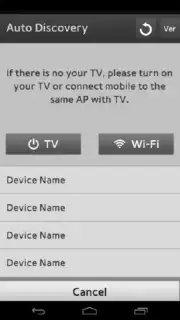
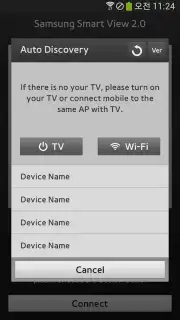
The utility of Smart View 2.0 lies in its seamless integration and user-centric design. The connection process is streamlined for Samsung ecosystems, often requiring just a few taps to detect and pair with your TV. The stability of the wireless connection minimizes lag, which is essential when mirroring dynamic brush strokes or fast-paced design software interfaces. It effectively declutters your workspace by removing the need for HDMI adapters or specific laptop setups, making a professional-grade, large-screen preview system highly portable and instantly available.
- Wireless screen mirroring and media casting
- Large-scale display for detailed art review
- Stable connection with adjustable settings
- Cable-free creative workspace setup
We suggest trying Smart View 2.0 if your creative process involves moving between a mobile sketchpad and a larger display for refinement or presentation. It provides a practical, streamlined solution for artists and designers embedded in the Samsung ecosystem.
Heads up: you'll need WiFi for most features. Some cool stuff is extra. Requires compatible Samsung devices and Android 2.2.x or higher.
Information
| Version | 1.0.26 |
| Developer | Samsung Corporation |
| Requirements | Android Android + 2.2.x+ |
| Updated | 17.03.2026 |
| Size | 32.91 MB |
| Package | com.samsung.companion |
| Signature | d087e72912fba064cafa78dc34aea839 |
| Architecture | armeabi |


