

Software Data Cable screenshots (22)
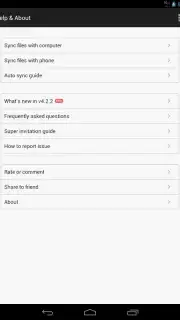
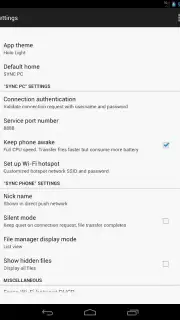
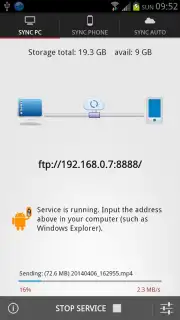
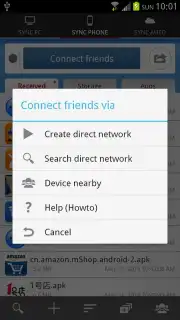
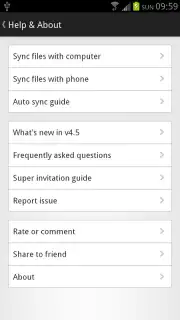
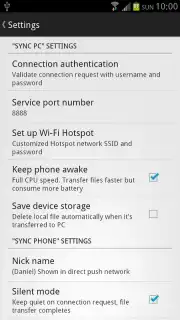
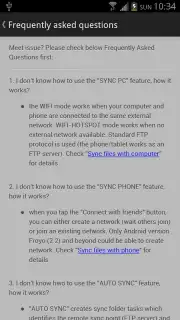

Description Software Data Cable
Ever Felt the Tangle of Cables?
Imagine this: you’ve just captured the perfect photo on your phone, a moment you need on your laptop right now. Or perhaps there’s a critical document sitting on your computer that you desperately need to send from your tablet. The old routine begins—hunting for the right cable, hoping the drivers install, waiting for the devices to recognize each other. It feels like a digital chore from a past era. What if you could simply reach through the air and move your files as easily as passing a note? That’s the reality waiting for you, and it begins with a single tap.
Your Wireless File Transfer Command Center
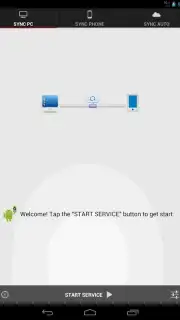
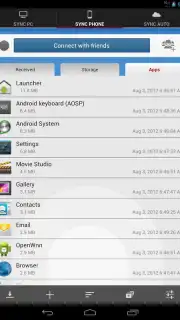
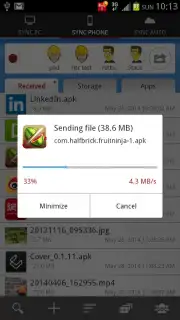
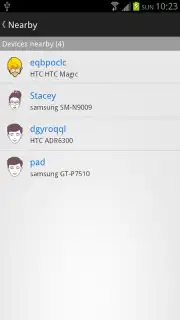
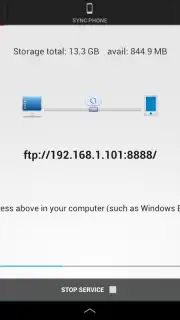
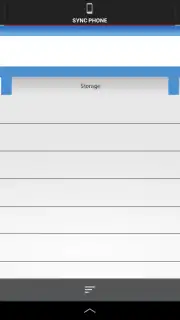
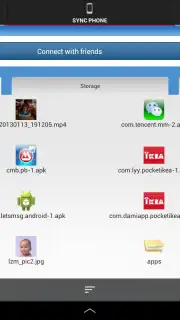
Software Data Cable transforms the space between your devices into a seamless, invisible highway for your digital life. This isn't just about sending a file; it's about creating a unified, cable-free ecosystem where your smartphone, tablet, and computer work in perfect harmony. The magic happens through a brilliantly simple local connection. Think of your Android device as a powerful server, and your computer's web browser as the ultimate remote control. You simply enter the unique FTP address provided by the app into your browser, and suddenly, the entire file system of your phone is laid out before you. It’s like having a direct window into your device’s storage, accessible from any modern browser without installing any software on your computer.
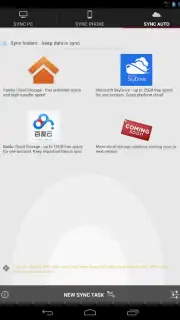
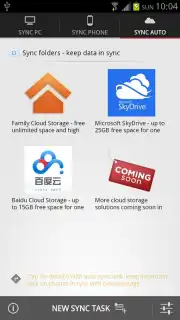
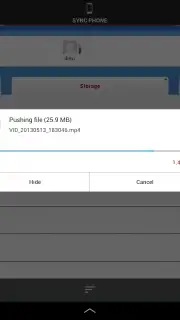
The experience is designed for pure speed and zero friction. See a video on your phone that belongs in your laptop’s editing folder? Just click it in the browser, and it downloads in seconds. Need to backup a week’s worth of vacation photos? You can select entire folders and pull them over in one go. But the utility goes far beyond simple transfers. This app acts as a continuous sync engine and a communication bridge. You can set up automatic backups for specific folders, ensuring your latest work documents or cherished photos are always duplicated and updated on your other devices without you lifting a finger. Plus, the ability to send text messages directly between your synced devices means you can type a lengthy reply on your computer’s comfortable keyboard and have it sent from your phone—a hidden productivity superpower.
Forget the limitations of physical connectors and the frustration of incompatible software. This is about reclaiming your time and simplifying your workflow. The app’s Turbo mode elevates the experience further, removing any barriers and supercharging the transfer process for the smoothest performance possible.
- Wireless file transfers in seconds
- Direct browser access to phone files
- Automatic folder backup & sync
- Send messages between devices
This is your invitation to cut the cord for good. Stop wrestling with cables and waiting for slow cloud uploads. Transform the way you move data and experience the freedom of a truly connected digital life. The solution is here, polished, and incredibly powerful.
Download Software Data Cable now and make every other transfer method feel ancient!
Heads up: you'll need wifi for most features. Some cool stuff is extra.
Information
| Version | 7.1 |
| Developer | DAMI APP |
| Requirements | Android Android + 3.0.x+ |
| Updated | 17.03.2026 |
| Size | 6.19 MB |
| Package | com.damiapp.softdatacable |
| Signature | 79224fa1e25ee330be36aefe23e0982f |


