


Splashtop 2 - Remote Desktop screenshots (6)
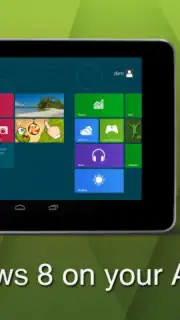
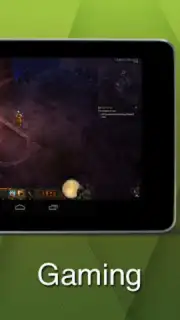
Description Splashtop 2 - Remote Desktop
Imagine your entire computer, with all its files, programs, and power, fitting right in your pocket. With Splashtop 2 - Remote Desktop, that's not a fantasy—it's your new reality. This powerful app transforms your Android tablet or phone into a true remote terminal, giving you full, real-time access to your desktop from anywhere. Forget about being chained to your desk; your multimedia library, work software, and even high-performance applications are now just a tap away on your mobile device.
Unlock Your Computer's Full Potential on Android
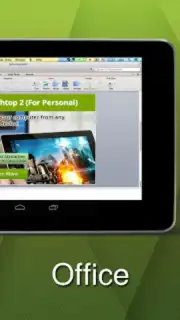
Splashtop 2 goes far beyond simple screen mirroring to deliver a complete, functional remote desktop experience. It establishes a high-speed, direct connection that makes your Android device feel like a natural extension of your main computer. You can execute complex tasks with precision, as if you were sitting right in front of your monitor. The application seamlessly integrates with your computer's native environment, allowing you to leverage its full processing power for demanding mobile workflows.
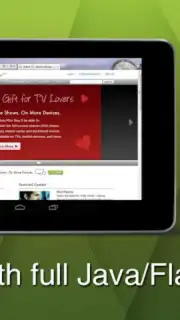
The technology shines with rich media and web content. The app fully supports advanced web technologies like Java and Flash, enabling you to interact with any website exactly as you would on your desktop. This means uninterrupted browsing, accessing legacy web platforms, and even playing browser-based games on social networks directly from your phone or tablet. Furthermore, you can command your computer's native audio and video players to stream your personal media collections—your movies, music, and photos stored on the hard drive—directly to your Android device without cumbersome file transfers.
Core Features & Capabilities
- Full Desktop Control: Remotely operate your computer's OS, launch any installed program, and manage files directly from your Android interface.
- Rich Media & Web Access: Stream video/audio libraries and experience full web compatibility, including Java/Flash sites and browser-based applications.
- High-Performance Connectivity: Utilizes optimized Turbo technology for a responsive, ad-free experience that makes remote interaction feel instantaneous.
This tool is indispensable for professionals needing remote access to specialized software, students retrieving documents, or anyone who wants to experiment with centralized computing. You'll quickly discover that your Android device is capable of far more than you imagined, becoming a powerful window to your primary machine.
Don't wait to liberate your digital life! Transform your mobile device into a powerhouse remote terminal today.
Download Splashtop 2 - Remote Desktop now and access your entire computer from anywhere!
Heads up: you'll need a stable Wi-Fi or cellular data connection for optimal performance. Some advanced features and connections over the internet may require a separate subscription.
Information
| Version | 3.7.4.23 |
| Developer | Splashtop |
| Requirements | Android Android + 5.0+ |
| Updated | 17.03.2026 |
| Size | 40.43 MB |
| Package | com.splashtop.remote.pad.v2 |
| Signature | 9b67e8b41dd3ae6dfccf1813b5ff721c,17aac222fa3828a2f4eab9ffcd324113 |
| Architecture | armeabi-v7a, x86, arm64-v8a, x86_64 |


