

TG Recorder - Screen Recording screenshots (7)
Description TG Recorder - Screen Recording
Ever Needed to Record Your Screen, But Found It Too Complicated?
You’re trying to show a friend how to fix a tricky setting, capture that epic gaming moment, or save an important video call. The built-in tools are clunky, the quality is poor, and you end up with a file you can’t even edit. It feels like a barrier between your screen and sharing your world. What if recording was as simple as a single tap, giving you crystal-clear video and powerful editing tools right in your pocket? That seamless control is exactly what you unlock.
Capture and Create with Unmatched Ease
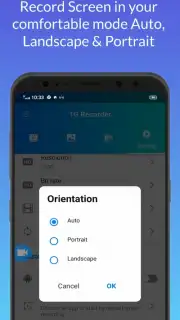
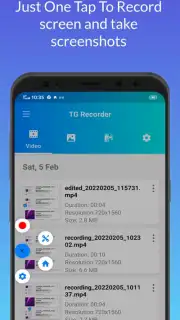
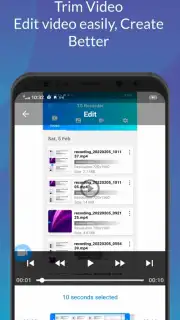
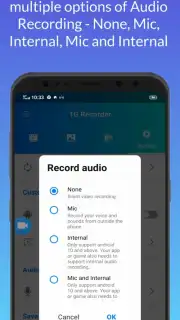
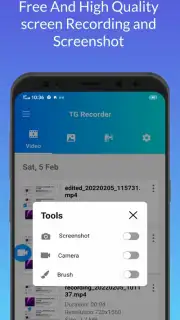
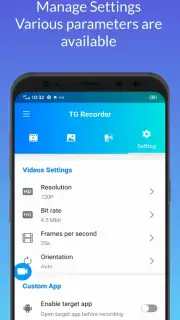
TG Recorder transforms your device into a professional capture studio. Initiate a recording instantly with an accessible floating widget or quick-toggle tile, giving you the freedom to record any app, game, or browser session without interruption. You dictate the parameters: record in stunning Full HD, select your preferred audio source from system sounds to microphone commentary, and even enable front-camera overlay to add your personal reactions directly into the video. The built-in editor then puts you in the director’s chair, allowing you to trim unwanted sections, merge multiple clips, add custom text or stickers, and adjust playback speed to create polished, engaging content ready to share anywhere.
Why This Recorder Becomes Your Go-To Tool
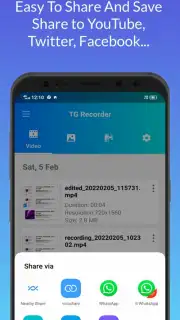
The experience is designed for your efficiency and creativity. The interface is intuitively clean, eliminating clutter so you can focus on capturing your content. Advanced features like scheduled recording, screen drawing in real-time, and no-root background recording provide capabilities typically found in premium desktop software. Every video is saved in high-compatibility formats, ensuring smooth playback and sharing on social media, messaging platforms, or for professional presentations. It’s the comprehensive toolkit that balances powerful functionality with remarkable simplicity.
- One-tap HD screen recording
- Built-in video editor and trimmer
- Microphone and system audio capture
- Floating controls for easy access
Stop missing moments and start creating them. Download TG Recorder now and turn your screen activity into shareable masterpieces with zero hassle.
Requires a stable internet connection for initial download and access to certain online features. The app may offer optional in-app purchases for premium functionalities.
Information
| Version | 2.6.2 |
| Developer | TG Officially |
| Updated | 17.03.2026 |
| Size | 28 MB |
| Package | com.tg.recorder |
| Signature | ef4f41f8f63ca93a1e87895b58c7515e,527af19540b1e87db5da77c47e8c1275 |
| Architecture | armeabi-v7a, x86, arm64-v8a, x86_64 |


