

µTorrent Remote screenshots (4)
Description µTorrent Remote
Need to manage your torrent downloads while away from your computer? µTorrent Remote provides direct mobile control over the µTorrent client on your desktop, turning your Android device into a full-featured remote management terminal. This application establishes a persistent connection to your home computer, allowing you to monitor and manipulate your download queue from anywhere with an internet connection.
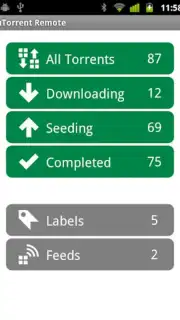
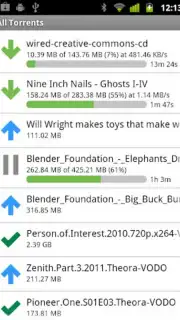
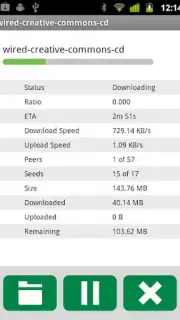
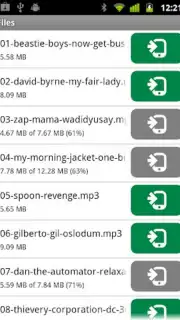
The core functionality enables real-time oversight and management of all active and pending transfers. You can view detailed statistics for each download, including current upload and download speeds, progress percentage, and estimated time remaining. The interface delivers complete remote access to your torrent list, facilitating immediate actions such as pausing, resuming, or removing tasks. Crucially, the application supports adding new torrent files or magnet links directly from your mobile device, initiating downloads on your home PC instantly. This ensures your computer handles the heavy lifting, and files are ready by the time you return.
- Remotely add new torrents or magnet links to your desktop µTorrent client queue.
- Monitor real-time download and upload speeds for every active transfer.
- Pause, resume, or remove existing downloads from your mobile device.
- Access a detailed overview of all torrents, including progress and ETA.
- Maintain a stable connection to your PC via 3G/4G or Wi-Fi networks.
Take command of your downloads from anywhere. Install µTorrent Remote immediately and never miss a torrent opportunity.
Internet required. IAP available.
Information
| Version | 1.0.20110929 |
| Developer | BitTorrent Inc |
| Updated | 17.03.2026 |
| Size | 270.47 KB |
| Package | com.utorrent.web |
| Signature | 70148fe06d910f797b828bb0352179e5 |


