

Ulysse Speedometer screenshots (21)
Description Ulysse Speedometer
Never Guess Your Speed Again
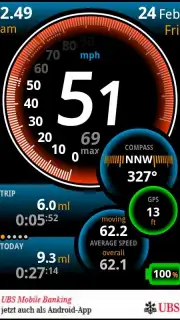
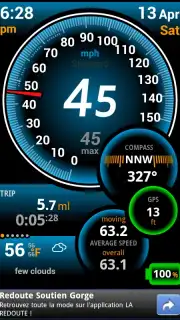
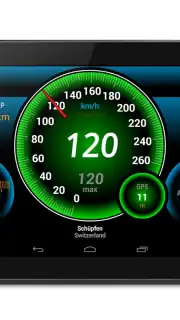
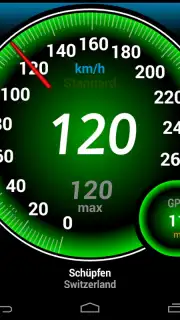
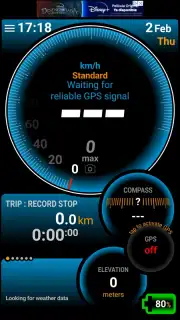
For drivers, cyclists, and travelers, the dashboard speedometer is often a compromise—small, sometimes lagging, and difficult to read at a glance. This creates a gap between perceived and actual speed, which can affect safety, fuel efficiency, and even lead to unnecessary fines. Ulysse Speedometer by binarytoys closes this gap definitively by transforming your smartphone into a high-precision, heads-up digital instrument cluster. It leverages the device's built-in GPS to deliver real-time velocity data with exceptional accuracy, presenting it through a clean, customizable interface designed for immediate readability whether mounted on a dashboard or handlebars. This tool moves beyond a simple number display, offering a suite of travel metrics that provide genuine situational awareness for any journey.
Core Functionality and Travel Metrics
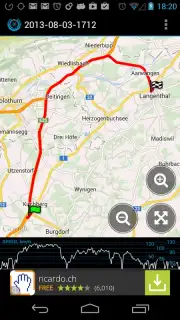
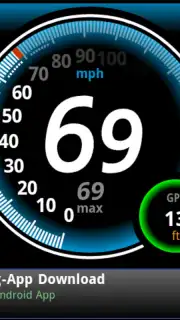
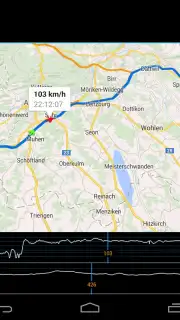
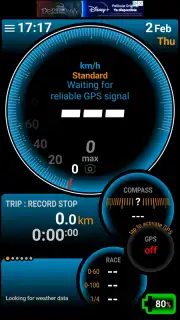
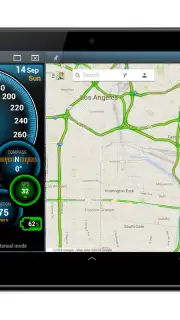
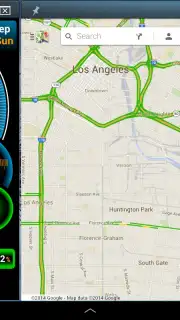
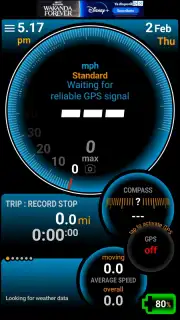
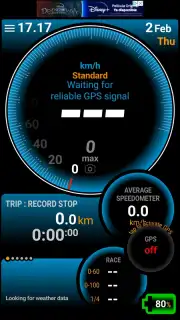
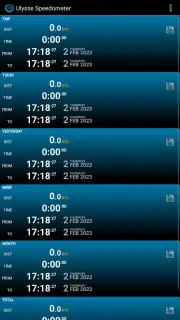
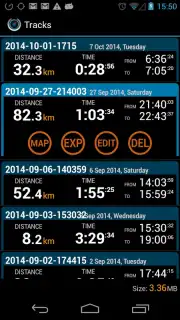
The application operates on a principle of focused utility. Upon launch, it immediately begins acquiring a GPS signal to display your current speed as the primary, central figure. The core experience is built around this live data feed, but its value is expanded through a configurable set of secondary data fields that users can arrange around the main display. You can track average speed for the current trip, maximum speed reached, and total distance traveled. For longer journeys, it includes a trip timer and an altimeter based on GPS elevation data, which is particularly useful for hiking or mountainous drives. The interface is designed to be glanceable; large, bold digits for speed and clear, smaller fonts for supplementary info ensure you get the data you need without distraction. A notable feature is the speed limit warning system, where you can set a custom threshold. The display seamlessly changes color—for instance, from white to a subtle amber or red—when you exceed your preset limit, providing a silent, visual nudge without any intrusive alarms.
Key Advantages in Daily Use
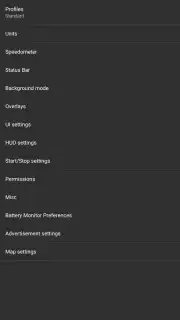
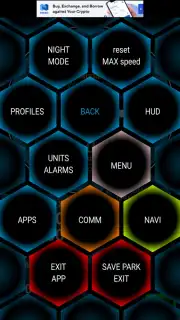
The application's strengths lie in its execution and user-centric design. It prioritizes stability and low battery consumption by using efficient GPS polling, avoiding the excessive drain seen in some navigation apps. The visual customization is a significant advantage; users can choose from several digit styles, select a color scheme for day or night use to reduce glare, and decide which supplementary widgets are visible. This creates a personalized instrument panel that shows only the most relevant information. Furthermore, its utility extends beyond motor vehicles. Runners can use it to pace themselves, sailors can check boat speed over water, and pilots in small aircraft can reference ground speed. The lack of intrusive ads in the core view and the straightforward, one-time purchase model for the Pro version, which unlocks all themes and data fields, respects the user's need for an uninterrupted, professional tool.
- GPS-Precision Speed Tracking: Real-time velocity display using satellite data for superior accuracy over vehicle sensors.
- Fully Customizable HUD Interface: Adjust digit size, color themes, and choose which trip metrics are shown on-screen.
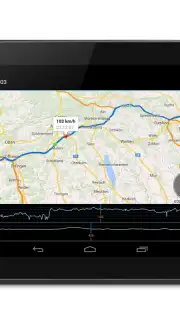
- Essential Trip Computer: Logs current/average/max speed, distance, duration, altitude, and includes a configurable speed alert.
Get your precise, customizable dashboard and enhance your travel awareness today.
Download mobile app now
Requires an internet connection for initial map data and GPS functionality for core speed tracking. The app may offer in-app purchases for additional themes and advanced features.
Information
| Version | 1.9.98 |
| Developer | binarytoys |
| Requirements | Android Android + 4.1, 4.1.1+ |
| Updated | 17.03.2026 |
| Size | 7.8 MB |
| Package | com.binarytoys.speedometer |
| Signature | 5e514a70697e5dc247ff87df6d8ef69f |


