


Vector Ink: SVG, Illustrator screenshots (19)




Description Vector Ink: SVG, Illustrator
From Sketch to Vector: The Professional Design Studio in Your Pocket
Every designer knows the moment: a concept strikes, clear and vivid, but the tools at hand feel clumsy, forcing the vision through a filter of technical complexity. You might be refining a company logo on a commute, sketching a character design between meetings, or laying out a business card for a client who needs it yesterday. The gap between idea and execution is where projects stall. This app bridges that gap directly on your mobile device, functioning as a complete vector design suite engineered to transform raw concepts into precise, scalable artwork without the traditional desktop software learning curve. It provides a direct path from initial inspiration to finished, professional-grade SVG files, making advanced graphic design a truly mobile workflow.
Core Functionality and Precision Tools
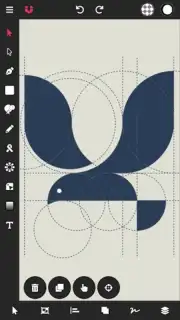
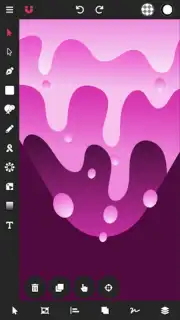
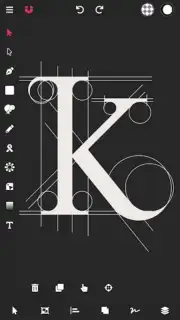
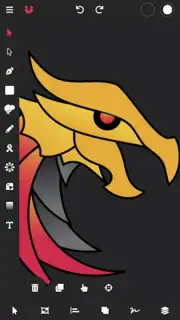
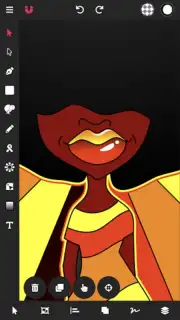
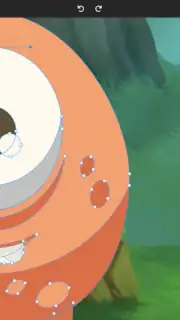
The application operates on a foundation of vector-based design, meaning every line, shape, and curve is defined by mathematical points. This allows for infinite scaling without loss of quality, a non-negotiable requirement for logos, icons, and print materials. The interface presents a professional workspace with a layer management panel, document overview, and a contextual toolbar that adapts to the selected tool. Central to the experience is an advanced digital stylus engine that simulates pressure and tilt sensitivity using touch input alone, enabling detailed drawing and curve manipulation directly with a finger for users without a physical stylus.
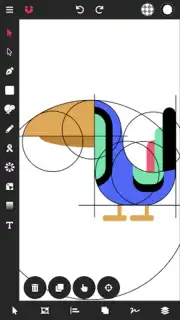
A standout feature is the intelligent path construction tool. This system automates the most tedious aspects of vector drawing by analyzing your strokes and automatically generating clean, bezier-based paths. It seamlessly connects open points and simplifies the process of tracing over imported sketches or photos, effectively bypassing the steep learning curve associated with manual pen tool manipulation. For shape creation, a full set of primitives—including rectangles, ellipses, polygons, and stars—is available, all modifiable through direct on-canvas controls for dimensions, corner radius, and point count.
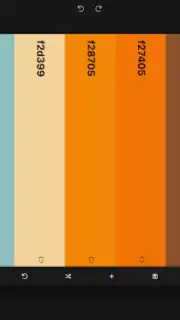
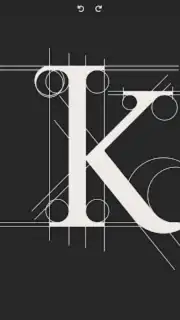
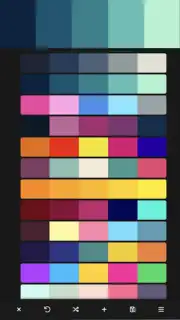
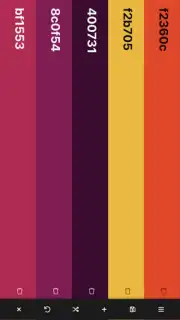
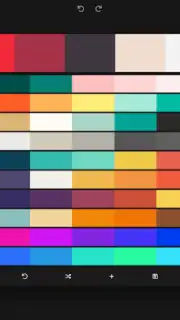
Color and styling are handled through a comprehensive system. Designers have access to solid fills, linear and radial gradients with fully adjustable stops and angles, and variable stroke properties including weight, dash patterns, and end caps. A universal color picker can sample hues from anywhere on the screen, and an advanced palette editor allows for the creation, saving, and import of custom color sets. For typography, the app supports a wide range of system fonts, with the added capability to import custom TTF or OTF font files. Any text element can be converted into editable vector outlines for further manipulation.
File Management and Export Capabilities
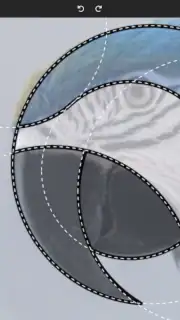
The app is built for a professional workflow that involves assets from various sources. It supports the import of raster images in PNG and JPG formats for use as tracing references or embedded graphics. The core of its interoperability is full SVG file support; you can import existing vector graphics for editing and export your final designs as clean, optimized SVG code, ready for web development, CNC machines, or further editing in desktop software like Adobe Illustrator. Boolean operations (Unite, Subtract, Intersect, Exclude) allow for the non-destructive combination of shapes to create complex forms. Furthermore, the path management tools include functions to offset paths, simplify complex curves, and convert strokes into filled shapes.
- Smart Path & Stylus Engine
- Complete SVG Import & Export
- Advanced Color & Gradient Tools
- Custom Font & Image Import
- Boolean Operations & Shape Tools
- Text to Vector Outline Conversion
This is not a simplified sketching toy. It is a precision instrument that places industrial-strength vector design tools into a mobile format. Stop compromising your designs because you're away from your desk. Transform your tablet or phone into a legitimate design station immediately.
Download Vector Ink: SVG, Illustrator now and produce professional vector graphics anywhere!
Disclaimer: This application requires an internet connection for certain functions, including font import and cloud services. It may offer optional in-app purchases for advanced features or subscription plans.
Information
| Version | 6.0.8 |
| Developer | Vector Ink LLC |
| Requirements | Android Android 6.0+ |
| Updated | 14.09.2026 |
| Size | 143.43 MB |
| Package | com.app.vectorink |
| Signature | 8ea794e8ce7bf040e4d3dd3d2cd82282174dff3e |


