


Video maker with photo & music screenshots (13)
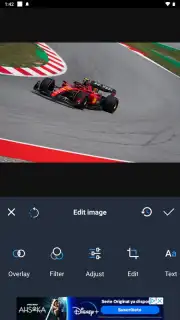
Description Video maker with photo & music
The Problem with Modern Memories
We capture countless photos and videos, yet they often remain scattered across our devices—silent, static, and disconnected. The challenge isn't a lack of content, but a lack of cohesion; turning a collection of moments into a single, compelling narrative that resonates emotionally requires tools that are both powerful and accessible. This is where a dedicated video maker steps in, transforming raw media into polished stories set to music, directly from your phone.
A Comprehensive Toolkit for Narrative Creation
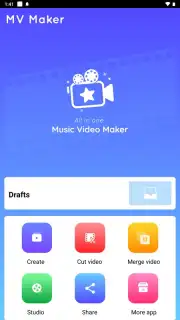
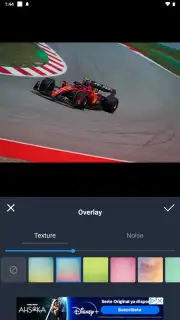
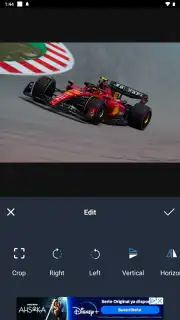
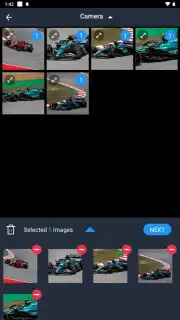
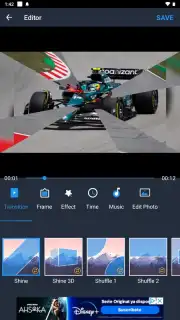
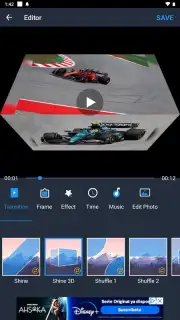
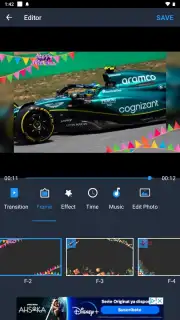
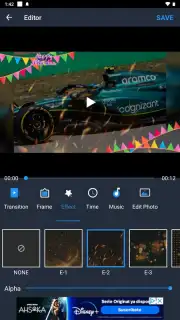
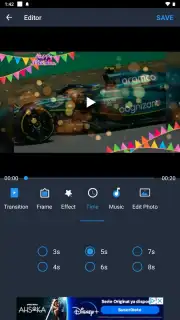
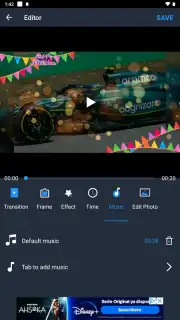
This application functions as a mobile production studio, built on a logical three-pillar system: import, edit, and enhance. The core mechanic revolves around a multi-track timeline, allowing you to layer photos, video clips, and audio files with precise control. You can trim and split video segments, adjust the duration of each photo slide, and apply seamless transitions like crossfades or wipes to maintain visual flow. The integrated music library provides a range of royalty-free tracks and sound effects categorized by mood, which can be cleanly synced to visual cuts or set to auto-match the video length. A critical feature is the direct voice-over recording tool, enabling you to add narration or commentary on a separate audio track without disturbing the background score. For finishing touches, the app offers text overlays with customizable fonts and animations, a selection of color filters to establish tone, and basic speed controls for creating slow-motion or timelapse effects within your project.
Key Advantages in User Experience and Output
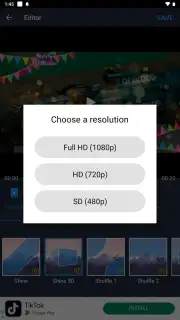
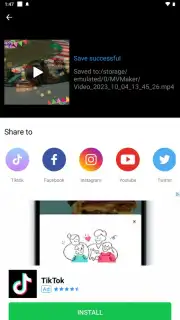
The primary strength of this video maker lies in its deliberate balance between depth and usability. The interface avoids overwhelming users with professional jargon, instead using clear visual icons and a drag-and-drop timeline that makes the editing process intuitive. Rendering times are optimized for mobile hardware, producing HD videos efficiently without excessive battery drain or device overheating. Visually, the output quality maintains a sharp resolution suitable for social media platforms, and the export process includes direct sharing presets for Instagram, TikTok, and YouTube, eliminating the need for cumbersome file conversions. It is a system designed for iterative creation, allowing you to preview changes instantly and make adjustments without starting over, which encourages experimentation and refinement.
- Multi-track timeline editing
- Royalty-free music library
- Direct voice-over recording
- One-tap social media export
We suggest trying this video maker if you're looking to elevate your personal clips or create more engaging content without a steep learning curve. Consider downloading it to seamlessly unify your photos and videos into stories with a professional auditory and visual rhythm.
Disclaimer: This application requires an internet connection for accessing the full music library and certain features. It may contain optional in-app purchases for premium assets or advanced editing tools. A stable connection is recommended for downloading audio tracks and exporting high-resolution video. Please be mindful of your mobile data usage during these processes. The app is rated for general audiences, but users are responsible for the content they create and share.
Information
| Version | 3.5.1 |
| Developer | Smart Photo Editor |
| Requirements | Android Android + 6.0+ |
| Updated | 17.03.2026 |
| Size | 77.81 MB |
| Package | com.media.music.videomaker.slideshow |
| Signature | f9e8da2e2e886c31ac02ead369a61937 |
| Architecture | armeabi-v7a, arm64-v8a |


